Sound – Audio Projects

MIDI Note Player using Arduino

MIDI Note Player using Arduino

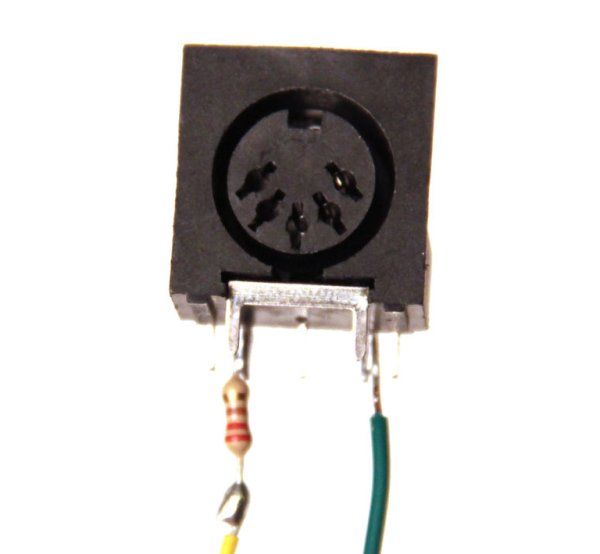
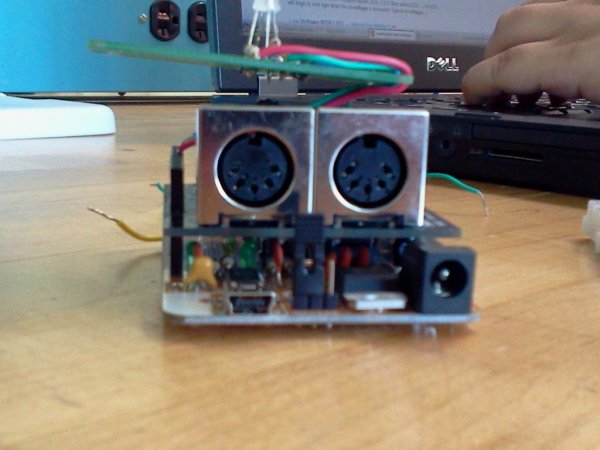
This tutorial shows how to play MIDI notes from an Arduino. MIDI, the Musical Instrument Digital Interface, is a useful protocol for controlling synthesizers, sequencers, and other musical devices. MIDI devices are generally grouped in to two broad classes: controllers (i.e. devices that generate MIDI signals based on human actions) and synthesizers (including samplers, sequencers,

MIDI Note Player using Arduino Continue Reading
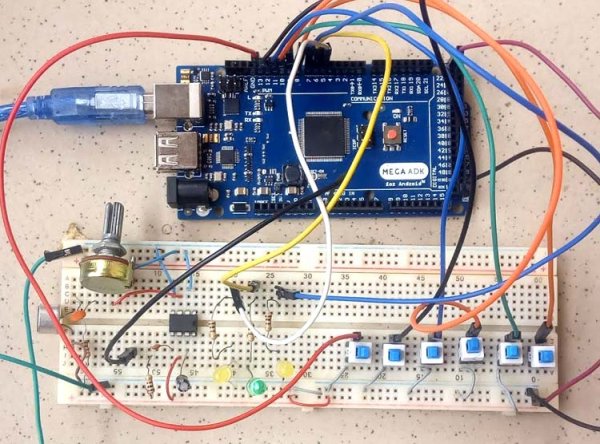
Arduino tones on Multiple outputs

SPlaying tones on Multiple outputs using the tone() function with Arduino

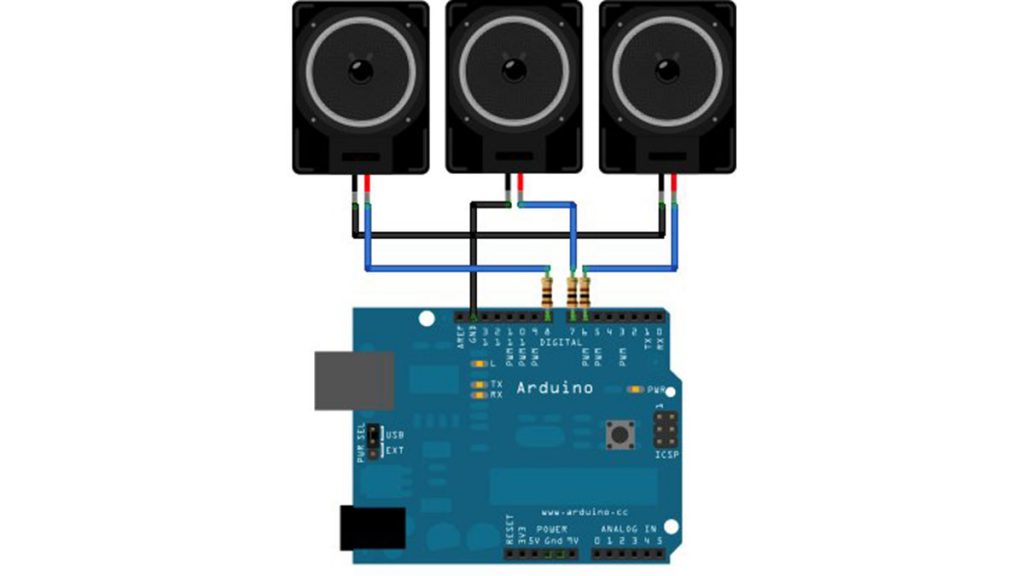
This example shows how to use the tone() command to play different notes on multiple outputs. The tone() command works by taking over one of the Atmega’s internal timers, setting it to the frequency you want, and using the timer to pulse an output pin. Since it’s only using one timer, you can only play

SPlaying tones on Multiple outputs using the tone() function with Arduino Continue Reading

Arduino Simple keyboard

Simple keyboard using the tone() function using Arduino

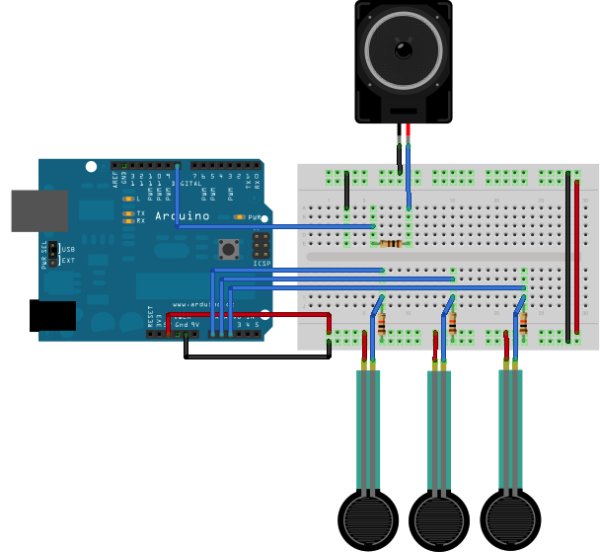
This example shows how to use the tone() command to generate different pitches depending on which sensor is pressed.   Circuit Connect one terminal of your speaker to digital pin 8 through a 100 ohm resistor, and its other terminal to ground. Power your three FSRs (or any other analog sensor) with 5V in parallel. Connect each

Simple keyboard using the tone() function using Arduino Continue Reading

Pitch follower using the tone function using Arduino

Pitch follower using the tone() function using Arduino

This example shows how to use the tone() command to generate a pitch that follows the values of an analog input Circuit image developed using Fritzing. For more circuit examples, see the Fritzing project page Connect one terminal of your speaker to digital pin 9 through a 100 ohm resistor, and its other terminal to ground. Power

Pitch follower using the tone() function using Arduino Continue Reading

Arduino Ping Pong Ball Cannon

Arduino Ping Pong Ball Cannon

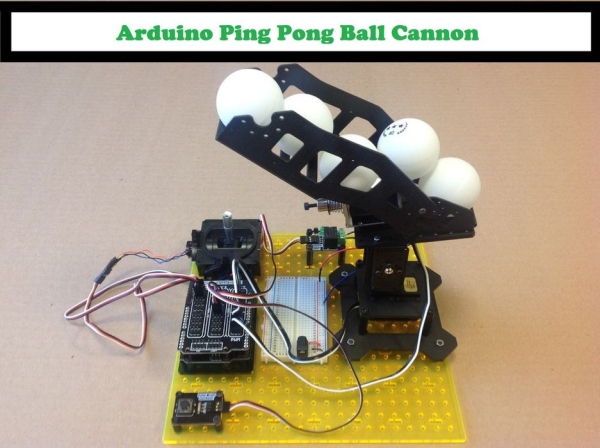
Overview: This instructable uses a Trossen Robotics Pan and Tilt kit to construct an Arduino controlled ping pong ball cannon. The project also uses several other components from Trossen Robotics including a medium solenoid, a relay and various items from one of their Robotics Grab Bags. A joystick controls the aiming of the cannon and a pushbutton controls the solenoid that

Arduino Ping Pong Ball Cannon Continue Reading

Scroll to Top