Interfacing(USB – RS232 – I2c -ISP) Projects

Android talks to Arduino

Android talks to Arduino

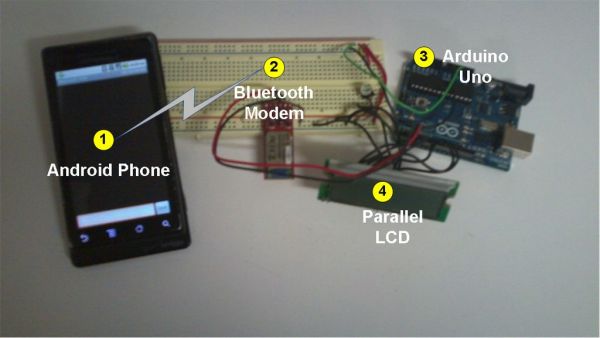
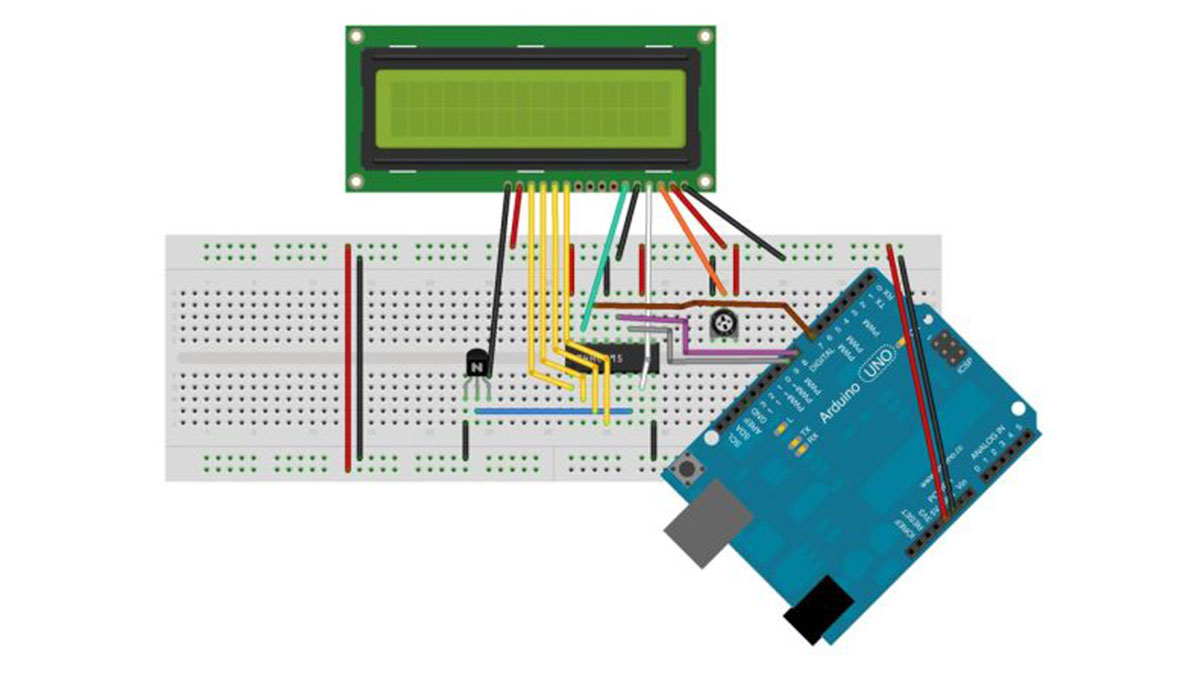
This project slightly modifies the Google Android sample app called “Bluetooth Chat” so you can type a message in the Android app and that same message will appear on an LCD attached to an Arduino Uno. Functionality:  Android  talks to Arduino 1. Run the Android “Bluetooth Chat” sample app (after we modify the app in

Android talks to Arduino Continue Reading

INTERF1

Interfacing LabVIEW With Arduino

Interfacing LabVIEW With Arduino In previous article of Getting Started with LabVIEW, we have seen about LabVIEW and how it can be graphically programmed and executed in computer (software level). Now in this article we learn about How to Interface LabVIEW with Arduino Board. Requirements To interface LabVIEW with Arduino, you require the following software’s and hardware’s,

Interfacing LabVIEW With Arduino Continue Reading

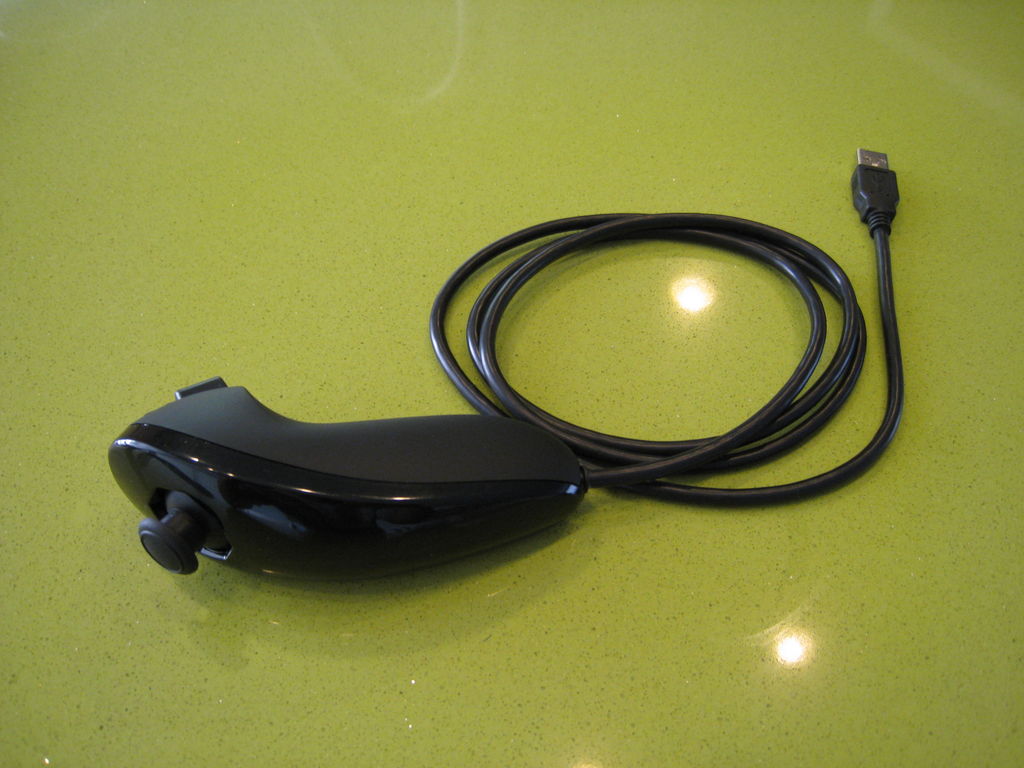
USB Mouse Made Out Of A Wii Nunchuck

USB Mouse Made Out Of A Wii Nunchuck

This instructable will describe how to convert a Nintendo Wii Nunchuck controller into a USB 2-button mouse using a Teensy USB.  The Teensy USB is a very user-friendly development board that can be programmed in an Arduino environment. The Teensy USB development board and necessary software are available at www.pjrc.com Check out the final product

USB Mouse Made Out Of A Wii Nunchuck Continue Reading

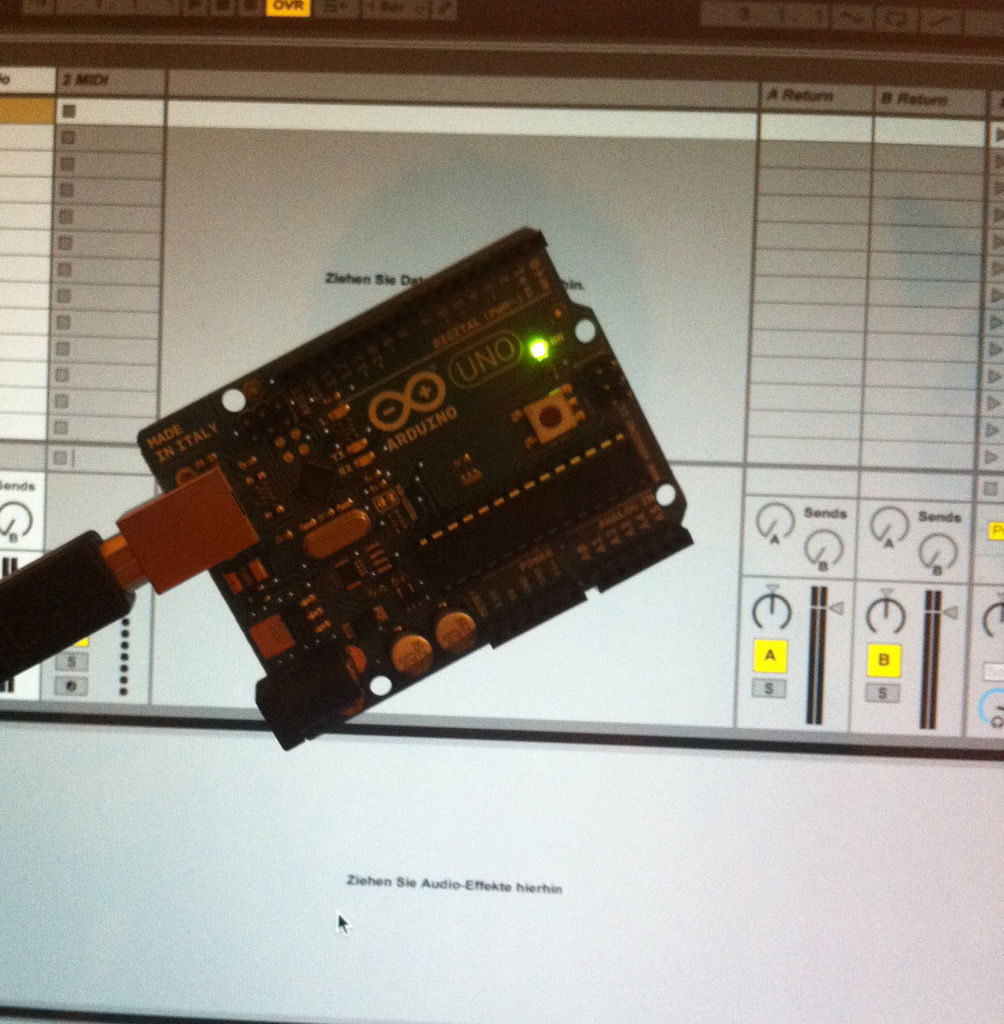
Turn your Arduino Uno into an USB HID Mididevice

Turn your Arduino Uno into an USB-HID-Mididevice

While building an Arduino Uno based Midi-Controller for Ableton Live, I came across the HIDUINO project ( http://code.google.com/p/hiduino/ ). It allows you to turn your Arduino Uno (or any other device using an AVR-USB chipset like the 8u2) into a driverless HID/Midi device. It’s much more comfortable than using a software based serial to midi

Turn your Arduino Uno into an USB-HID-Mididevice Continue Reading

making art interactive

Making art Interactive Using Arduino

Unfortunately, due to my need to reclaim my Arduino and breadboards, we don’t have photographic documentation of our circuit. However, the structure of it was rather self-evident. Although we arranged the circuit in a such a way that we could program other functions, but we ultimately opted to keep the programming to a minimum to

Making art Interactive Using Arduino Continue Reading

Scroll to Top