arduino

Arduino Bubble Alarm Clock

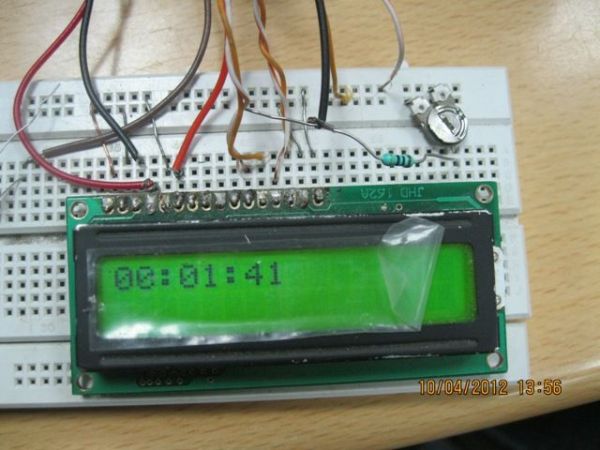
Bubble Alarm Clock Makes Waking Up Fun using Arduino

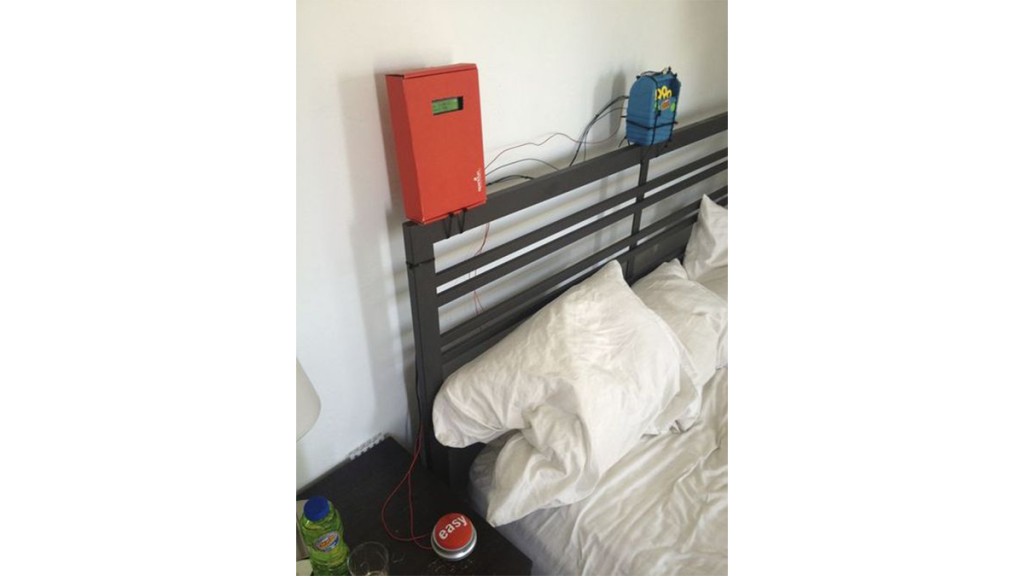
Waking up to a buzzing alarm clock sucks. I’m one of those people who doesn’t like to wake up before the sun is out (or has been out for many hours). So what better way to make waking up fun than having a bubble party in bed! Using an arduino and a commonly available bubble […]

Bubble Alarm Clock Makes Waking Up Fun using Arduino Continue Reading

Arduino Robot Uno

Uno The Arduino Robot

Age: 13 Meet Uno the Arduino powered robot.  Some functions include a blinking nose, moving antennas, rotating head, IR distance sensor, twin motor gear box and rotation counters.  Uno is made with relatively easy to obtain parts.  This project provides a good introduction to Arduino. robot.skp475 KB Step 1: Materials Material and tools • Foam board • Fimo • 4 Rare Earth magnets • 4 small metal

Uno The Arduino Robot Continue Reading

DIY boat with Arduino

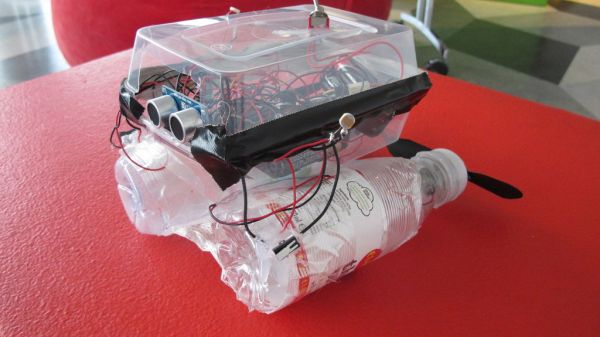
Building a semi Smart, DIY boat with Arduino and some other sensors

I based this off of this really nice instructables.com post for building a water bottle boat, with some additions for obstacle avoidance and light-guided control. I used Arduino as a microcontroller, an ultrasonic sensor in the front, a few simple switches on the side of the boat, and a few light sensors on either side.  See here for a

Building a semi Smart, DIY boat with Arduino and some other sensors Continue Reading

Arduino Remote controlled webcam

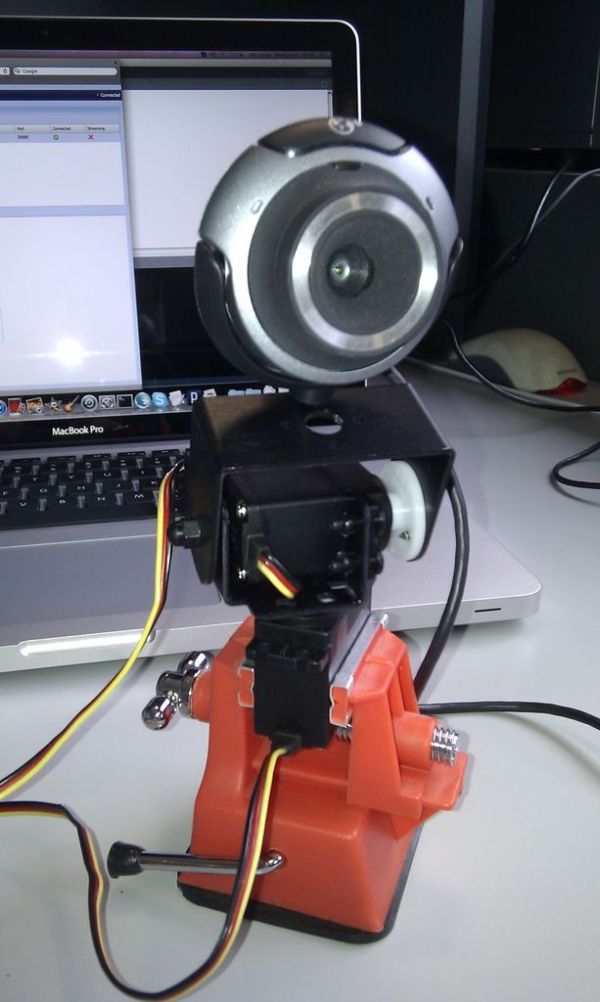
Remote controlled webcam using Arduino

Web-enable your interactive sensors over desktop, smartphone and tablet devices. This tutorial describes in detail how to use the free SensorMonkey service to remotely control a pan and tilt webcam attached to an Arduino using nothing more than a simple webpage. The webpage can be viewed on any desktop, smartphone or tablet device with a

Remote controlled webcam using Arduino Continue Reading
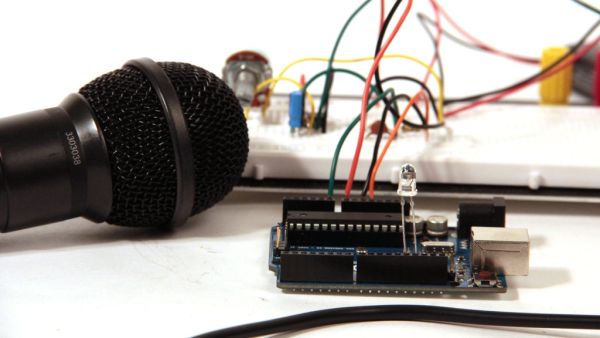
Arduino Waveform Generator

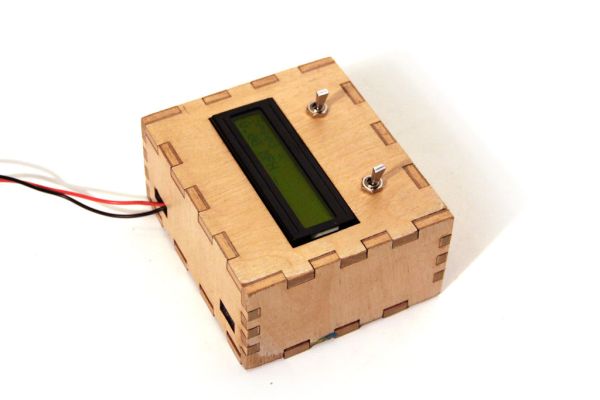
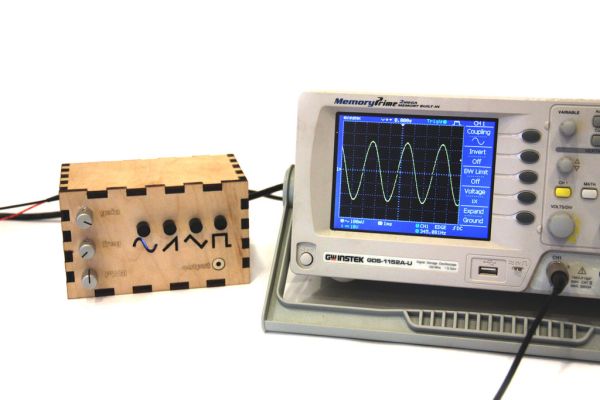
Waveform Generator using an Arduino

Waveform generators (also called function generators) are useful for testing and debugging circuits.  I often use them to test the frequency response of electronics components like op amp and sensors.  This waveform generator is powered by an Arduino.  It outputs four waveshapes: sine, triangle, pulse, and saw, each waveshape ranges in frequency from 1Hz-50kHz.  The

Waveform Generator using an Arduino Continue Reading

Scroll to Top