Interfacing(USB – RS232 – I2c -ISP) Projects

Driving multiple Sparkfun 7 segment displays with an Arduino

Driving multiple Sparkfun 7-segment displays with an Arduino

I’m currently helping a couple of engineering students finish a senior project that didn’t get finished last year. Long story… Anyway, it’s a bicycle brake tester being built for Paul Components. The mechanical design is great, but they had trouble with the electronics. Part of those electronics involved writing numbers to a pair of Sparkfun […]

Driving multiple Sparkfun 7-segment displays with an Arduino Continue Reading
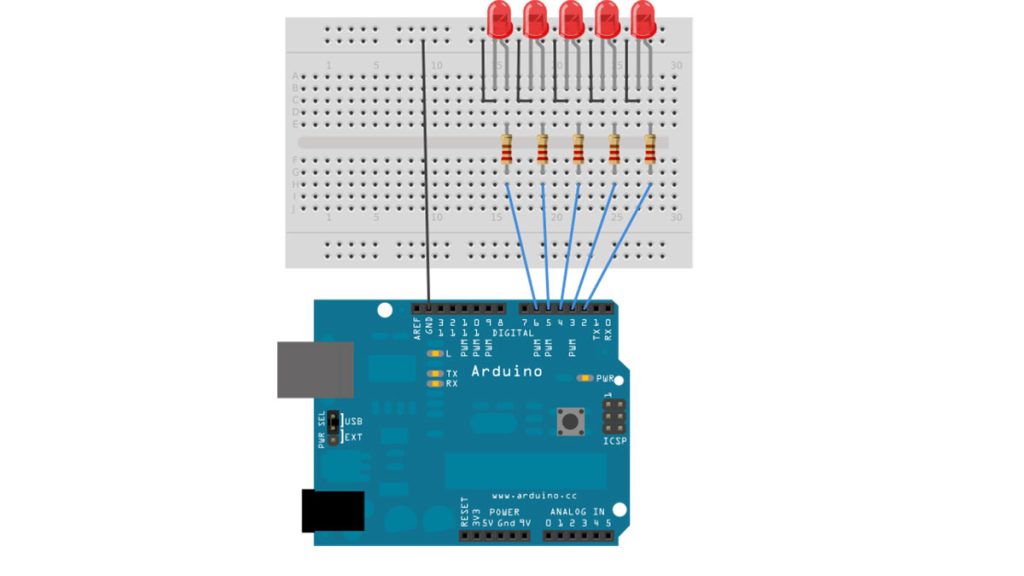
Arduino Bootloader

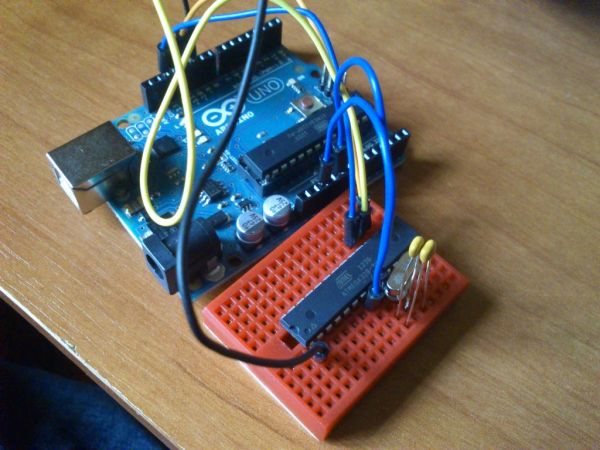
Burning the Bootloader on ATMega328 using Arduino UNO as ISP

I had one remote controlled project that needed an Arduino running 24/7 but I didn’t want to leave my $32 Arduino UNO, so I decided to buy some pieces and created my own Arduino. The most important part was buying the microcontroller. These were my options: ATMega328P-PU with Optiboot ~ $5.50 (Sparkfun) / $5.19 (Digikey)

Burning the Bootloader on ATMega328 using Arduino UNO as ISP Continue Reading

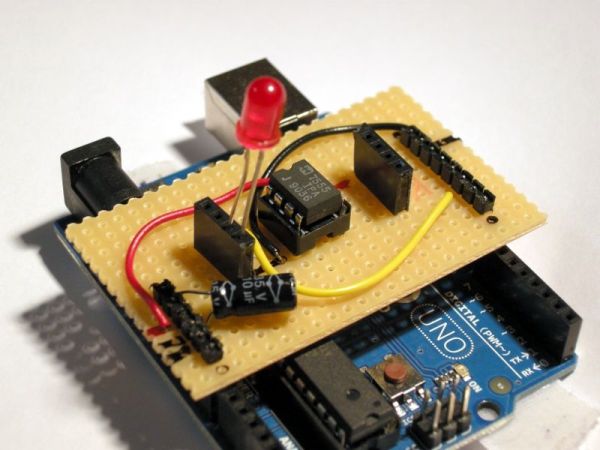
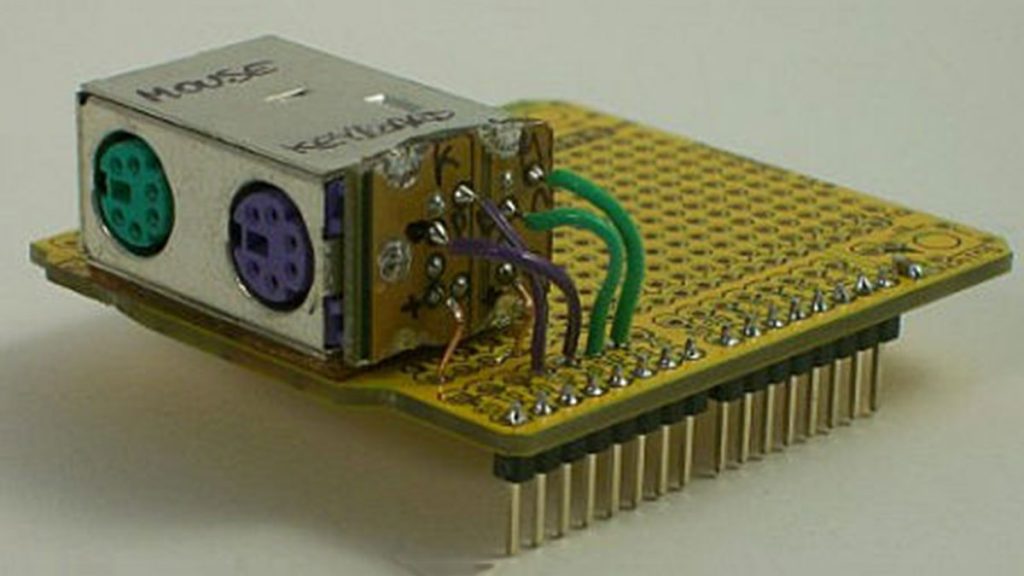
Stripboard Arduino shield

Stripboard Arduino shield for programming ATtiny45 and ATtiny85

This instructable (entered in the Arduino Challenge contest – you can vote for it above) shows how to make a stripboard Arduino shield for programming either ATtiny45 or ATtiny85 microcontrollers with an Arduino, as per these tutorials from the High-Low Tech group at MIT: Arduino board as ATtiny programmer Programming an ATtiny w/ Arduino 1.0

Stripboard Arduino shield for programming ATtiny45 and ATtiny85 Continue Reading

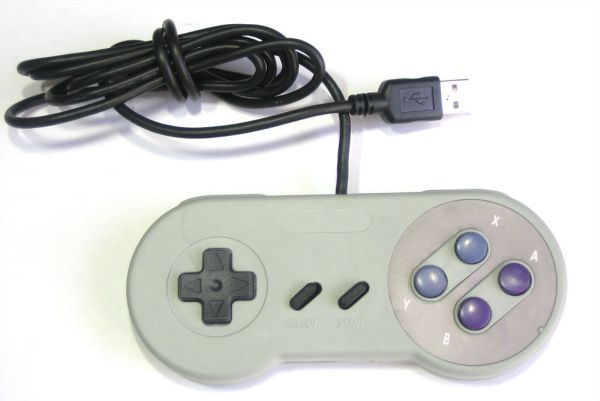
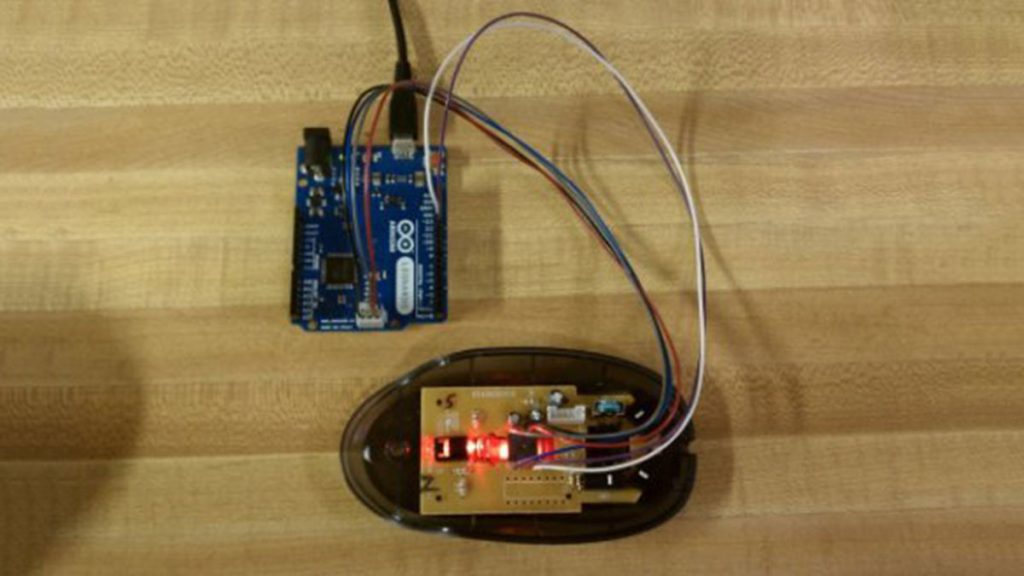
Arduino USB Game Pad

USB Game Pad With Tilt-accelerometer Mouse using an Arduino

Make a game pad with an accelerometer inside! This project tutorial will show you how you can convert a console game pad into a USB keyboard mouse for playing games on your PC. The USB game pad can be used with nearly any software, such as a MAME emulator, game, simulation software, or for custom

USB Game Pad With Tilt-accelerometer Mouse using an Arduino Continue Reading

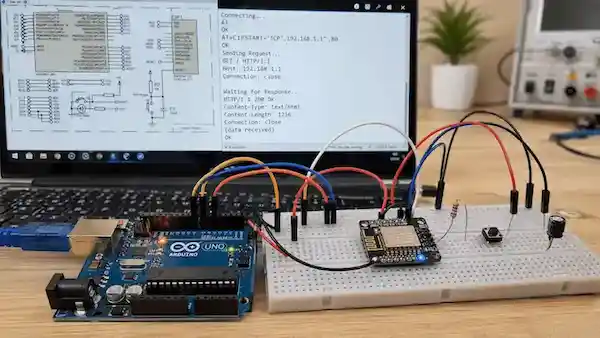
Arduino IoT project with ESP8266 Proteus simulation

Yun Bridge Client Example using Arduino Uno with Proteus Simulation

Introduction This Yun Bridge Client Example is an Internet of Things based microcontroller project built around the Arduino Uno in Proteus simulation. The project demonstrates how an Arduino can use a bridge client to make a simple HTTP request to a web server. It is useful for learning how embedded boards communicate with online services

Yun Bridge Client Example using Arduino Uno with Proteus Simulation Continue Reading

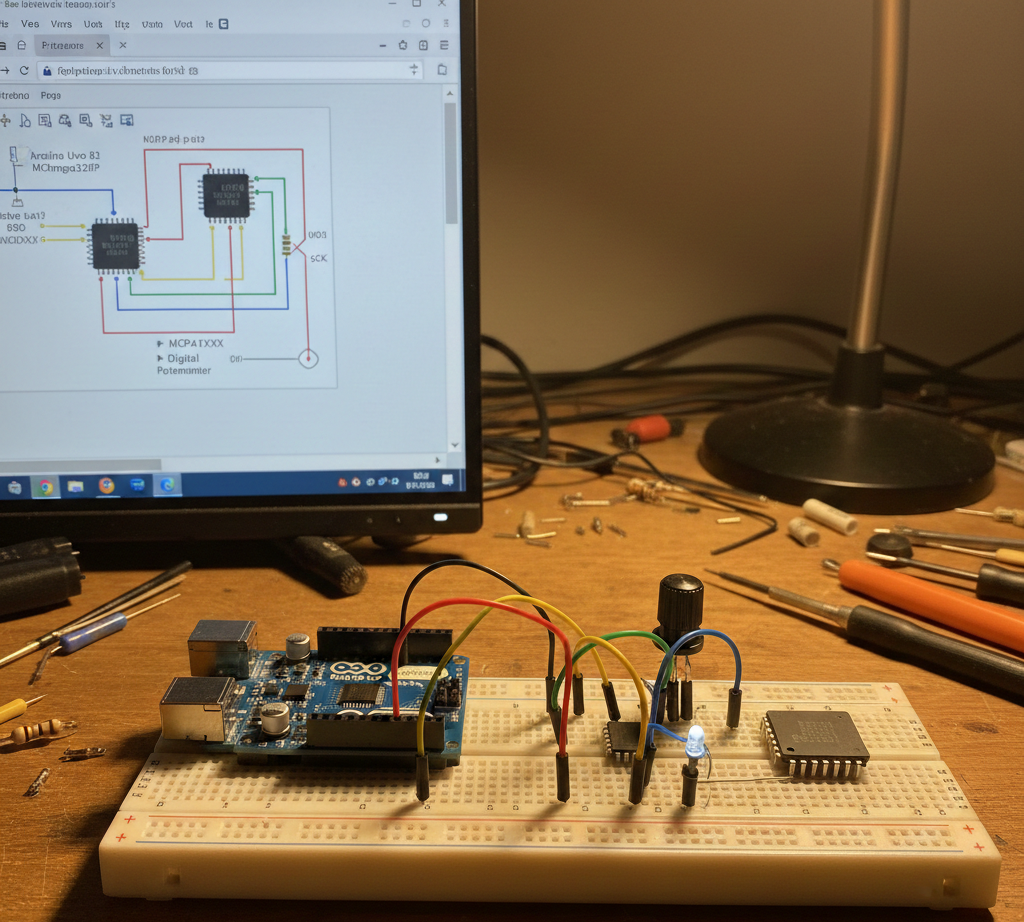
Arduino 328 and SPI Pot using ATmega328P with Proteus Simulation

Introduction This microcontroller project demonstrates how an Arduino (ATmega328P) controls an SPI-based digital potentiometer using a Proteus simulation. Instead of turning a physical knob, resistance values are changed digitally through SPI commands. This is a practical embedded systems example that shows how digital control can replace analog components. It’s especially useful for learners exploring Proteus

Arduino 328 and SPI Pot using ATmega328P with Proteus Simulation Continue Reading

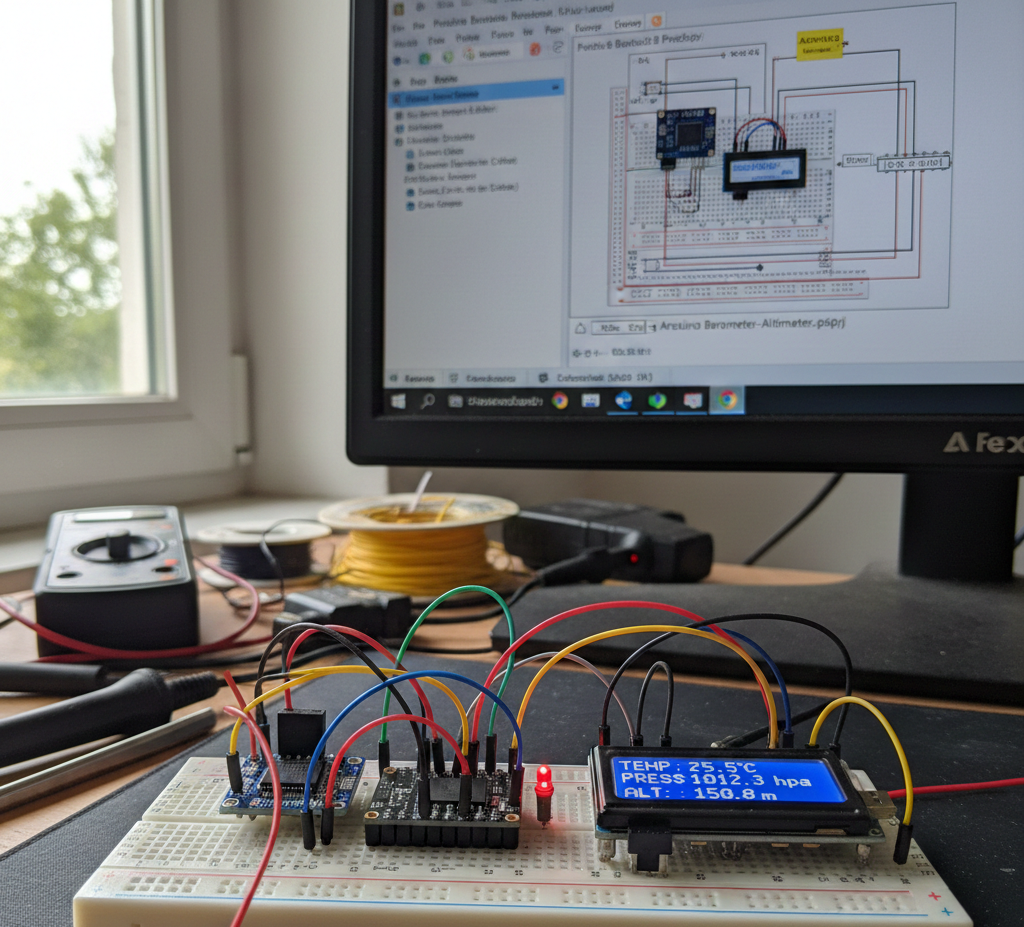
Arduino Barometer, Thermometer & Altimeter using ATmega328P with Proteus Simulation

Introduction This microcontroller project demonstrates a simple barometer, thermometer, and altimeter using an Arduino (ATmega328P) and the Bosch BMP180 pressure sensor.The system measures atmospheric pressure, temperature, and altitude and displays results via the serial monitor during Proteus simulation.It’s a practical embedded systems example showing I2C sensor interfacing, real-time data acquisition, and environmental sensing.This Arduino BMP180

Arduino Barometer, Thermometer & Altimeter using ATmega328P with Proteus Simulation Continue Reading

Arduino Switch case2 Statement

Arduino Switch (case) Statement, used with serial input

An if statement allows you to choose between two discrete options, TRUE or FALSE. When there are more than two options, you can use multiple if statements, or you can use the switch statement. Switch allows you to choose between several discrete options. This guide demonstrates how to utilize a switch to activate one of

Arduino Switch (case) Statement, used with serial input Continue Reading

Scroll to Top