arduino

Arduino soundie

soundie: a musical touch-sensitive light-up hoodie using Arduino

This tutorial will show you how to create a garment that changes its behavior depending on how conductive you are. It detects conductivity through iron-on conductive fabric that we will use, and it will light up and sing different notes depending on how you touch the conductive fabric. We’ll be using sewable electronics (the LilyPad

soundie: a musical touch-sensitive light-up hoodie using Arduino Continue Reading

Arduino Fixed point Vehicle Proximity Detector

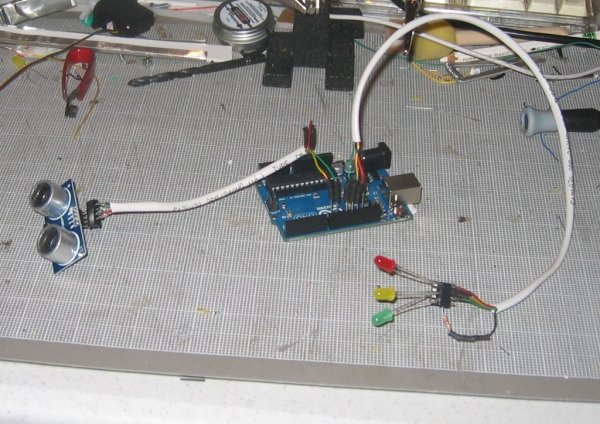
Arduino Fixed-point Vehicle Proximity Detector

This is the high-tech version of hanging a tennis ball from the ceiling from a piece of string.  Of course, if you have two different types of vehicles, that tennis ball isn’t going to land in the same place on both of them.  This project can prevent hundreds of dollars in dry-wall repair and bicycle

Arduino Fixed-point Vehicle Proximity Detector Continue Reading

Arduino buttons

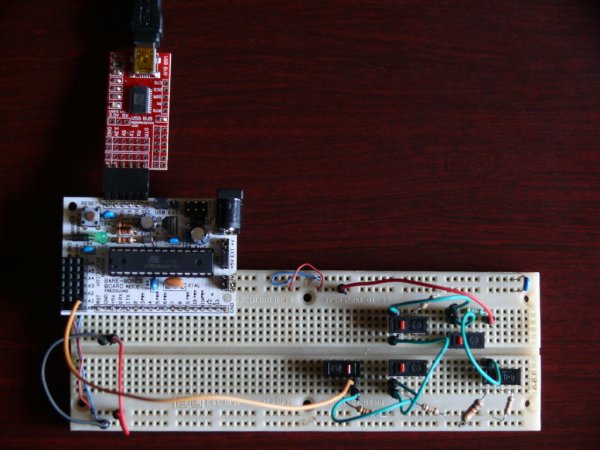
Accessing 5 buttons through 1 Arduino pin

I made the original Instructible that this is based on over a year ago (You can see it here to see some of the theory around how this works:http://www.instructables.com/id/How-to-access-5-buttons-through-1-Arduino-input ). To make a long story short, I moved to a different country a few weeks after that and have not played with any electronics since.

Accessing 5 buttons through 1 Arduino pin Continue Reading

Arduino Single digit clock

Clock Two – Single digit clock using Arduino

Time for another instalment in my irregular series of clock projects. (Or should that be “Time for another instalment in the series of irregular clock projects”?) In contrast with the extreme “blinkiness” of Clock One, in this article we describe how to build this single-digit digital clock: Once again the electronics of the clock will

Clock Two – Single digit clock using Arduino Continue Reading

Arduino USB Game Pad

USB Game Pad With Tilt-accelerometer Mouse using an Arduino

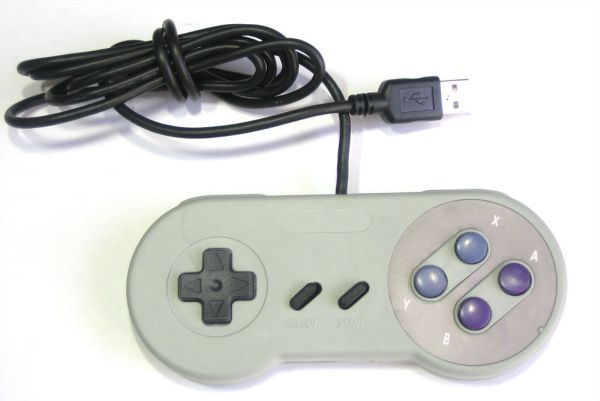
Make a game pad with an accelerometer inside! This project tutorial will show you how you can convert a console game pad into a USB keyboard mouse for playing games on your PC. The USB game pad can be used with nearly any software, such as a MAME emulator, game, simulation software, or for custom

USB Game Pad With Tilt-accelerometer Mouse using an Arduino Continue Reading

Scroll to Top