Projects

Piezo element to detect vibration using Arduino

How to use a Piezo element to detect vibration using Arduino

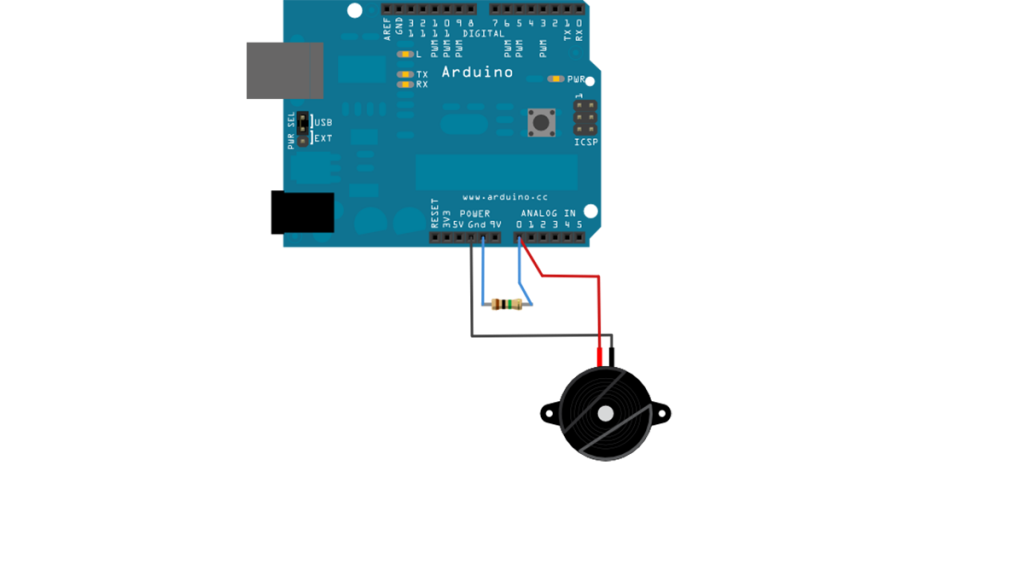
This tutorial shows you how to use a Piezo element to detect vibration, in this case, a knock on a door, table, or other solid surface. A piezo is an electronic device that produces a voltage when it undergoes physical deformation from a vibration, sound wave, or mechanical strain. Likewise, applying voltage to a piezo

How to use a Piezo element to detect vibration using Arduino Continue Reading

Control Android mobile using an Arduino

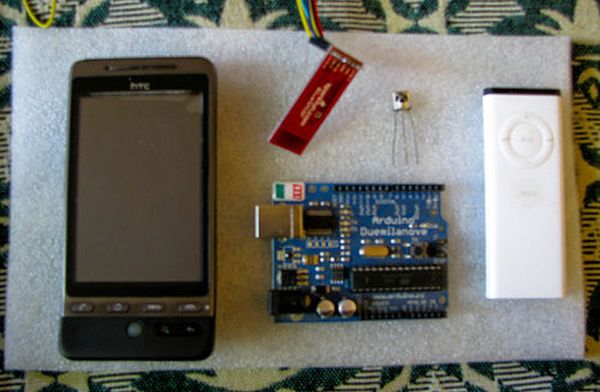
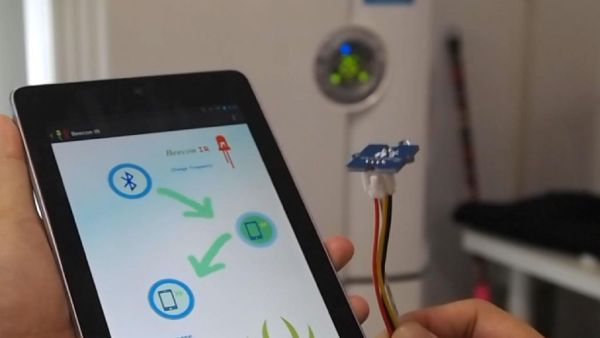
Control Android mobile by an Apple Remote using Arduino

I love to integrate devices which are not supposed to be integrated and this guide shows you how you can control an Android mobile using Apple’s Remote. (Who said Apple devices work only with Apple products 😉 ) Also this is my entry to the Sparkfun microcontroller context. If you like this guide, please do

Control Android mobile by an Apple Remote using Arduino Continue Reading
ADXL3xx Accelerometer using an Arduino

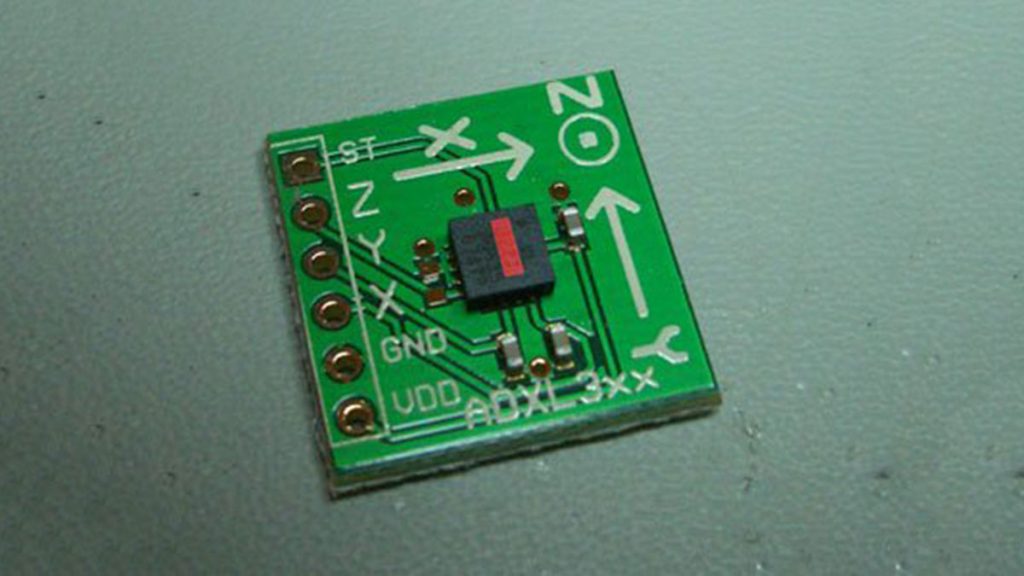
ADXL3xx Accelerometer using an Arduino

This tutorial shows you how to read an Analog Devices ADXL3xx series (e.g. ADXL320, ADXL321, ADXL322, ADXL330) accelerometer and communicate the acceleration to the a personal computer. This tutorial was built using the breakout boards from Sparkfun. The adafruit accelerometer breakout board also works, though it must be wired differently. The ADXL3xx outputs the acceleration

ADXL3xx Accelerometer using an Arduino Continue Reading

Arduino YaNis EOS Controller

Building the YaNis EOS Controller using Arduino

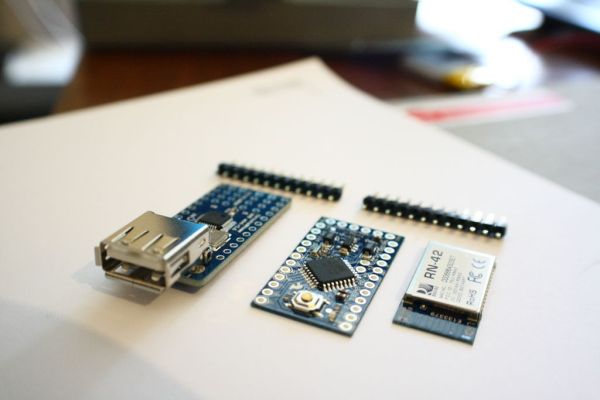
The YaNis EOS controller is a device that allows you to wirelessly control your Canon DSLR from your Android phone. What’s really exciting here is that the Android interface allows you to change most of the camera’s settings (like Shutter Speed, Aperture Size, ISO, White Balance, Focus Position and others) from more than 20 meters

Building the YaNis EOS Controller using Arduino Continue Reading

Arduino Combi button Lock

Arduino Combi-button Lock optional Android support

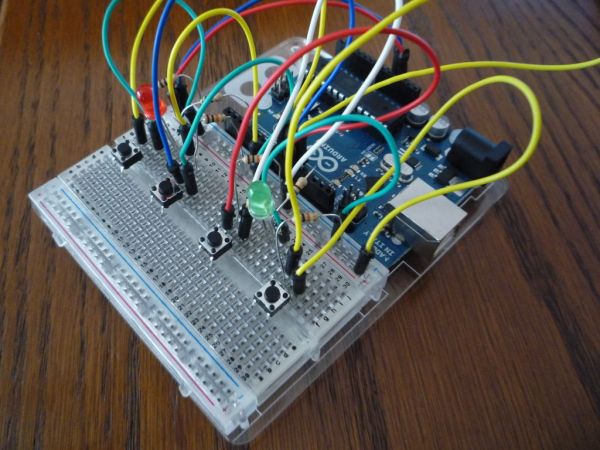
Recently, I decided I would like to attempt to make a passcode lock with my newly acquired Arduino Uno, but all the tutorials I could find made use of a modified keypad, something that not every Tom, Dick and Harry has lying about. I therefore decided to set out and make a version using only

Arduino Combi-button Lock optional Android support Continue Reading

Arduino Message Droid

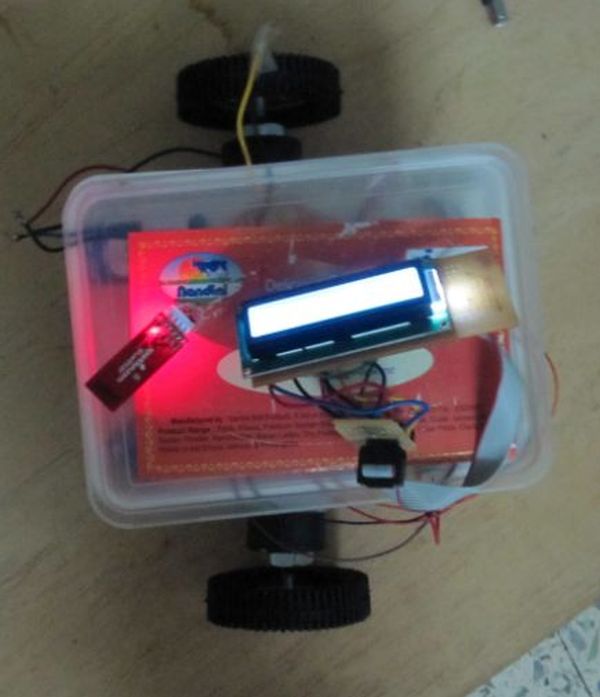
Bluetooth Controlled Message Droid using Arduino

This is an instructable for a bluetooth controlled Message Droid. I call it R2Blue2. It moves around and displays messages that you type using your phone or computer. Atleast it was supposed to. Due to many problems such as underpowered batteries and bad cable management I wasn’t able to extract the performance necessary. I will

Bluetooth Controlled Message Droid using Arduino Continue Reading

Pneumatic Cannon Powered By Arduino

Android-Controlled Pneumatic Cannon Powered By Arduino

Every summer, Qualcomm hosts a Battle of the Schools competition, which gives employees the opportunity to represent their home universities. This year, entries were to be homemade contraptions, and they were judged according to how cool they were perceived to be. Virginia Tech’s cannon project tied the University of Michigan for first place. The project

Android-Controlled Pneumatic Cannon Powered By Arduino Continue Reading

Arduino while loop

How to use a while loop to calibrate the value of an analog sensor using Arduino

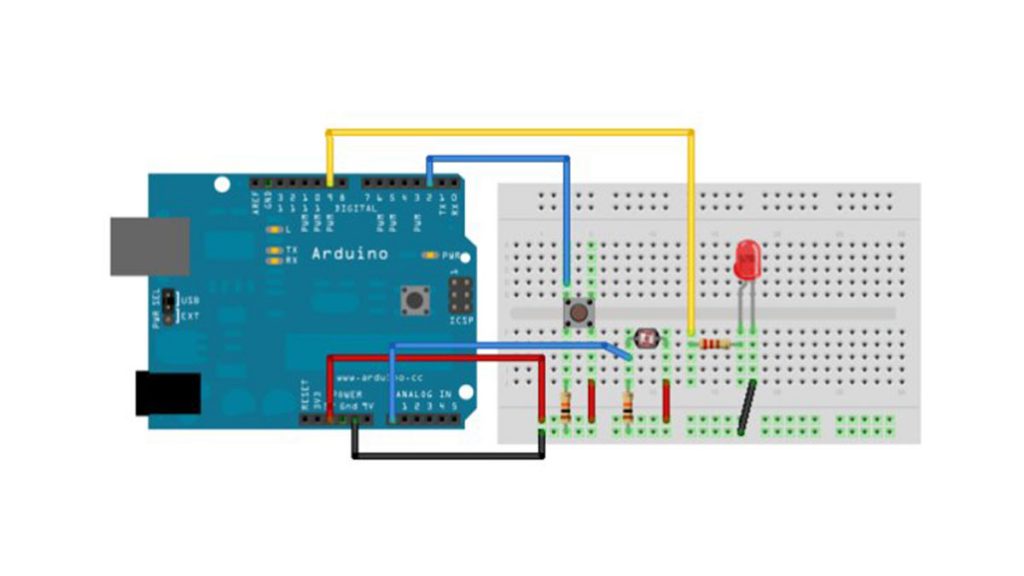
Sometimes you want everything in the program to stop while a given condition is true. You can do this using a while loop. This example shows how to use a while loop to calibrate the value of an analog sensor. In the main loop, the sketch below reads the value of a photoresistor on analog pin 0 and

How to use a while loop to calibrate the value of an analog sensor using Arduino Continue Reading

Scroll to Top