library

ESP8266 VGA Pong

ESP8266 VGA Pong

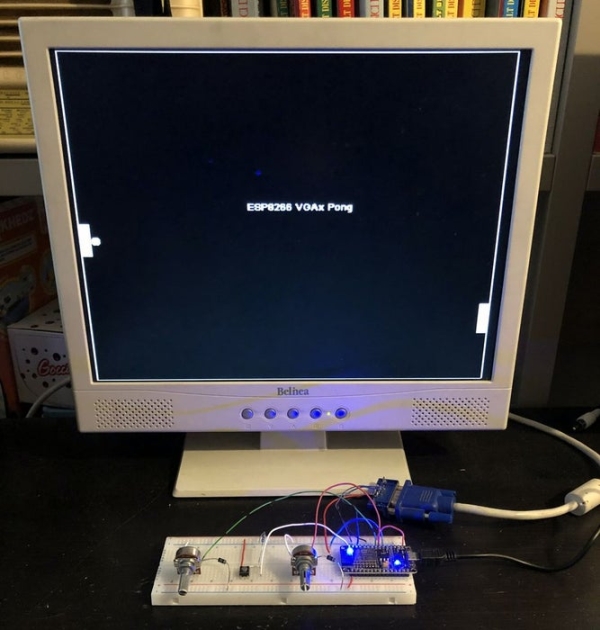
In this Instructables I will show how to build a reproduction of the the classic game Pong for a VGA monitor, using a ESP8266 and few other components. This game is made possible by the EspVGAx library recently published on GitHub by Sandro Maffiodo (aka Smaffer) and, as far as I know, this is the first game exploiting it. The library implements a resolution of 512

ESP8266 VGA Pong Continue Reading
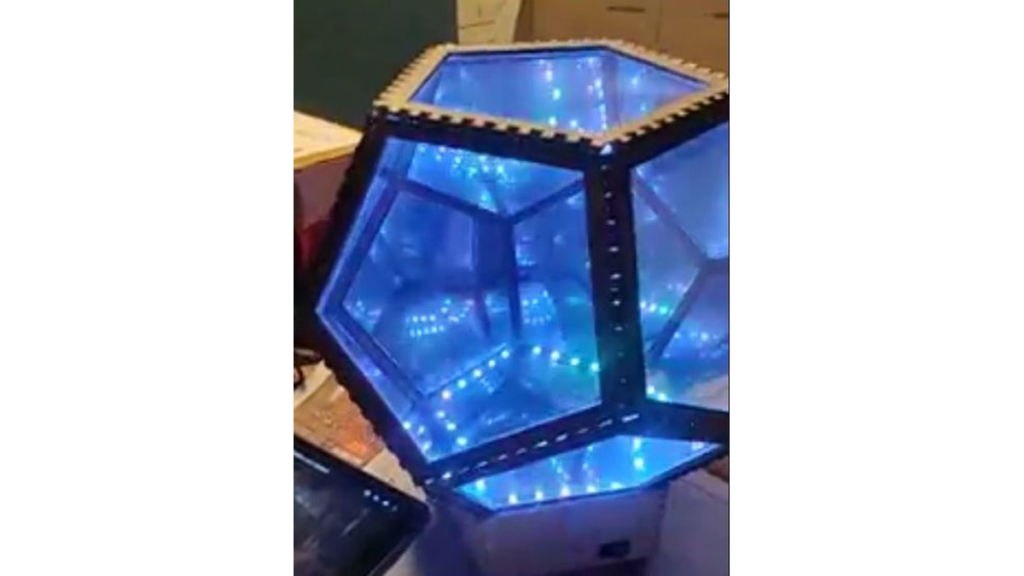
Infinite Disco

Infinite Disco

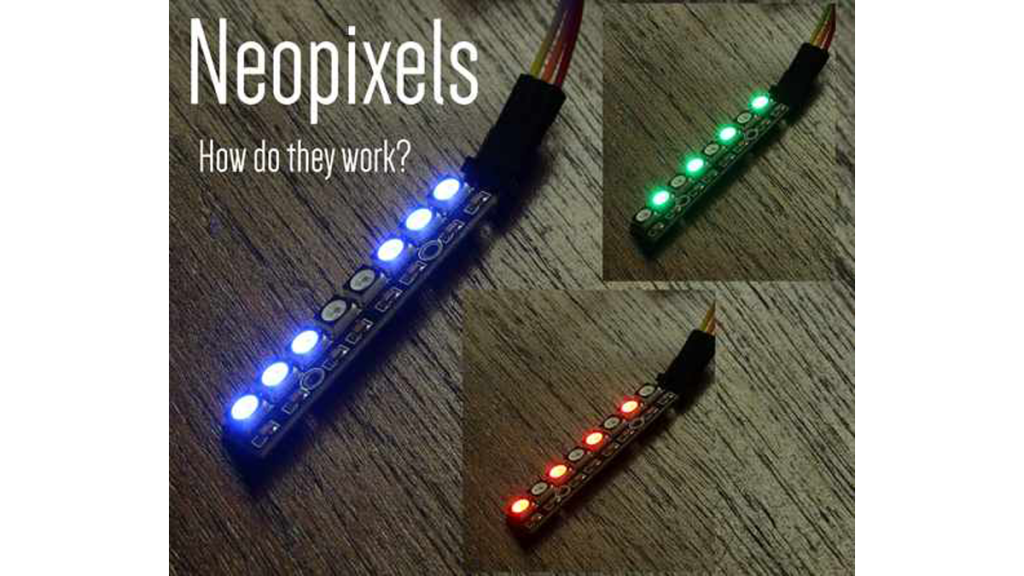
In this project, I made an infinity mirror based on a dodecahedron that reacts to sound . Step 1: Materials Essential materials: Arduino Uno 3mm thick 100x50cm MDF 2mm thick 100x50cm plexiglass 3 meter WS2812B LEDstrip 60 LEDs/m Sound Detection Sensor Module 3-PIN Thin electric wire (10ish meter total) Breadboard Perfboard/stripboard Simple rectangular rocker switch

Infinite Disco Continue Reading

Arduino Sketch Adafruit PWM

Arduino Sketch Adafruit PWM

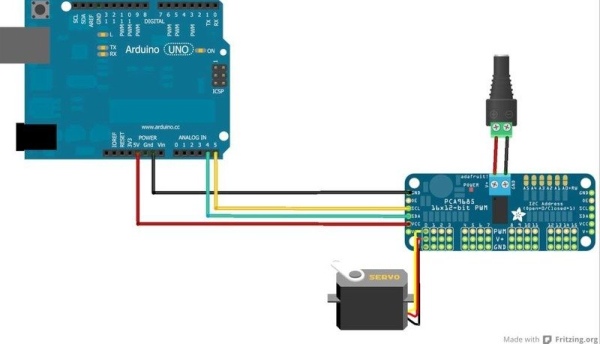
This sketch is used by Exercise: Adafruit PWM I2C Module. Full Source Code The main code is in Adafruit_PWM.ino. /*************************************************** This is an example for our Adafruit 16-channel PWM & Servo driver PWM test – this will drive 16 PWMs in a ‘wave’ Pick one up today in the adafruit shop! ——> http://www.adafruit.com/products/815 These displays use I2C

Arduino Sketch Adafruit PWM Continue Reading

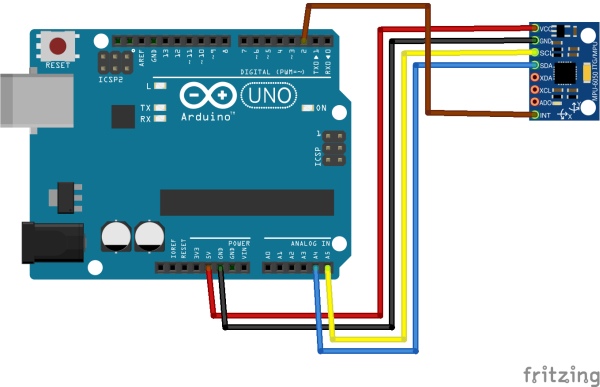
Arduino Sketch MPU6050 DMP6

Arduino Sketch MPU6050 DMP6

This sketch is used by Exercise: MPU6050 IMU I2C Module. Main Source Code The main code is in MPU6050_DMP6.ino. // I2C device class (I2Cdev) demonstration Arduino sketch for MPU6050 class using DMP (MotionApps v2.0) // 6/21/2012 by Jeff Rowberg <[email protected]> // Updates should (hopefully) always be available at https://github.com/jrowberg/i2cdevlib // // Changelog: // 2013-05-08 – added seamless

Arduino Sketch MPU6050 DMP6 Continue Reading

Timing Belt Calculator

Arduino Timing Belt Calculator (console)

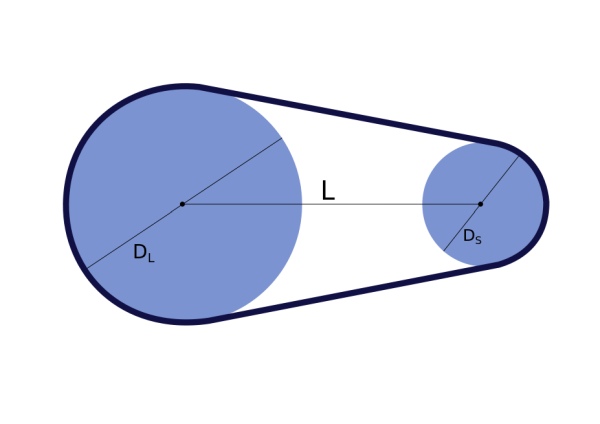
This command-line Python script is a utility to help calculate parameters for timing belt drive systems. A more general discussion of designing with timing belts can be found on the Timing Belt Guide pages. Installation Requirements The code requires a working installation of Python 3 with scipy. For suggestions on setting up your system please see Python 3 Installation.

Arduino Timing Belt Calculator (console) Continue Reading

Scroll to Top