computer

DIY Arduino UNO

DIY Arduino UNO

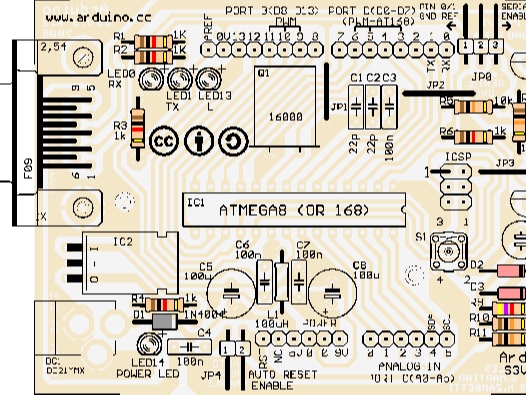
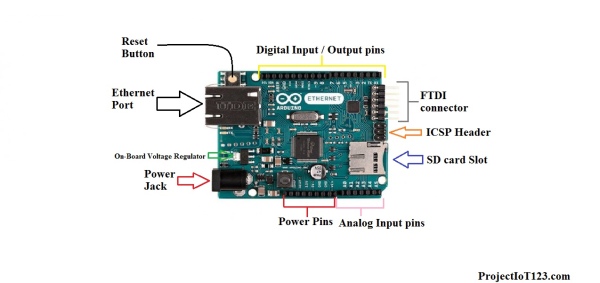
DIY your own Arduino UNO with the JLC PCB Description Schematic of ARDUINO S3v3 Details of ARDUINO S3v3 X1: DE-9 serial connector  Used to connect a computer (or other devices) using RS-232 standard. Needs a serial cable, with at least 4 pins connected: 2, 3, 4, and 5. Works only when JP0 is set to

DIY Arduino UNO Continue Reading

How to Make a Basic Computer Mouse Using the Joystick Module and Arduino Uno

How to Make a Basic Computer Mouse Using the Joystick Module and Arduino Uno

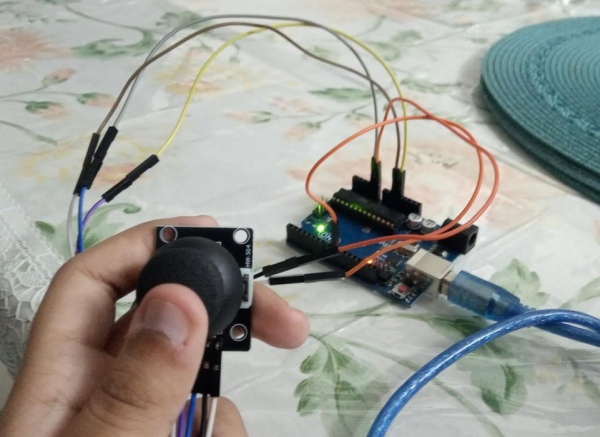
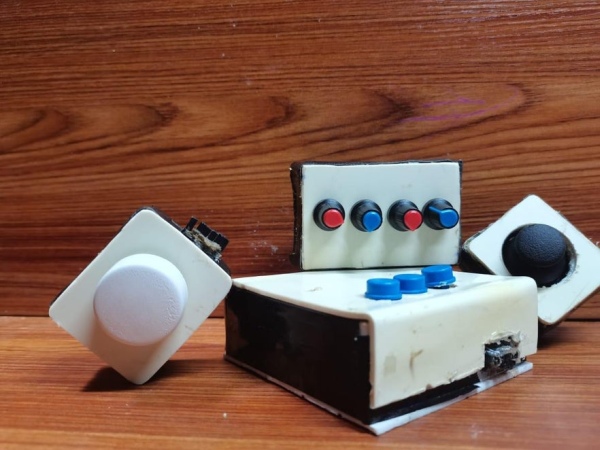
This instructable will show you how to make a joystick controlled mouse using Arduino Uno and the joystick module. Supplies You will need- One Arduino Uno 5 jumper wires One Joystick Arduino IDE Python Step 2: Make the Circuit Make this circuit shown using your Arduino and Joystick. Step 3: Uploading the Arduino Sketch //The

How to Make a Basic Computer Mouse Using the Joystick Module and Arduino Uno Continue Reading

How to Input Text Into Arduino Project Using OLED Display and 5 Key Keyboard Module or Potentiometer

How to Input Text Into Arduino Project Using OLED Display and 5 Key Keyboard Module or Potentiometer

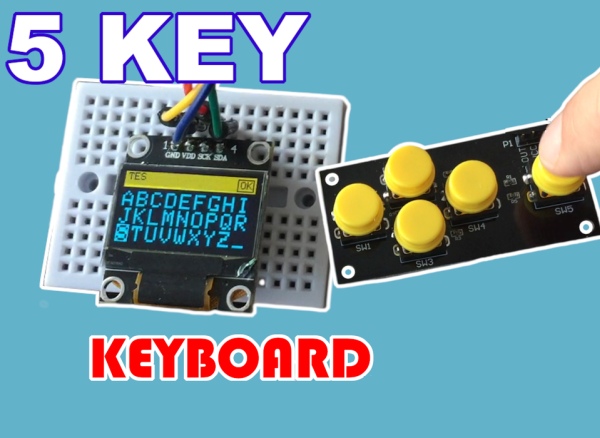
Every now and then you might be interested to input text to your arduino project. You can do it using Serial input but this would require Arduino to be always connected to a computer. In this tutorial I would show you how to implement text input using the small OLED display and 5 key keyboard

How to Input Text Into Arduino Project Using OLED Display and 5 Key Keyboard Module or Potentiometer Continue Reading

Use Arduino for Projects

Free Arduino projects, circuits, code and tutorials. Pick a board, pick a sensor, build something.

Scroll to Top