computer

How to Input Text Into Arduino Project Using OLED Display and 5 Key Keyboard Module or Potentiometer

How to Input Text Into Arduino Project Using OLED Display and 5 Key Keyboard Module or Potentiometer

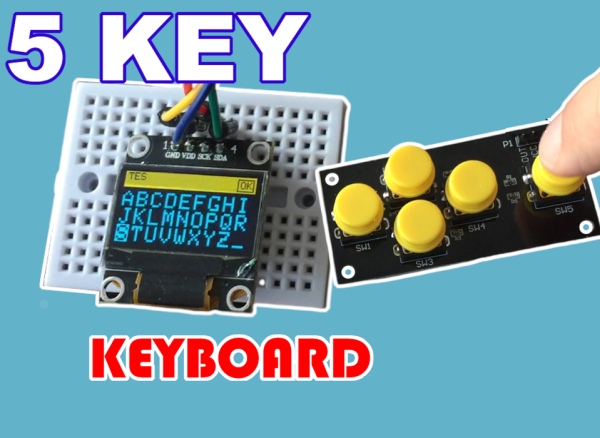
Every now and then you might be interested to input text to your arduino project. You can do it using Serial input but this would require Arduino to be always connected to a computer. In this tutorial I would show you how to implement text input using the small OLED display and 5 key keyboard

How to Input Text Into Arduino Project Using OLED Display and 5 Key Keyboard Module or Potentiometer Continue Reading

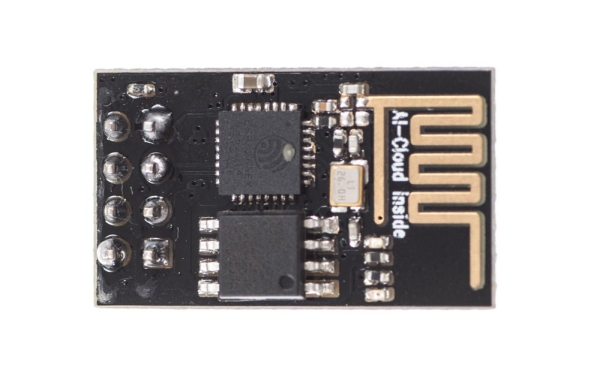
DIY Arduino UNO

DIY Arduino UNO

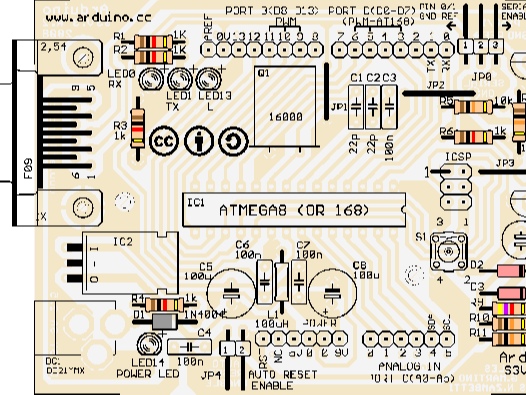
DIY your own Arduino UNO with the JLC PCB Description Schematic of ARDUINO S3v3 Details of ARDUINO S3v3 X1: DE-9 serial connector  Used to connect a computer (or other devices) using RS-232 standard. Needs a serial cable, with at least 4 pins connected: 2, 3, 4, and 5. Works only when JP0 is set to

DIY Arduino UNO Continue Reading

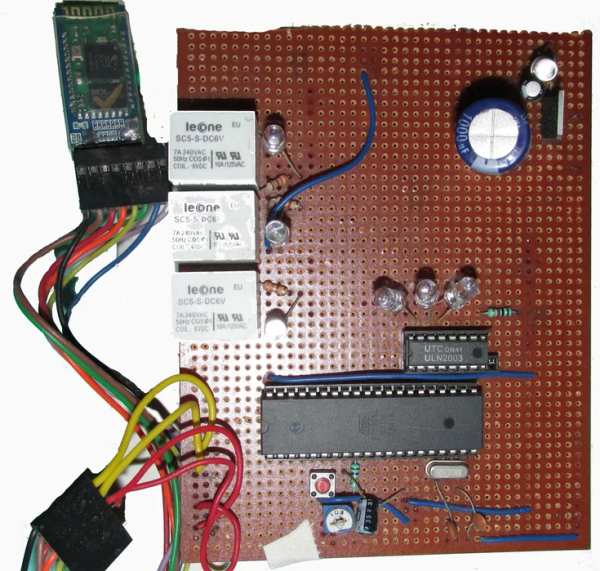
DIY Cheapest Bluetooth Controlled Home Automation

DIY Cheapest Bluetooth Controlled Home Automation

Step 1: COMPONENTS REQUIRED  Bluetooth module (HC-05) AT89S52/C51/S51/C52 microcontroller Relay Driver ULN2003A Relay Resistances and capacitors as circuit diagram depicts(below) power module(if the input is more than 5V or else not necessary) IC 7805(5V voltage regulator) 1000uF capacitor 10uF capacitor led and resistance(as per convenience so that led doesn’t get damaged) IMPORTANT NOTE: USE 11.0592MHz

DIY Cheapest Bluetooth Controlled Home Automation Continue Reading

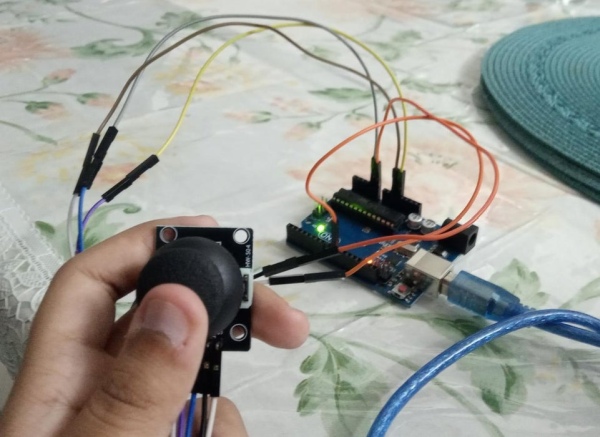
How to Make a Basic Computer Mouse Using the Joystick Module and Arduino Uno

How to Make a Basic Computer Mouse Using the Joystick Module and Arduino Uno

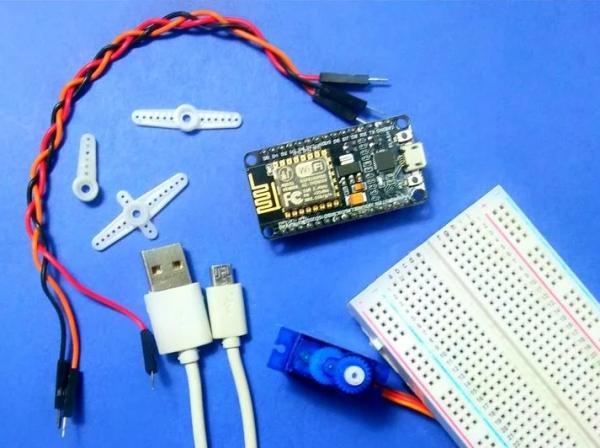
This instructable will show you how to make a joystick controlled mouse using Arduino Uno and the joystick module. Supplies You will need- One Arduino Uno 5 jumper wires One Joystick Arduino IDE Python Step 2: Make the Circuit Make this circuit shown using your Arduino and Joystick. Step 3: Uploading the Arduino Sketch //The

How to Make a Basic Computer Mouse Using the Joystick Module and Arduino Uno Continue Reading

Scroll to Top