audio

Audio VGA Visuals 1

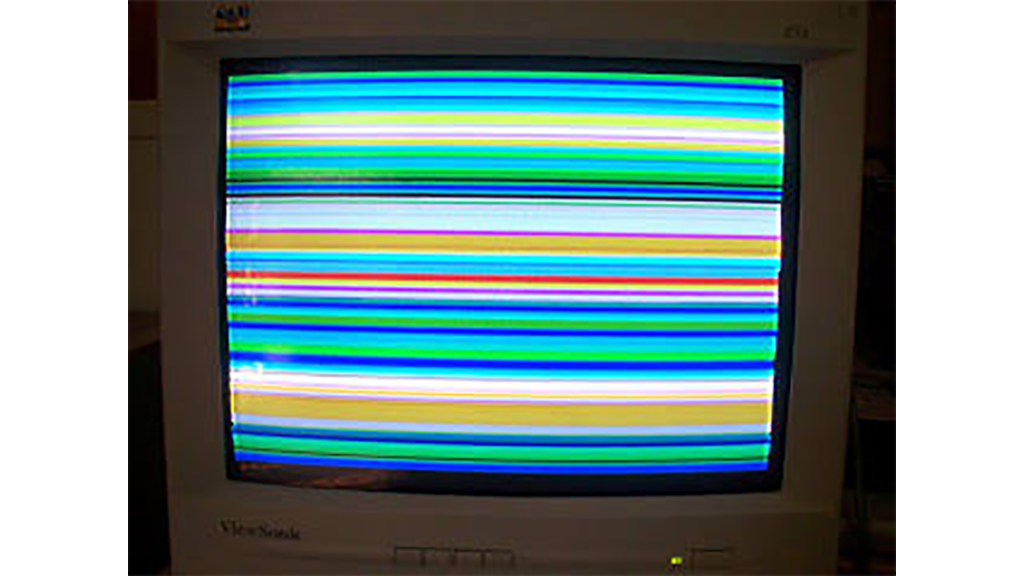
How to: Use Arduino to Generate Glitchy Audio VGA Visuals

This post is a guide for people that are interested in my previous posts about dual monitor VGA hacking (see 1, 2 and 3). You will need: • A laptop or a computer with a VGA output • A breadboard (optional) and some wires or a strip board for soldering • Wire and breadboard jumpers

How to: Use Arduino to Generate Glitchy Audio VGA Visuals Continue Reading

Representing audio

Representing audio through vibration with Arduino

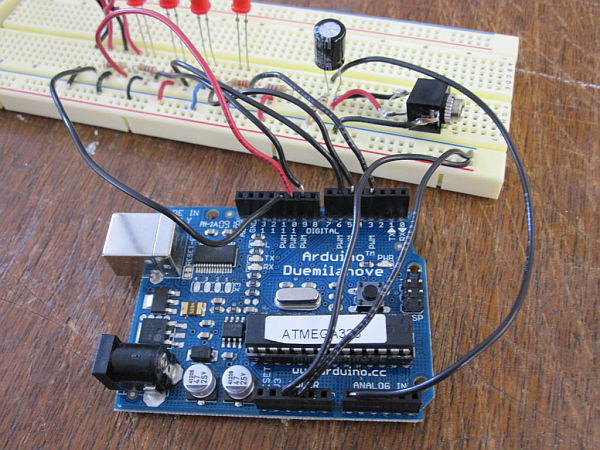
This project functions to display sound using vibration.  You plug your iPod, computer, or TV into it and get tactile feedback representing the loudness of the audio.  It can help deaf people to experience sound. Stuff you need: Arduino USB Cable Computer running Arduino software (www.arduino.cc/download/) Breadboard LEDs Pager Motors Three 100K resistors Six 220uF resistors

Representing audio through vibration with Arduino Continue Reading

Arduino Twitter Enabled Text to Speech

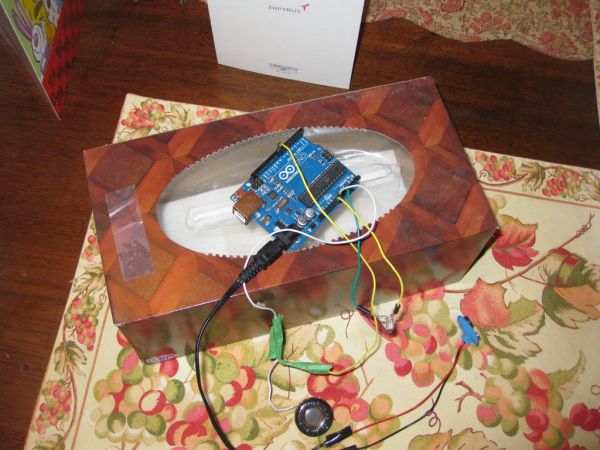
Twitter Enabled Text to Speech using an Arduino

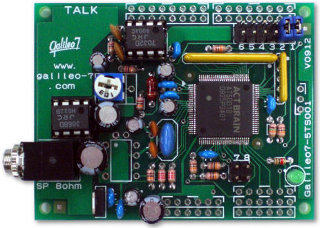
Let the world know what you’re eating for breakfast with an 80’s style vocal synthesizer!  This project uses an Arduino to send your Twitter stream to a voice generator chip called the SpeakJet.  The setup that I use here can also be extended to other applications where you’d want to translate text into speech, some

Twitter Enabled Text to Speech using an Arduino Continue Reading

Scroll to Top