
Summary of DS18B20 Sensor Based Thermometer with Nokia 5110 LCD display
This tutorial guides users in constructing a temperature monitoring system using an Arduino Mega, DS18B20 sensor, and Nokia 5110 LCD. The DS18B20 provides precise Celsius readings via the 1-Wire protocol, supporting parasite power and unique addressing for multiple sensors. The display offers real-time feedback, though serial monitor output is also available. This setup is ideal for HVAC, building monitoring, and industrial process control applications.
Parts used in the Temperature Monitor Project:
- DS18B20 Temperature Sensor
- Nokia 5110 LCD Display
- Arduino Mega
- Small Breadboard
- Wires
Hi guys welcome to this tutorial. Today we will be building a simple temperature monitor using the DS18B20 sensor with a Nokia 5110 LCD Display and an Arduino mega.
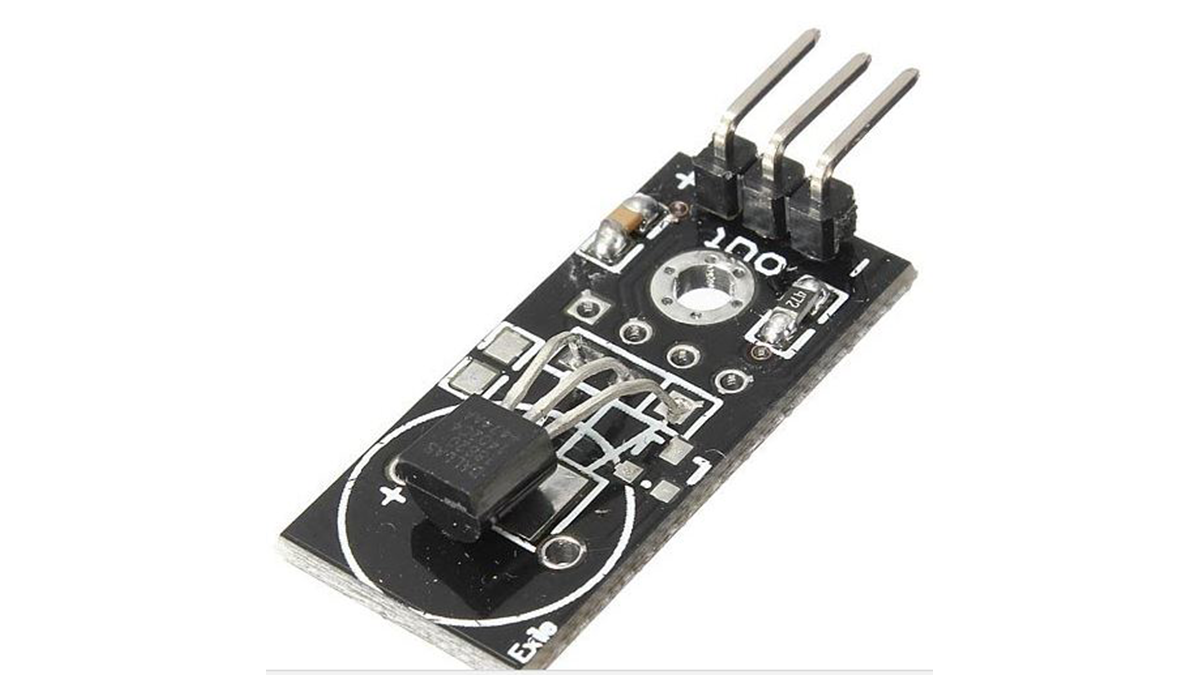
Introduction
The DS18B20 digital temperature sensor gives a 9-bit to 12-bit Celsius temperature readings and also has an alarm function with nonvolatile user-programmable upper and lower trigger points. The sensor communicates via the 1-Wire communication protocol and thus by definition requires only one data line (and ground) for communication with a central microprocessor. Among the special features of this sensor, is an operational mode in which it can derive power directly from the data line (“parasite power”), eliminating the need for an external power supply line.
Each DS18B20 has a unique 64-bit serial code, which allows multiple DS18B20s to work on the same 1-Wire bus. Thus, it is simple to use one micro-controller to control many DS18B20s distributed over a large area. Some applications that can benefit from this capability include HVAC systems, temperature monitoring systems inside buildings, equipment, or machines, and process monitoring and control systems.
The Nokia 5110 was used to provide a feedback on the temperature values to the user but the Arduino serial monitor may also be used for those who do not have the display and the code for this is also included.
A more detailed tutorial on using the Nokia 5110 LCD display can be found here.
Required Components
The following components with links attached to where they can be bought are needed for this project:
Schematics
Connect all the components as shown in the schematics below.
For clarity, the pin connections are also described below.
Read more: DS18B20 Sensor Based Thermometer with Nokia 5110 LCD display
- How does the DS18B20 communicate with the microprocessor?
The sensor communicates via the 1-Wire protocol requiring only one data line and ground. - Can the DS18B20 operate without an external power supply?
Yes, it can derive power directly from the data line in parasite power mode. - What is the resolution of the temperature readings provided by the DS18B20?
The sensor gives 9-bit to 12-bit Celsius temperature readings. - How many DS18B20 sensors can be connected to a single microcontroller?
Multiple sensors can work on the same bus because each has a unique 64-bit serial code. - What alternative method is available if the Nokia 5110 display is not used?
The Arduino serial monitor can be used to view temperature values. - Does the DS18B20 have alarm capabilities?
Yes, it features an alarm function with nonvolatile user-programmable upper and lower trigger points. - What are some potential applications for this project?
Applications include HVAC systems, building temperature monitoring, and industrial process control. - Is the code for the serial monitor included in the tutorial?
Yes, the code for the Arduino serial monitor is included for those without a display.
