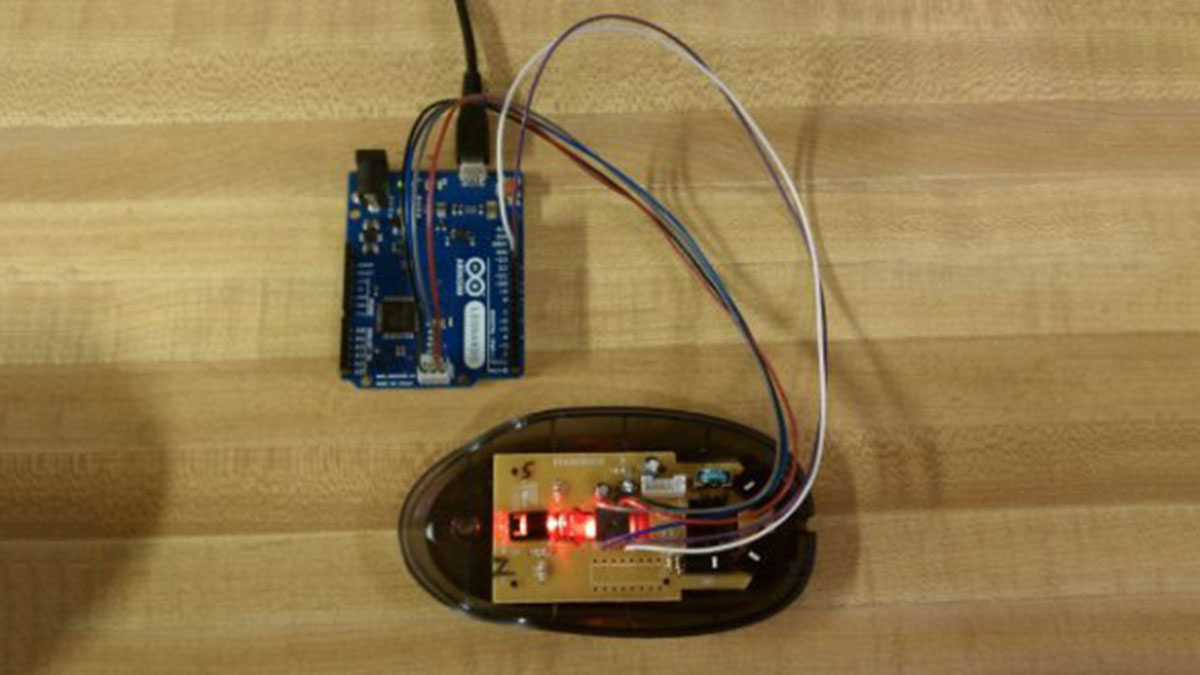
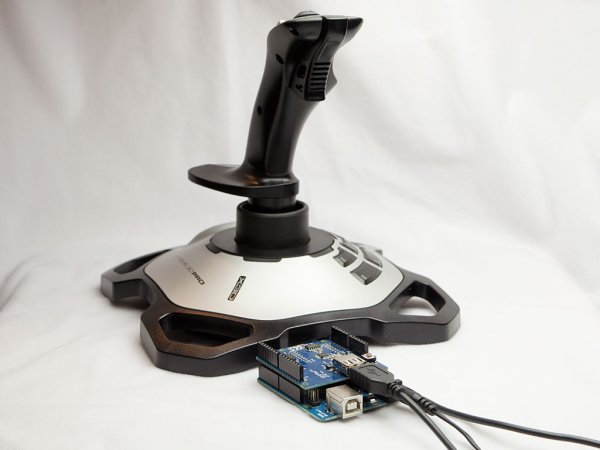
Using the Mouse library, you can controls a computer’s onscreen cursor with an Arduino Leonardo, Micro, or Due. This particular example uses a pushbutton to turn on and off mouse control with a joystick. Cursor movement from the Arduino is always relative. So every time the analog input is read, the cursor’s position is updated […]
Projects
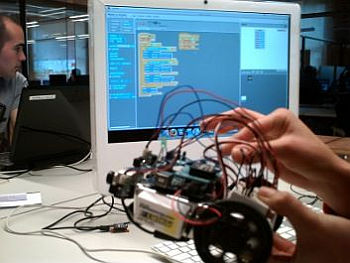
A Gentle Introduction to Arduino for Scratch Users
There are lots of people who are very comfortable with the Scratch programming environment but want to try something with Arduino to Blink Lights, Sense Buttons, Run Servos or whatever. They may find the C programming environment in Arduino IDE – Sketch, a bit too much of a step. This instructable draws on the work […]
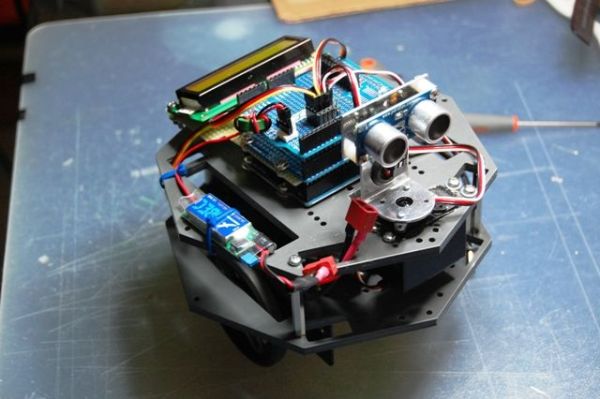
My Arduino Ping Display Robot
Goals Hello all. I hope to please share a little robot that I have just finished building. There are many Ping Boat, perhaps with a tutorials and display less so without pretension, will illustrate what I could do. I gave myself the goal of realizing a robot that avoids obstacles, hence the use of Ping, […]
Arduino Button Mouse Control Code
With the Mouse library, an Arduino Leonardo, Micro, or Due can manipulate the onscreen cursor of a computer. This specific instance involves the use of five pushbuttons to control the movement of the cursor on the screen. Four buttons control direction (up, down, left, right) and one activates a left mouse click. Cursor movement on […]
Visual Network Threat Level Indicator v2 using Arduino
By popular request this is a new wireless version of the Visual Network Threat Level Indicator. This uses a Roving Networks WiFly RN-XV Module to do 802.11 WiFi along with an Arduino to display the threat level on your network. Network monitoring is very important in todays world. The internet is a scary place. People have taken […]
Arduino The 5$ Karduinoss pad
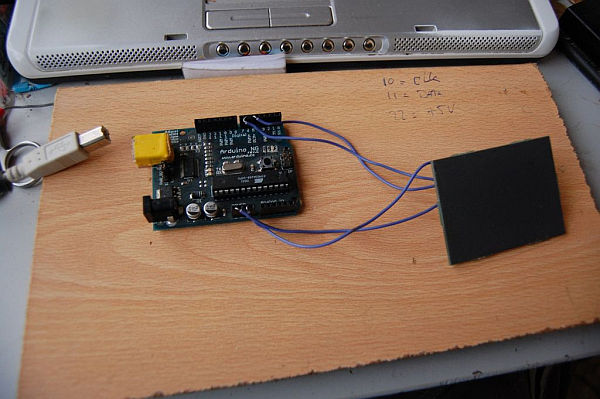
So, looking at these Kaoss pads and alike hardware, I found that there is hardly any point in this device being so expensive, when you just want to use it as MIDI controller. Going through my parts bin, I found a Synaptics touchpad from an old laptop and figured this should just work as a replacement. […]
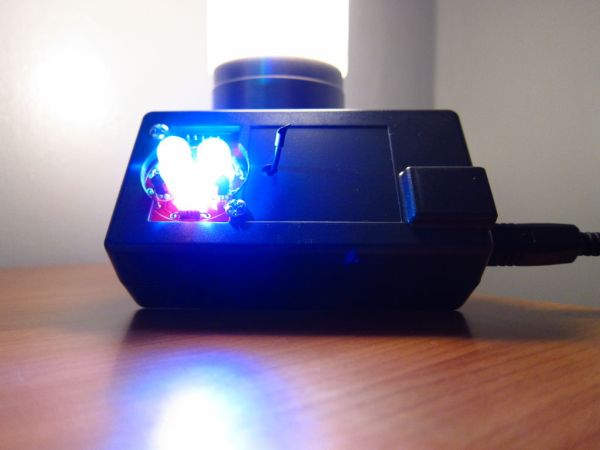
Make your own Custom Electronic Widgets, like my Arduino LED Day/Night Widget
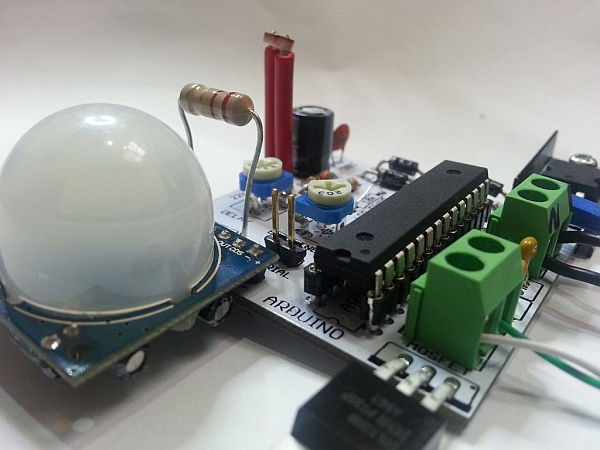
This is just a brief run down on how easy it has become to make your own circuits complete with your own PCB’s. Have you ever wanted to make something custom that suits your needs? Of course you have!! For me it really started when I built my first day/night light. I used a light […]
DIY Arduino Unit Converter: How to use LCD
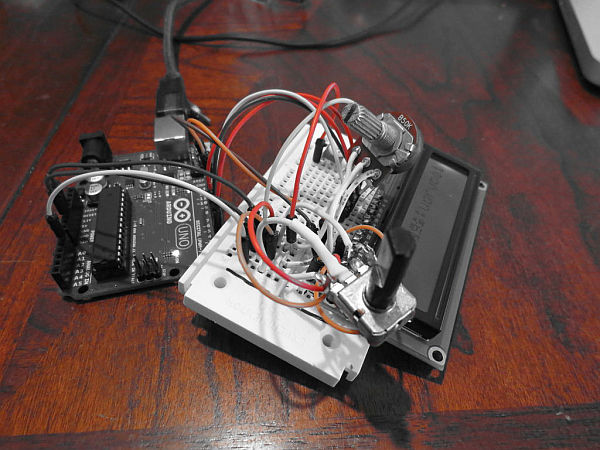
Step 1: Ingredients: Electronics Arduino Breadboard LCD* 2x 50k pots 150 ohm resistor Jumper wires, and tons of them! If you do not want to use a LCD then you will have to use serial monitor. Wherever you see lcd.print just change it to Serial.print. Instead of lcd.begin change it to Serial.begin(9600);. Step 2: The […]
Visual Computer Stress Meter using an Arduino
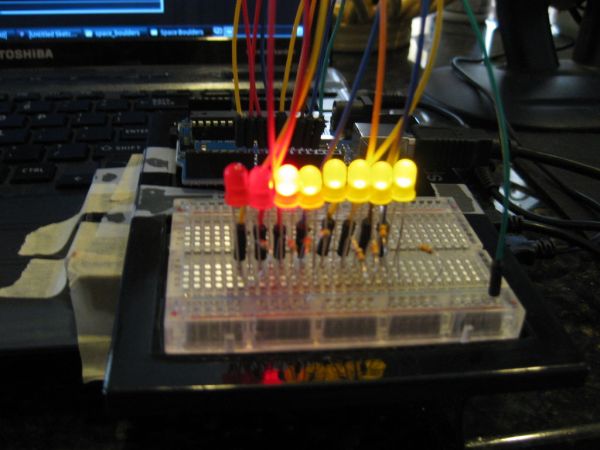
Have you ever wanted to, without going out of your way to clock your processor, see how much stress your computer is under? With this project you will have a simple bar graph that constantly shows how much stress your computer is under. If the graph reads 0, your computer isn’t working too much. If […]
Arduino Keyboard and Mouse Control Code
This example illustrates the use of the Mouse and keyboard libraries together. Five momentary switches act as directional buttons for your cursor. When a button is pressed, the cursor on your screen will move, and a keypress will be sent to the computer. Once you have the Leonardo programmed and wired up, open up your […]