
Summary of Arduino Keyboard and Mouse Control Code
This article demonstrates how to use an Arduino Leonardo or Micro with the Mouse and Keyboard libraries to control a computer cursor using five momentary switches. When buttons are pressed, the cursor moves, simulating keypresses. The project requires specific hardware components wired to digital pins 2 through 6, allowing users to take over their mouse functionality via custom code.
Parts used in the Arduino Keyboard and Mouse Control:
- Arduino Leonardo board
- Arduino Due board
- Breadboard
- Five pushbuttons
- Five 10-kiloohm resistors
This example illustrates the use of the Mouse and keyboard libraries together. Five momentary switches act as directional buttons for your cursor. When a button is pressed, the cursor on your screen will move, and a keypress will be sent to the computer. Once you have the Leonardo programmed and wired up, open up your favorite text editor to see the results.
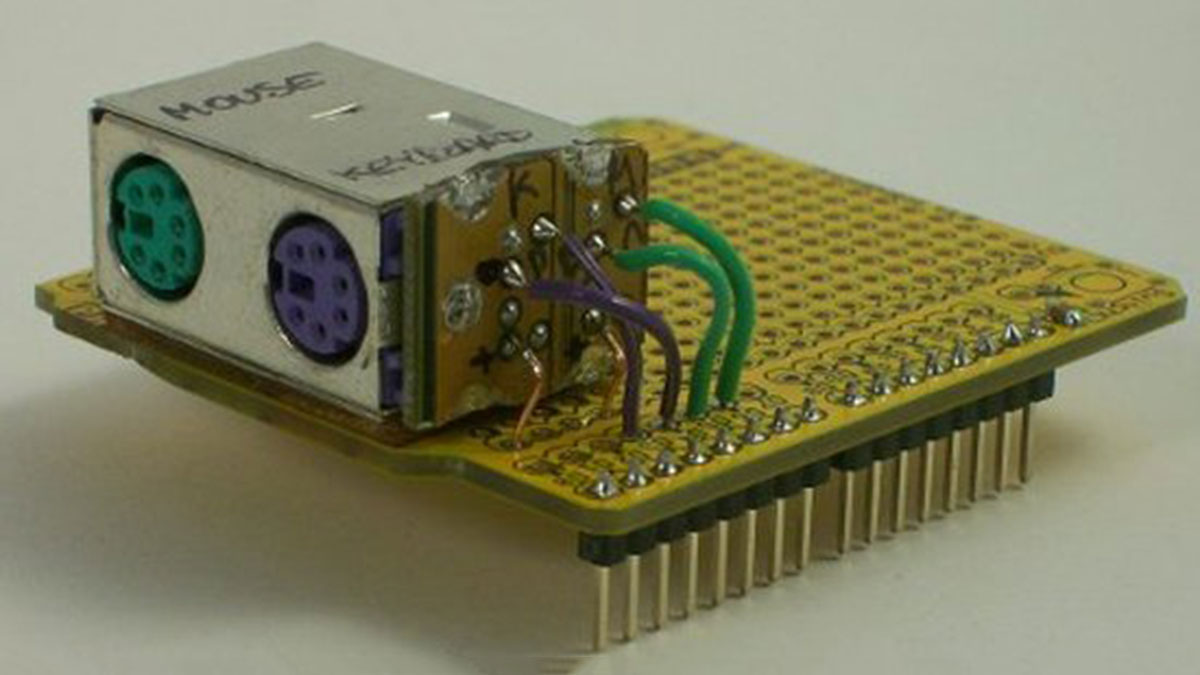
NB: When you use these libraries, the Arduino takes over your computer’s keyboard and mouse!
Software Required
- Any text editor
Circuit
image developed using Fritzing. For more circuit examples, see the Fritzing project page
Schematic
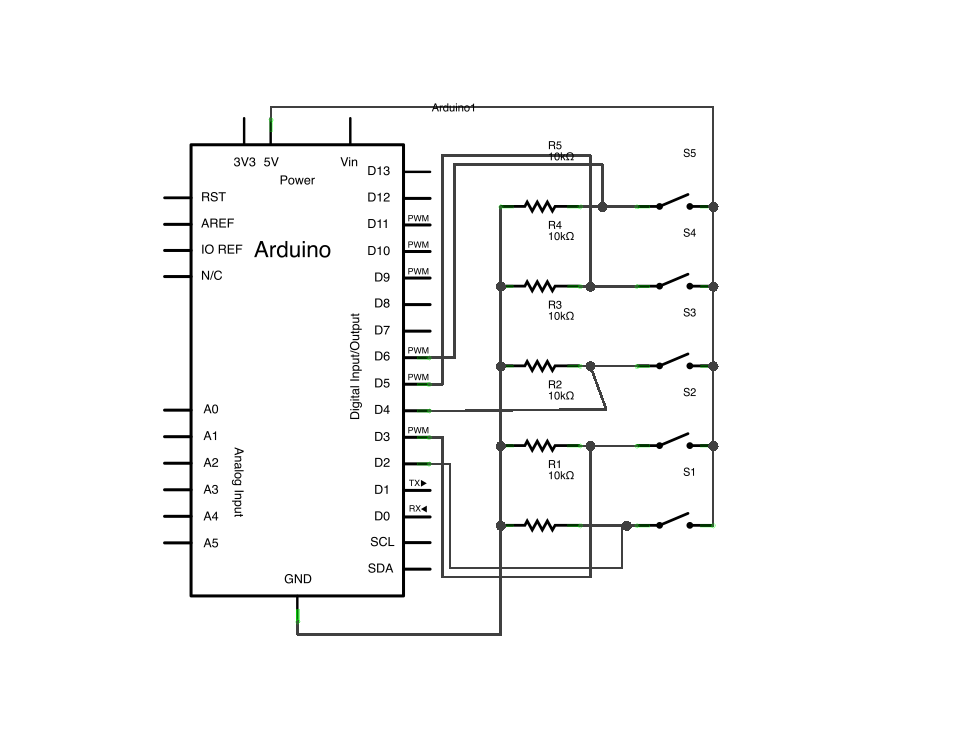
Code
/*
KeyboardAndMouseControl

Controls the mouse from five pushbuttons on an Arduino Leonardo or Micro.

Hardware:
* 5 pushbuttons attached to D2, D3, D4, D5, D6

The mouse movement is always relative. This sketch reads
four pushbuttons, and uses them to set the movement of the mouse.

WARNING:  When you use the Mouse.move() command, the Arduino takes
over your mouse!  Make sure you have control before you use the mouse commands.

created 15 Mar 2012
modified 27 Mar 2012
by Tom Igoe

this code is in the public domain

*/
Major Components in Project
Hardware Required
- Arduino Leonardo or Arduino Due board
- breadboard
- Five pushbuttons
- Five 10-kiloohm resistors
For more detail: Arduino Keyboard and Mouse Control Code
- What do the five momentary switches control?
The switches act as directional buttons for your cursor, moving it when pressed. - Which Arduino boards are required for this project?
You need either an Arduino Leonardo or an Arduino Due board. - How many resistors are needed for the circuit?
The project requires five 10-kiloohm resistors. - Can I use any text editor for this project?
Yes, any text editor is sufficient to open and view the results. - What happens when the Arduino takes over the mouse?
The Arduino controls the computer's keyboard and mouse directly. - Are the mouse movements absolute or relative?
The mouse movement is always relative. - Which digital pins connect the pushbuttons?
The pushbuttons attach to D2, D3, D4, D5, and D6. - Does this code allow control of both keyboard and mouse?
Yes, the example illustrates using the Mouse and keyboard libraries together.
