sensor

phone sensors on the arduino

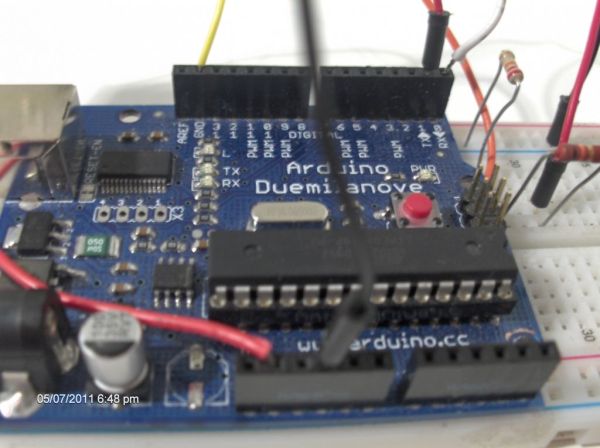
Use your android phone sensors on the arduino

Hello, this is my very first step-by-step instructable, and today, we’re going to learn how the sensors in your android smartphone can communicate with your arduino. In modern smartphones, there are a lot of useful sensors for an ingenious arduino project. I have a motorola DEFY, for example and it has (at least) 6 sensors

Use your android phone sensors on the arduino Continue Reading

Cat Detector

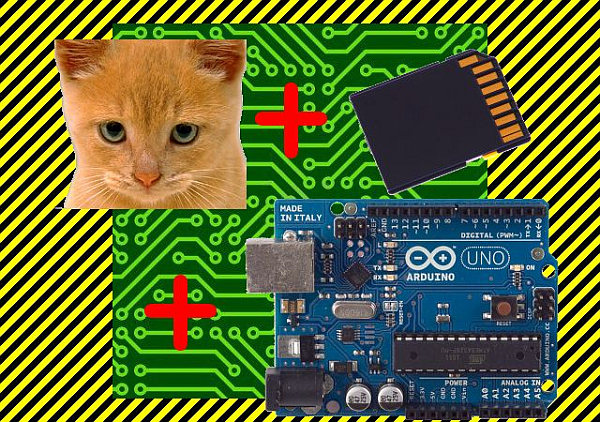
Arduino Cat Detector SD Card Logger

I used: an Arduino Uno a Parallax PIR Motion Sensor and a Seeed Studio SD Card Shield Arduino, shield, sd card, logging shield, storage, logger Check out This instructable on PIRs in case you didn’t know what it is: http://www.instructables.com/id/PIR-Motion-Sensor-Tutorial/ Step 1: Connect your PIR Sensor Hook up the PIR Sensor Ground pin to Ground

Arduino Cat Detector SD Card Logger Continue Reading

Check In to Foursquare

Pee to Check-In to Foursquare – Mark Your Territory using Arduino

In case you are unfamiliar with the most amazing new way to physically “check in” to foursquare here is a video that will explain it all: Mark Your Territory is a fully open-source system but because it interacts with the physical world as well as the digital one, some construction is necessary beyond just simply

Pee to Check-In to Foursquare – Mark Your Territory using Arduino Continue Reading

Mr. Indecision

Mr. Indecision – a small felt version of yourself that turns its head and looks at you using Arduino

This is a tutorial on how to use 123D Catch to get a 3D scan of your whole body. Once you have the scan or “catch” the tutorial will take you through a technique to clean it up and manipulate it ready for 123D Make. The tutorial will go through how to slice the model

Mr. Indecision – a small felt version of yourself that turns its head and looks at you using Arduino Continue Reading

Arduino while loop

How to use a while loop to calibrate the value of an analog sensor using Arduino

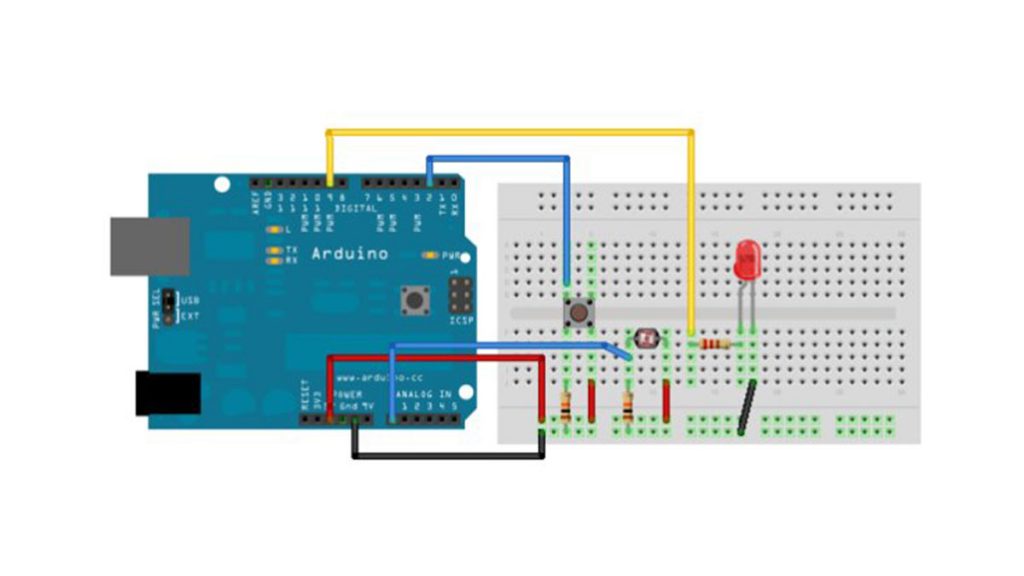
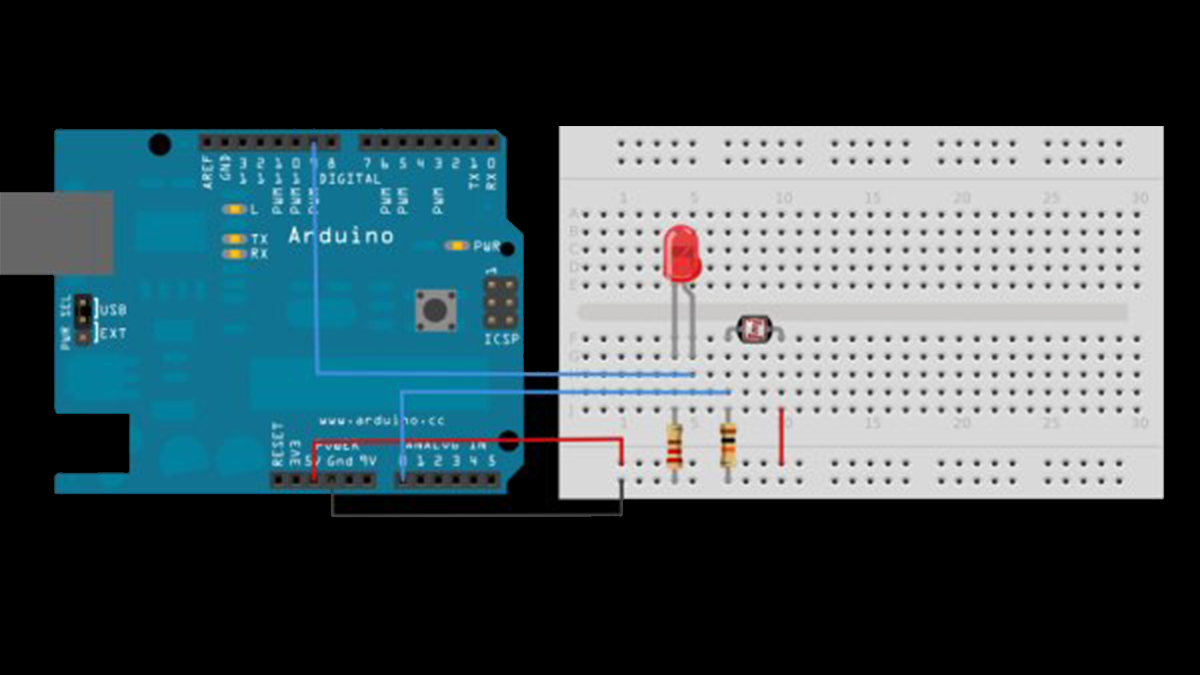
Sometimes you want everything in the program to stop while a given condition is true. You can do this using a while loop. This example shows how to use a while loop to calibrate the value of an analog sensor. In the main loop, the sketch below reads the value of a photoresistor on analog pin 0 and

How to use a while loop to calibrate the value of an analog sensor using Arduino Continue Reading

Arduino Calibration

Calibrating sensor input using Arduino

This example demonstrates one techinque for calibrating sensor input. The Arduino takes sensor readings for five seconds during the startup, and tracks the highest and lowest values it gets. These sensor readings during the first five seconds of the sketch execution define the minimum and maximum of expected values for the readings taken during the

Calibrating sensor input using Arduino Continue Reading

Scroll to Top