input

Arduino Switch case2 Statement

Arduino Switch (case) Statement, used with serial input

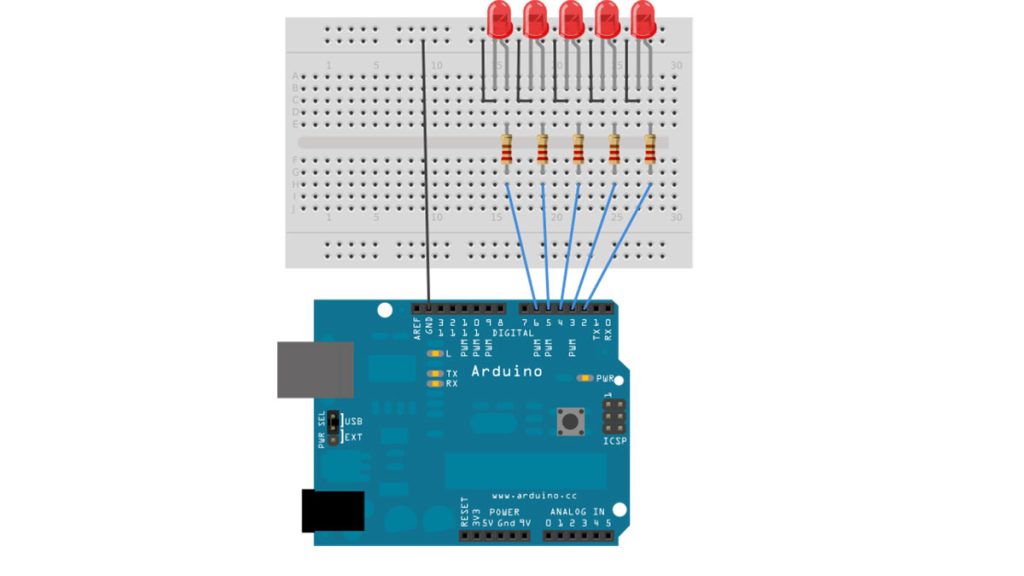
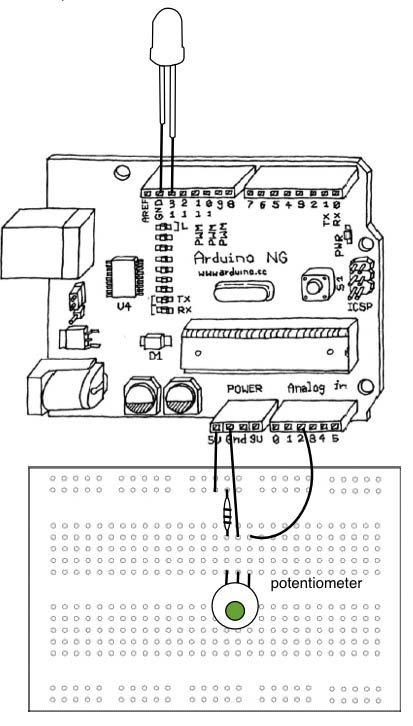
An if statement allows you to choose between two discrete options, TRUE or FALSE. When there are more than two options, you can use multiple if statements, or you can use the switch statement. Switch allows you to choose between several discrete options. This guide demonstrates how to utilize a switch to activate one of

Arduino Switch (case) Statement, used with serial input Continue Reading

Switch Statement used with serial input using Arduino

Switch Statement used with serial input using Arduino

An if statement allows you to choose between two discrete options, TRUE or FALSE. When there are more than two options, you can use multiple if statements, or you can use the switch statement. Switch allows you to choose between several discrete options. This tutorial shows you how to use switch to turn on one of several

Switch Statement used with serial input using Arduino Continue Reading

Arduino Uno vs. Mega vs. Micro

Arduino Uno vs. Mega vs. Micro: Which One Should You Use?

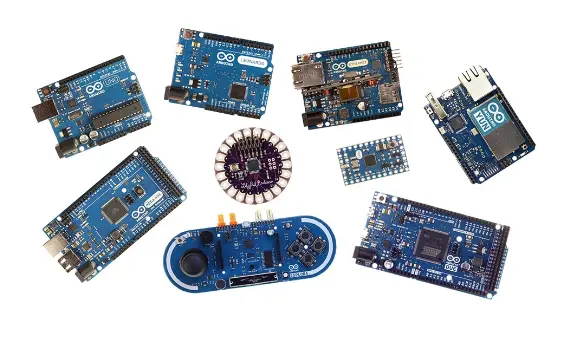
The popularity of Arduino boards has skyrocketed in recent times, thanks to the growing demand for automation in the market. These microcontrollers have become the go-to option for beginners looking to embark on their project-building journey, offering unparalleled ease of use and a wide range of options. Arduino has released several common boards that make

Arduino Uno vs. Mega vs. Micro: Which One Should You Use? Continue Reading

Arduino Calibration

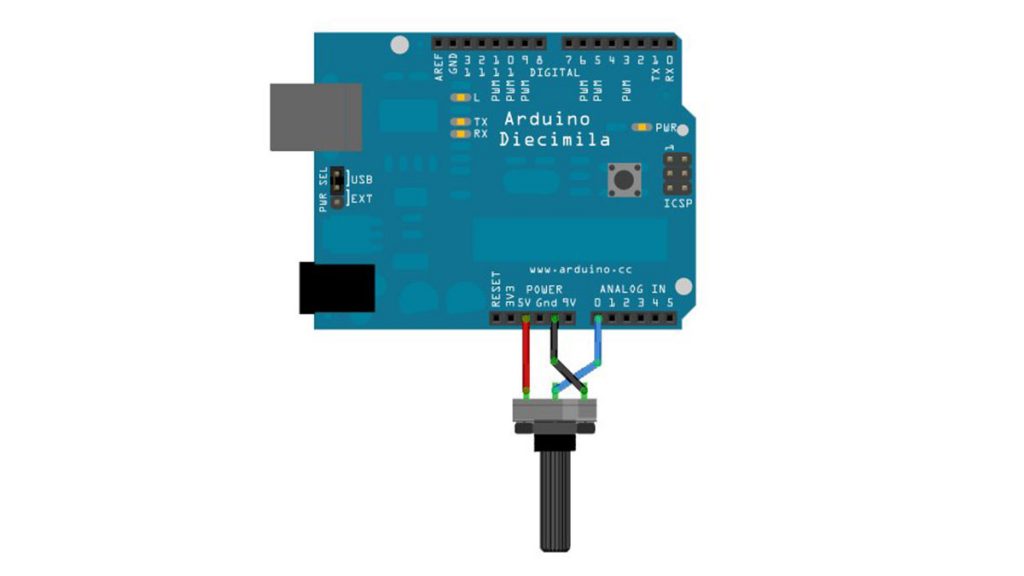
Calibrating sensor input using Arduino

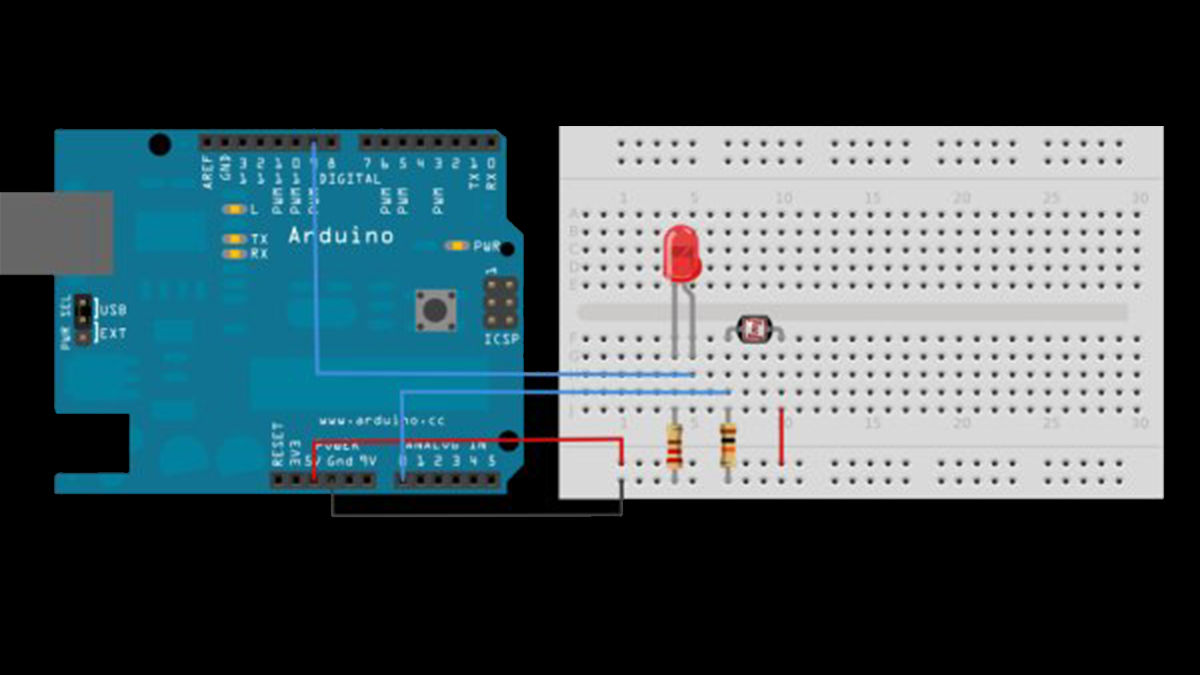
This example demonstrates one techinque for calibrating sensor input. The Arduino takes sensor readings for five seconds during the startup, and tracks the highest and lowest values it gets. These sensor readings during the first five seconds of the sketch execution define the minimum and maximum of expected values for the readings taken during the

Calibrating sensor input using Arduino Continue Reading

Input Pullup Serial using Arduino

Input Pullup Serial using Arduino

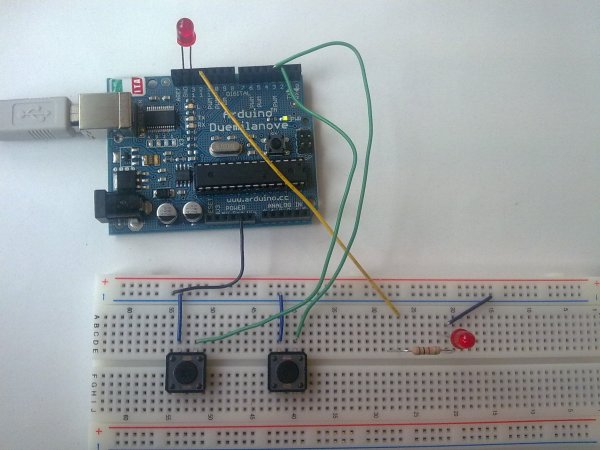
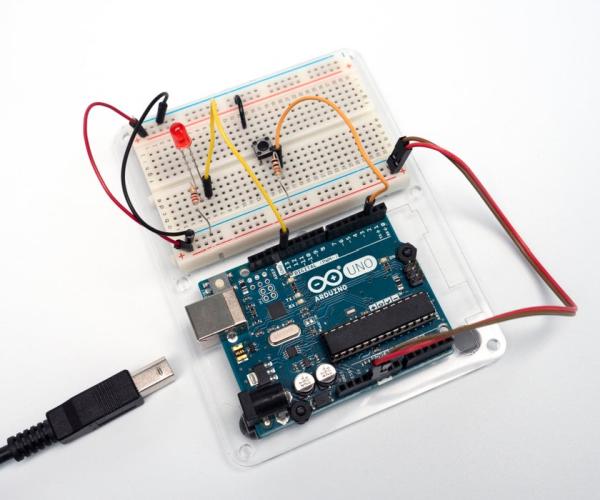
This example demonstrates the use of INPUT_PULLUP with pinMode(). It monitors the state of a switch by establishingserial communication between your Arduino and your computer over USB. Additionally, when the input is HIGH, the onboard LED attached to pin 13 will turn on; when LOW, the LED will turn off. Circuit image developed using Fritzing. For more

Input Pullup Serial using Arduino Continue Reading

Scroll to Top