audio

Representing audio

Representing audio through vibration with Arduino

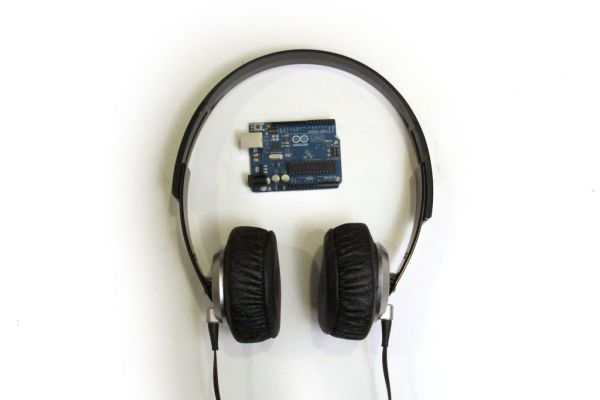
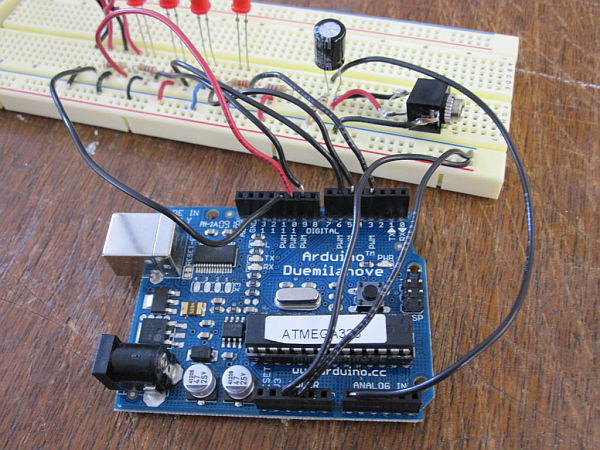
This project functions to display sound using vibration.  You plug your iPod, computer, or TV into it and get tactile feedback representing the loudness of the audio.  It can help deaf people to experience sound. Stuff you need: Arduino USB Cable Computer running Arduino software (www.arduino.cc/download/) Breadboard LEDs Pager Motors Three 100K resistors Six 220uF resistors

Representing audio through vibration with Arduino Continue Reading
Arduino Twitter Enabled Text to Speech

Twitter Enabled Text to Speech using an Arduino

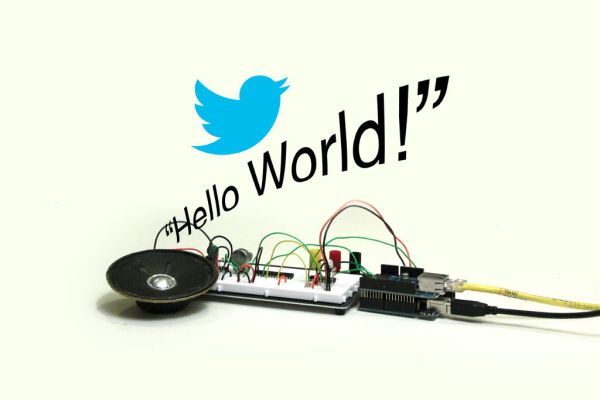
Let the world know what you’re eating for breakfast with an 80’s style vocal synthesizer!  This project uses an Arduino to send your Twitter stream to a voice generator chip called the SpeakJet.  The setup that I use here can also be extended to other applications where you’d want to translate text into speech, some

Twitter Enabled Text to Speech using an Arduino Continue Reading

Audio VU Meter using Arduino 1

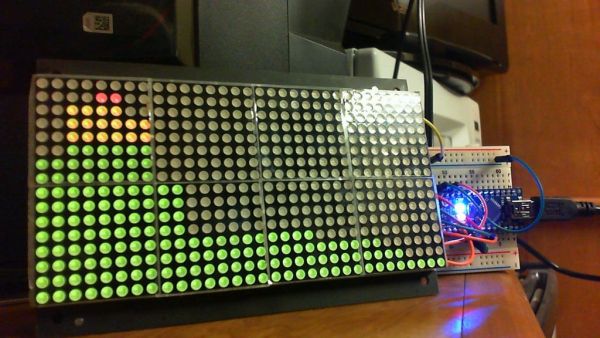
Audio VU Meter using Arduino

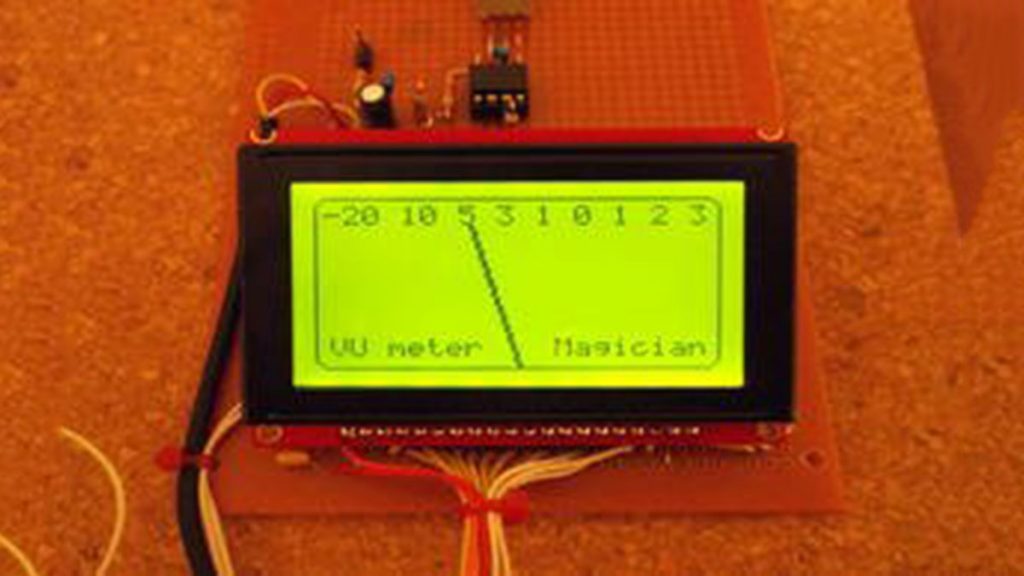
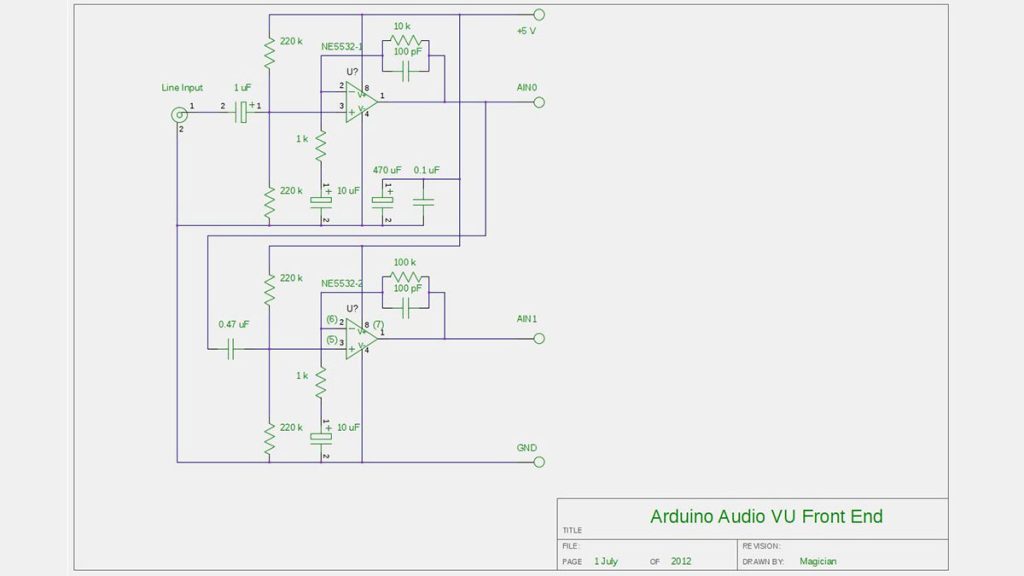
Biasing AC input using resistor divider and scaling up / down if necessary; Sampling fast and accurately using direct access to Control Registers of ADC and Timer1; Subtract whatever was added at step #1 from result of Analog / Digital conversion and Square; Average / accumulate, filtering following VU specification; Sqrt – take square root,

Audio VU Meter using Arduino Continue Reading

True Analog Audio Volume Control using Arduino

True Analog Audio Volume Control using Arduino

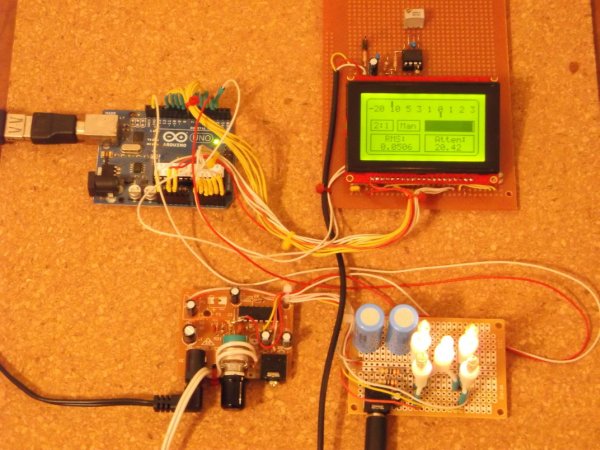
ow my Arduino can precisely measure audio input (VU meter),   and obviously, next thing that comes to mind right after measurements, is regulation or control. There are many different ways how to electronically adjust audio volume or level of AC signal.  I’ll name a few: Specifically design IC, Digital potentiometers. Mechanical potentiometers, driven by servo

True Analog Audio Volume Control using Arduino Continue Reading

Scroll to Top