arduino

ATtiny programming

ATtiny programming with Arduino

After this Instructable you should be able to program an A Ttiny85/45 with an arduino. It may sound complex but it really isn’t. After doing some research I could not find to much info on how this could be done. I however did find http://www.instructables.com/id/Program-an-ATtiny-with-Arduino/. This Instructable is my interpretation of what I learned from Randy. Step

ATtiny programming with Arduino Continue Reading

Arduino Fixed point Vehicle Proximity Detector

Arduino Fixed-point Vehicle Proximity Detector

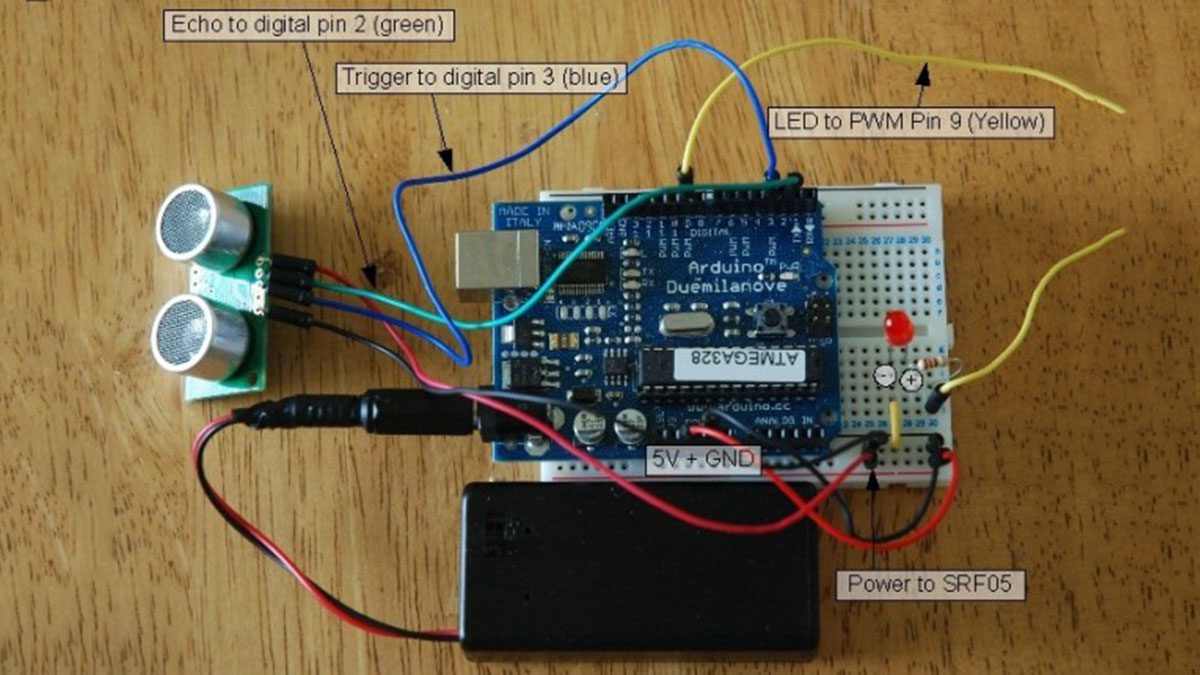
This is the high-tech version of hanging a tennis ball from the ceiling from a piece of string.  Of course, if you have two different types of vehicles, that tennis ball isn’t going to land in the same place on both of them.  This project can prevent hundreds of dollars in dry-wall repair and bicycle

Arduino Fixed-point Vehicle Proximity Detector Continue Reading

Arduino String Comparison Operators

Arduino String Comparison Operators Code

The String comparison operators, ==, !=,>, < ,>=, <= , and the functionsequals() and equalsIgoreCase() allow you to make alphabetic comparisons between Strings. They’re useful for sorting and alphabetizing, among other things. The operator == and the function equals() perform identically. It’s just a matter of which you prefer. So if (stringOne.equals(stringTwo)) { [Get Code]

Arduino String Comparison Operators Code Continue Reading

Arduino Visual Network Threat Level Indicator

Visual Network Threat Level Indicator using Arduino

Network monitoring is very important in todays world. The internet is a scary place. People have taken steps to raise their awareness by installing Intrusion Detection Systems(IDS) such as SNORT. The problem with most of these systems is that upon first installing them they are vigilantly watched. After a week the allure wears off and

Visual Network Threat Level Indicator using Arduino Continue Reading

Digital Read Serial Circuit

Digital Read Serial using Arduino

This example shows you how to monitor the state of a switch by establishing serial communication between your Arduino and your computer over USB. Hardware Required Arduino Board A momentary switch, button, or toggle switch 10k ohm resistor breadboard hook-up wire Circuit image developed using Fritzing. For more circuit examples, see the Fritzing project page Connect three wires to

Digital Read Serial using Arduino Continue Reading

Scroll to Top