arduino

Arduino tones on Multiple outputs

SPlaying tones on Multiple outputs using the tone() function with Arduino

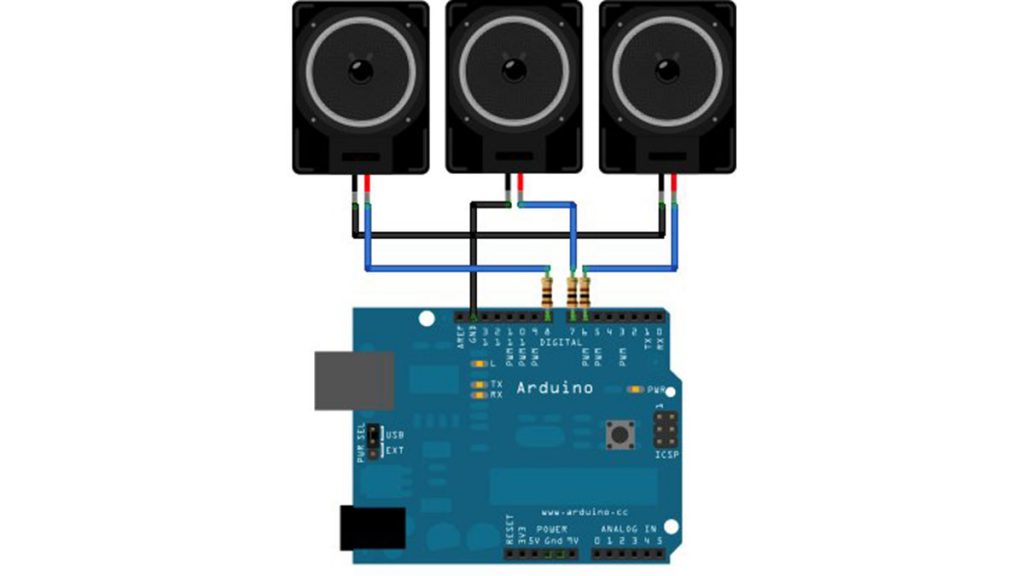
This example shows how to use the tone() command to play different notes on multiple outputs. The tone() command works by taking over one of the Atmega’s internal timers, setting it to the frequency you want, and using the timer to pulse an output pin. Since it’s only using one timer, you can only play

SPlaying tones on Multiple outputs using the tone() function with Arduino Continue Reading
Arduino Simple keyboard

Simple keyboard using the tone() function using Arduino

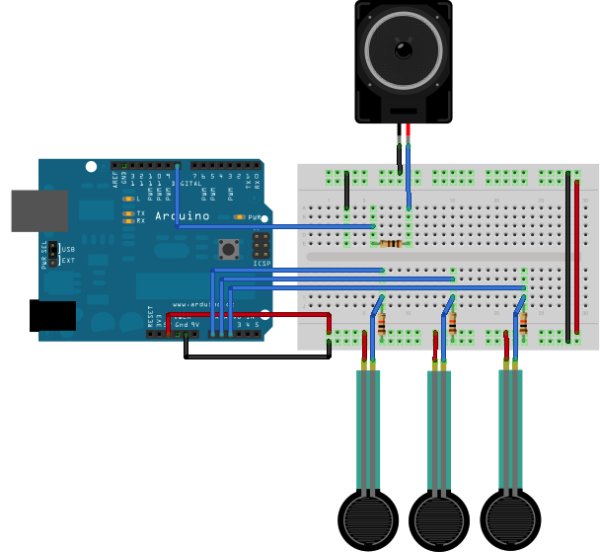
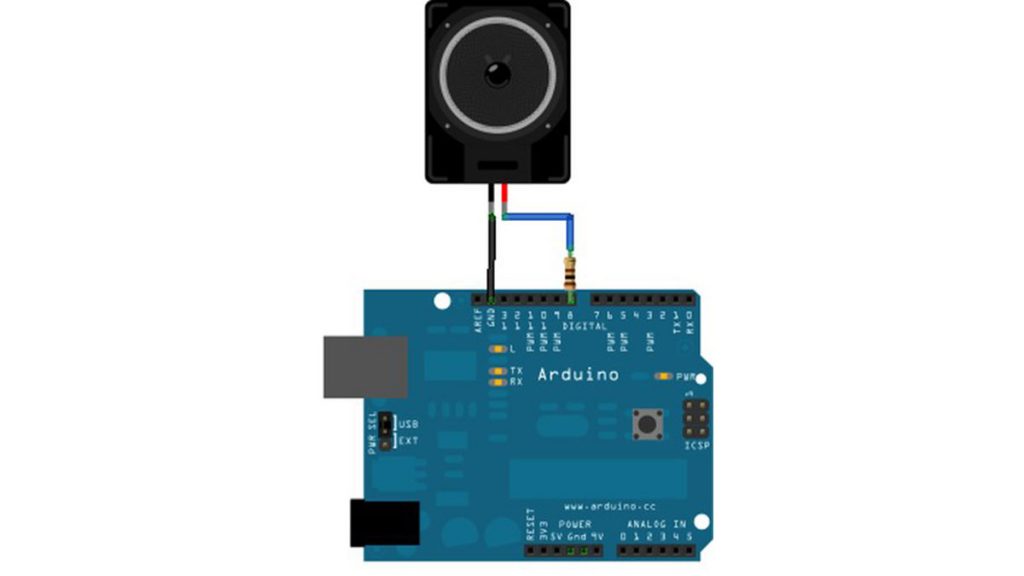
This example shows how to use the tone() command to generate different pitches depending on which sensor is pressed.   Circuit Connect one terminal of your speaker to digital pin 8 through a 100 ohm resistor, and its other terminal to ground. Power your three FSRs (or any other analog sensor) with 5V in parallel. Connect each

Simple keyboard using the tone() function using Arduino Continue Reading

Arduino Play a Melody

Play a Melody using the tone() function with Arduino

This example shows how to use the tone() command to generate notes. It plays a little melody you may have heard before. Circuit image developed using Fritzing. For more circuit examples, see the Fritzing project page Connect one terminal of your speaker to digital pin 8 through a 100 ohm resistor. Connect the other terminal to ground.

Play a Melody using the tone() function with Arduino Continue Reading
Micro LASER Show with a CD Lens Mechanism using Arduino

Micro LASER Show with a CD Lens Mechanism using Arduino

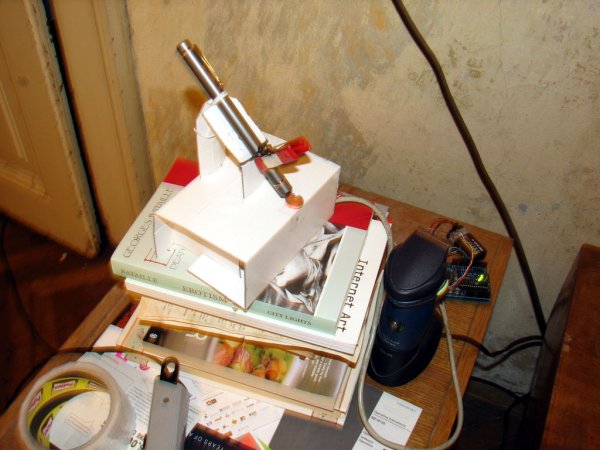
Hello! This is the cheapest and easiest way to make a two-dimensional laser show projector. It uses just one pivoting mirror, powered by the focusing mechanism from a CD or other optical drive. They said it couldn’t be done, but Ljudmila‘s skunkworks GRL research facility delivers anyway! 😉 This design was first discovered in 2006

Micro LASER Show with a CD Lens Mechanism using Arduino Continue Reading

Arduino Mini LED Siren

Make a Mini LED Siren powered by Arduino

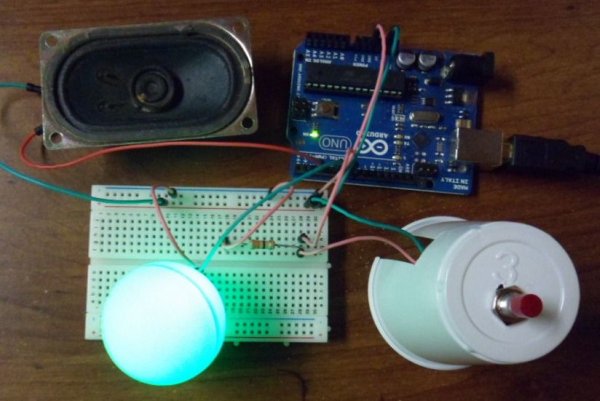
This is one of the first projects I have made with Arduino. It’s a little siren with a LED that fades and blinks on and off. It demonstrates basic use of LEDs and speakers. Also check out this article: 8-Pin Programming Shield Constructive criticism is appreciated! Let’s get started!   Step 2: Solder jumper wires

Make a Mini LED Siren powered by Arduino Continue Reading

Scroll to Top