analog

Tutorials for Arduino Getting Acquainted with Arduino

Tutorials for Arduino Getting Acquainted with Arduino

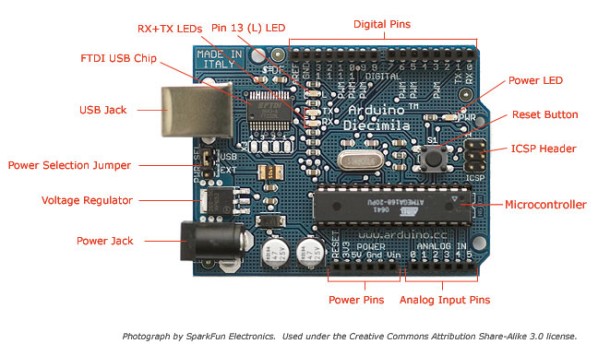
Arduino is an open-source electronics prototyping platform based on flexible, easy-to-use hardware and software. It’s intended for artists, designers, hobbyists, and anyone interested in creating interactive objects or environments. Arduino can sense the environment by receiving input from a variety of sensors and can affect its surroundings by controlling lights, motors, and other actuators. The

Tutorials for Arduino Getting Acquainted with Arduino Continue Reading

Arduino while loop

How to use a while loop to calibrate the value of an analog sensor using Arduino

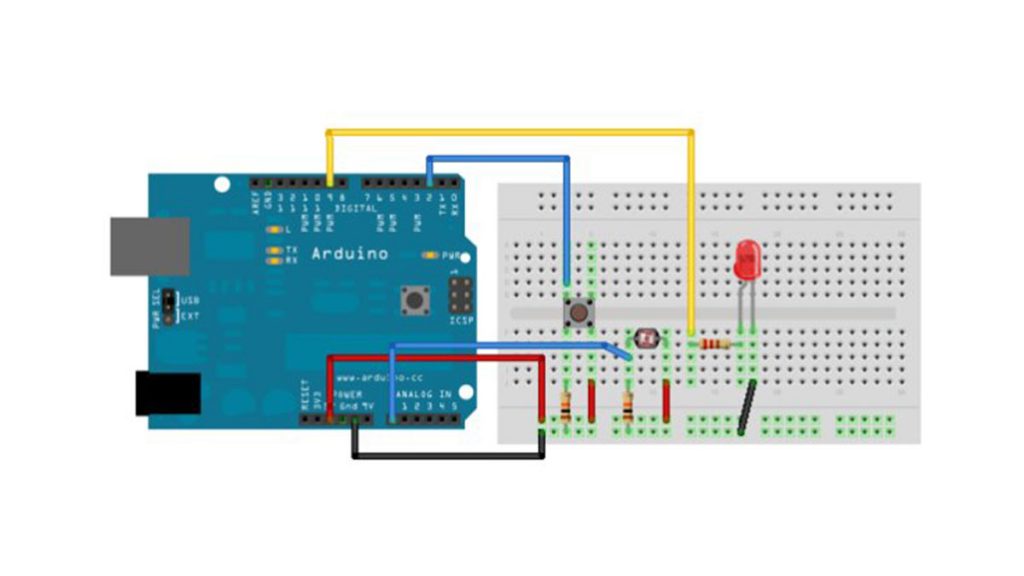
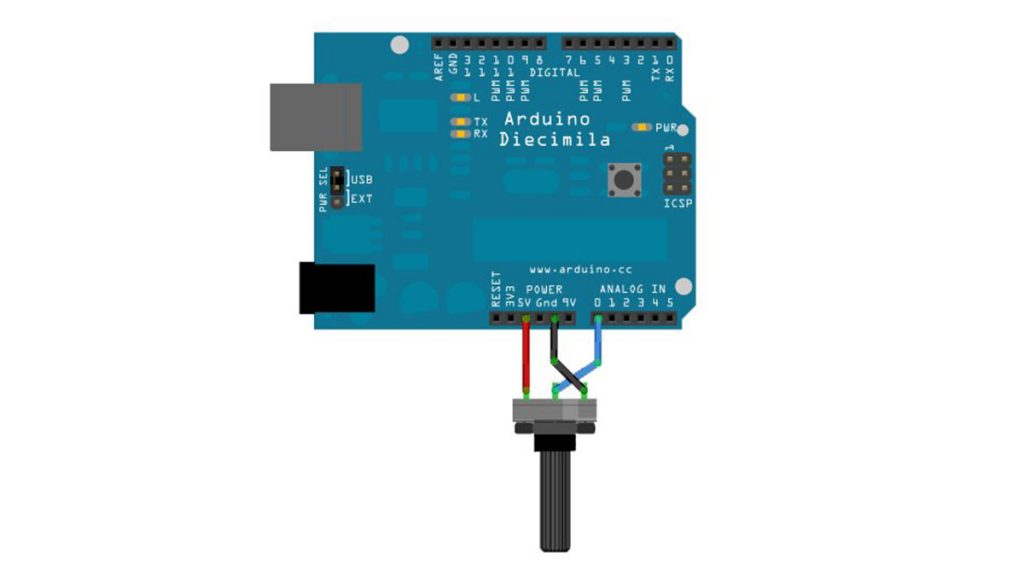
Sometimes you want everything in the program to stop while a given condition is true. You can do this using a while loop. This example shows how to use a while loop to calibrate the value of an analog sensor. In the main loop, the sketch below reads the value of a photoresistor on analog pin 0 and

How to use a while loop to calibrate the value of an analog sensor using Arduino Continue Reading
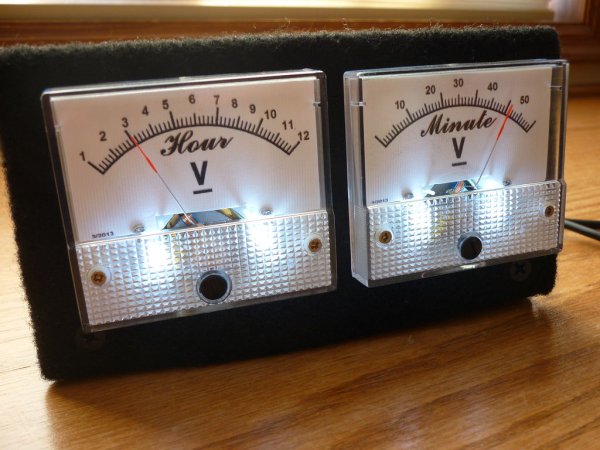
Arduino Analog Write with 12 LEDs

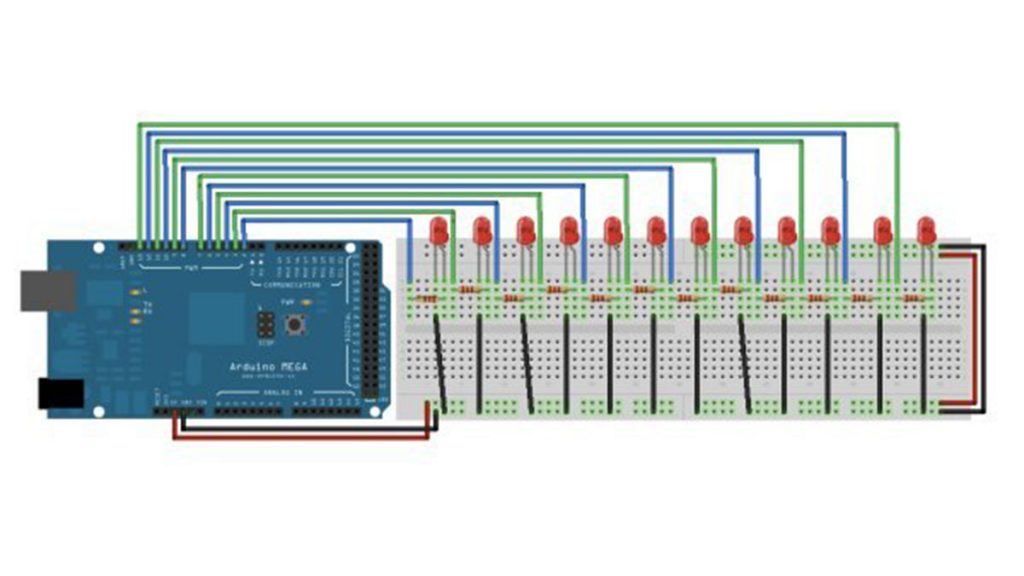
Analog Write with 12 LEDs on an Arduino Mega

This example fades 12 LEDs up and the down, one by one, on an Arduino Mega board. Circuit image developed using Fritzing. For more circuit examples, see the Fritzing project page Connect the longer, positive legs of (anodes) 12 LEDs to digital pins 2-13 through 220 ohm current limiting resistors. Connect the shorter, negative legs (cathodes) to ground. Schematic Code In

Analog Write with 12 LEDs on an Arduino Mega Continue Reading

Scroll to Top