Sensor – Transducer – Detector Projects

Tilt Sensor Tutorial

Tilt Sensor Tutorial using arduino

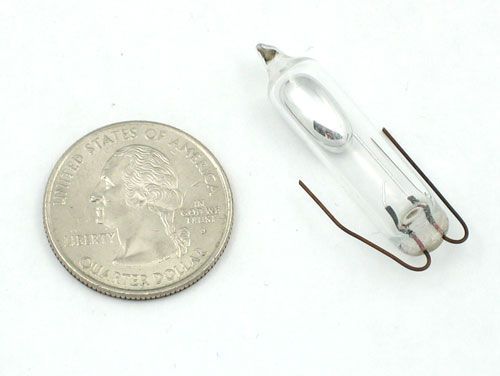
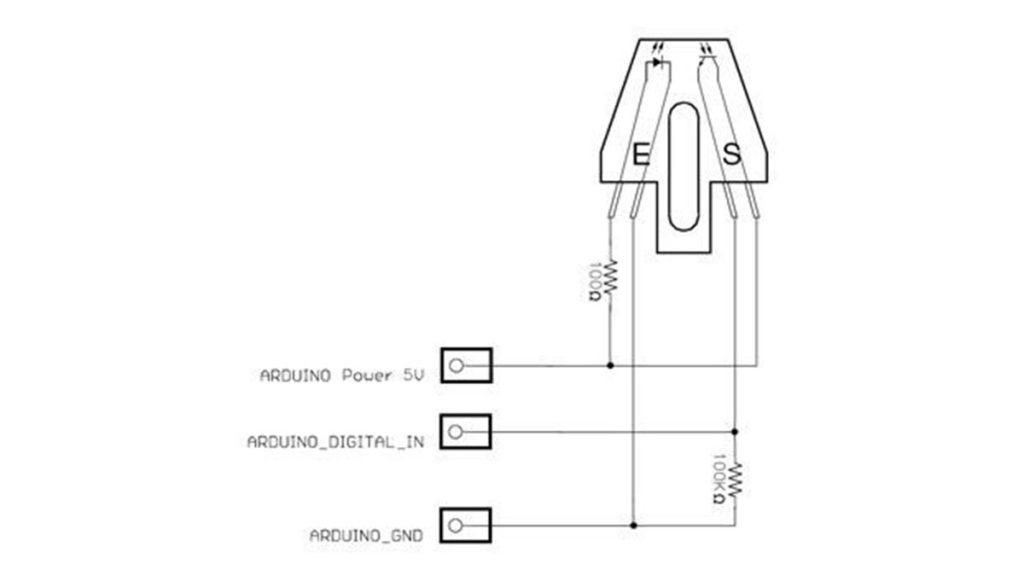
What is a tilt sensor? Tilt sensors allow you to detect orientation or inclination. They are small, inexpensive, low-power and easy-to-use. If used properly, they will not wear out. Their simplicity makes them popular for toys, gadgets and appliances. Sometimes they are referred to as “mercury switches”, “tilt switches” or “rolling ball sensors” for obvious

Tilt Sensor Tutorial using arduino Continue Reading
Analog Sensors

Analog Sensors using arduino

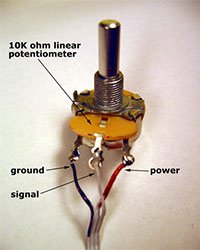
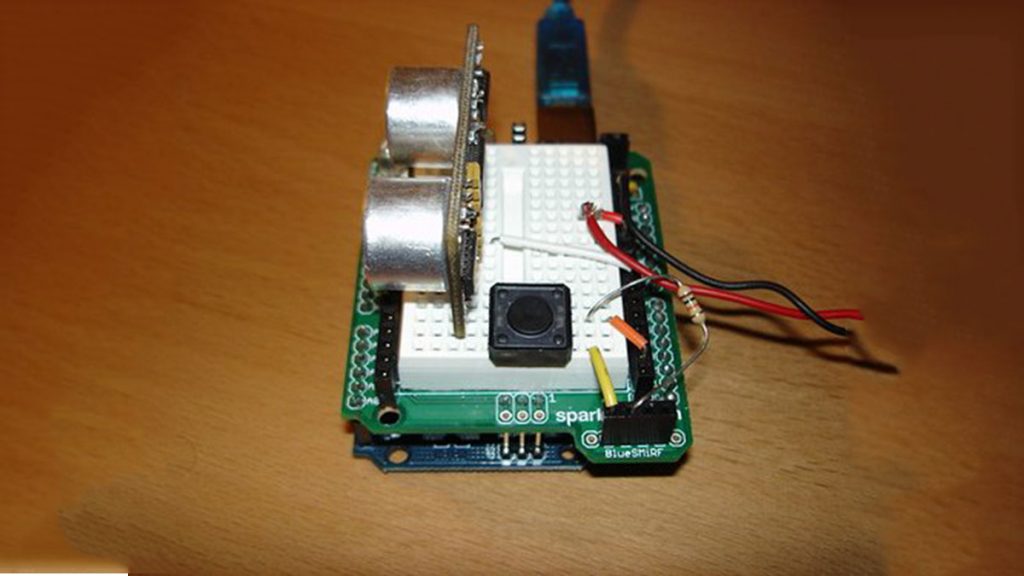
Analog sensors produce an analog (continuous) voltage that typically varies from 0 to 5 volts. They have three wires – ground, power, and signal (typically red, black, and white, respectively). Examples shown below include: Potentiometers Proximity Accelerometers Ribbon Bend Pressure Light Temperature Sound Multi-touch Touch Other Potentiometers Potentiometers typically measure rotation or linear travel, and

Analog Sensors using arduino Continue Reading

MQ 8 Hydrogen Gas Sensor Circuit Built with an Arduino

MQ-8 Hydrogen Gas Sensor Circuit Built with an Arduino

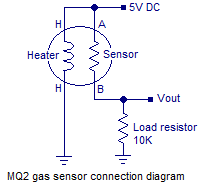
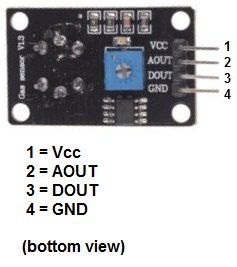
In this project, we will go over how to build a hydrogen gas sensor circuit with an arduino. The hydrogen gas sensor we will use is the MQ-8 sensor. This is a sensor that is sensitive to effects of hydrogen gas. Hydrogen gas (H2), at room temperature and under standard pressure conditions, is tasteless, odorless,

MQ-8 Hydrogen Gas Sensor Circuit Built with an Arduino Continue Reading

Arduino Secret Knock Detecting Door Lock

Secret Knock Detecting Door Lock using Arduino

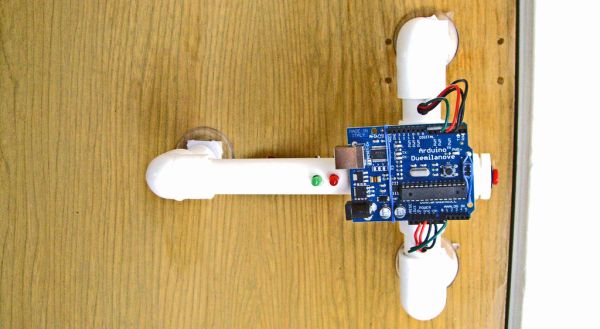
Protect your secret hideout from intruders with a lock that will only open when it hears the secret knock. This started out as a bit of a joke project, but turned out to be surprisingly accurate at judging knocks. If the precision is turned all the way up it can even detect people apart, even

Secret Knock Detecting Door Lock using Arduino Continue Reading

Arduino Esplora Light Calibrator

Arduino Esplora Light Calibrator

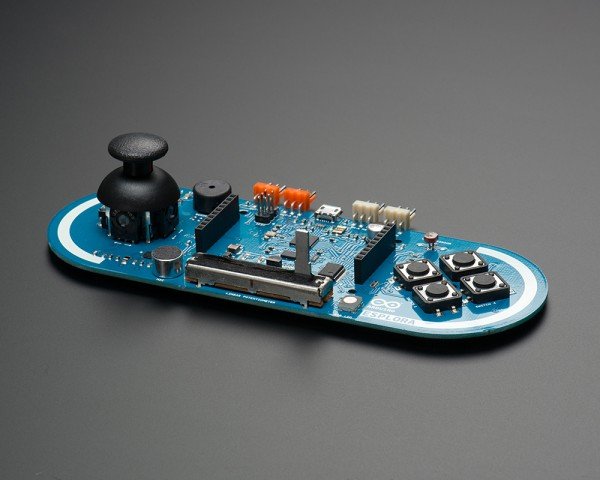
This sketch shows you how to read and calibrate the Esplora’s light sensor. Because light levels vary from one location to another, you need to calibrate the sensor for each location. To do this, you read the sensor for a few seconds, and save the highest and lowest readings as maximum and minimum. You’ll use

Arduino Esplora Light Calibrator Continue Reading

Scroll to Top