Calculator Projects

Timing Belt Calculator

Arduino Timing Belt Calculator (console)

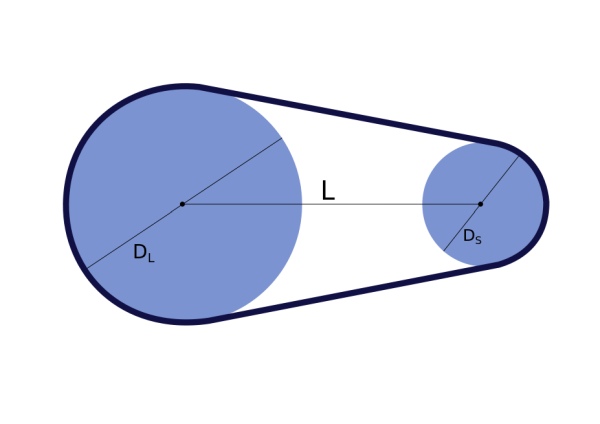
This command-line Python script is a utility to help calculate parameters for timing belt drive systems. A more general discussion of designing with timing belts can be found on the Timing Belt Guide pages. Installation Requirements The code requires a working installation of Python 3 with scipy. For suggestions on setting up your system please see Python 3 Installation.

Arduino Timing Belt Calculator (console) Continue Reading

Arduino Star Jar

Star Jar Geiger counter triggered LED decoration using Arduino

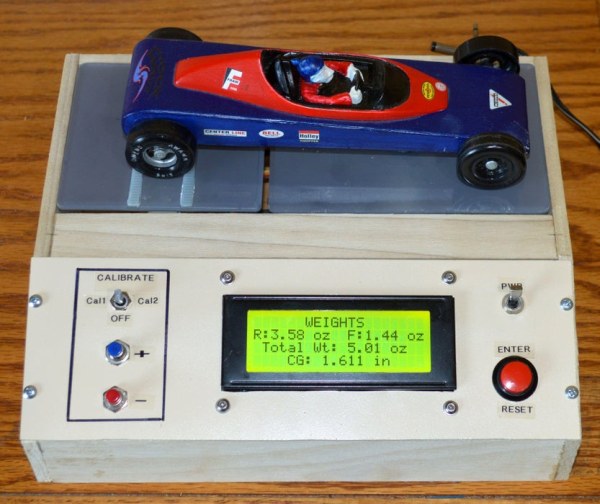
This instructable builds on top of the Geiger counter triggered LED decorations I made last year. This version powers the Geiger counter from the Arduino (itself now powered from a mains adaptor, so I no longer need to keep feeding them batteries) and the LEDs now fade in and out for a more gentle effect.

Star Jar Geiger counter triggered LED decoration using Arduino Continue Reading

Plan the hardware

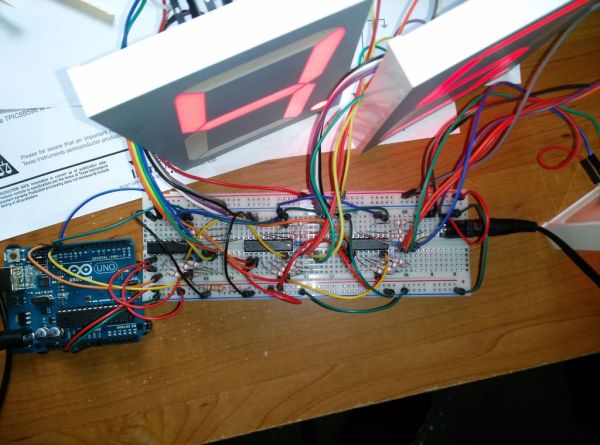
Multiplexing 7 Segment displays with Arduino and Shift Registers

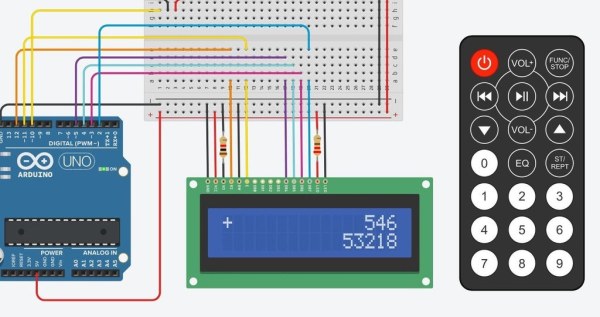
This guide will explain the basics of controlling multiple 7 segment displays using an Arduino and a couple of shift registers. This project is ideal for displaying numerical data or managing a set of LEDs. As a beginner, like me, I had no clue on how to tackle this task. After trying out different methods

Multiplexing 7 Segment displays with Arduino and Shift Registers Continue Reading

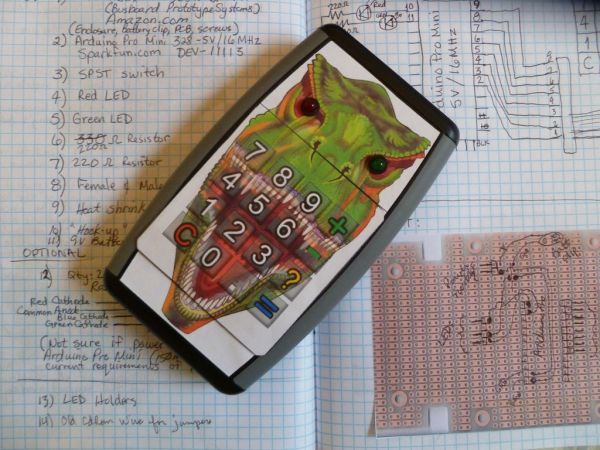
DinoCalc Version 1.0

DinoCalc Version 1.0

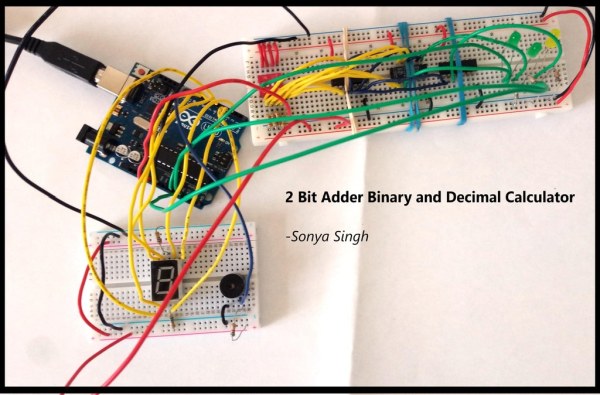
(Arduino Pro Mini Protoboard Version) Latest Release:  http://code.google.com/p/dinocalc/ Development:      https://github.com/WeaselJones/DinoCalc This is a calculator without a LCD that tells you if your math answer is right or wrong, without giving you the answer.  This instructable will show you how to make this simple math checking calculator using “off-the-shelf” items. [UPDATE:  A TUTORIAL SHOWING HOW TO

DinoCalc Version 1.0 Continue Reading

Scroll to Top