
Summary of IOT: LOG SENSOR DATA TO GOOGLE SHEETS USING NODEMCU
This tutorial outlines a cost-effective IoT solution using Google Sheets as a device cloud to log sensor data, avoiding expensive platforms like Azure. It details building a weather monitor with an ESP8266 NodeMCU and DHT11 sensor, utilizing WiFi and Google Apps Script for real-time data transmission to spreadsheets.
Parts used in the Temperature and Humidity Weather Monitor:
- ESP8266 NodeMCU
- DHT11 Temperature and Humidity Sensor
- LED
- Jumper wires
- Bread Board
Data is regarded as the major value proposition of IoT. The ability to receive real time data from different sources, store it and process it into actionable insights to transform and optimize processes either in real time or not is of immense value. This is one of the reasons why device cloud is one of the most important (and sometimes most expensive) part of the architecture of any IoT solution/Project, since the data must be stored in a place where it can be readily accessed for further analysis. For individuals looking to deploy pilots and prototypes of scalable projects on a budget, coughing up the huge sums required for data storage on platforms like Azure, can be quite the burden, and while there are tons of free IoT platforms that can be used, they sometimes have one restriction or the other that makes them not suitable in certain situations. For today’s tutorial, we will look at a cheap/free alternative way to store your data in the cloud. We will look at how you can connect your IoT based devices to Google Sheet so to be able to log data.
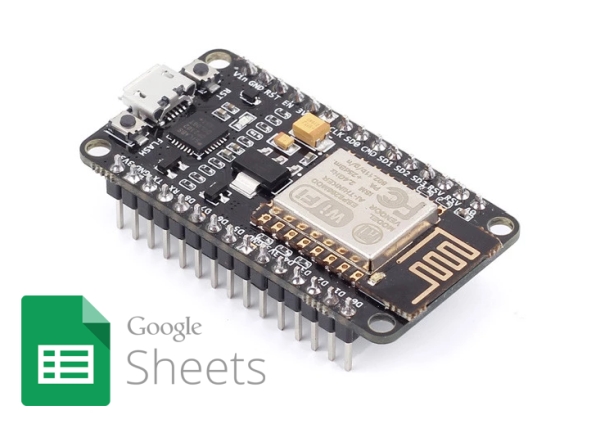
Google sheet is most commonly used in place of Microsoft Excel to develop spreadsheet documents. It provides a good way to store or process data in spreadsheet form and it can be integrated with dozens of other services provided by Google like Maps, to create truly innovative solutions. Through APIs and the use of Google script (Gscript), Google made it easy for developers to programmatically fill in data into a google sheet thus making it easy to build solutions using their services and this is what we will use for this tutorial..
As an example to show the use of Google Sheets as the device cloud, we will build a simple temperature and humidity based IoT weather monitor. The device will obtain temperature and humidity from the environment using DHT11 and upload the data over WiFi to a Google Sheet file.
Ready? let’s jump in.
REQUIRED COMPONENTS
The following components are required to build this project;
- ESP8266 NodeMCU
- DHT11 Temperature and Humidity Sensor
- LED
- Jumper wires
- Bread Board
The nodeMCU is being used because of its popularity and robust WiFi implementation. Any of the other ESP-12e based boards can also be used without much modification to the setup and code.
SCHEMATICS
The schematics for this project is quite straight forward. We only need to connect the LED and DHT to the Nodemcu as shown in the image below.
Read more: IOT: LOG SENSOR DATA TO GOOGLE SHEETS USING NODEMCU
- Why is device cloud important in IoT architecture?
It stores data where it can be readily accessed for further analysis to transform and optimize processes. - What is the main limitation of free IoT platforms mentioned?
They sometimes have restrictions that make them not suitable for certain situations. - How can developers programmatically fill data into a Google Sheet?
By using APIs and Google script (Gscript). - What specific sensors are used in this weather monitor project?
The project uses a DHT11 sensor to obtain temperature and humidity from the environment. - Which board is recommended due to its popularity and robust WiFi implementation?
The ESP8266 NodeMCU is used because of these features. - Can other boards be used instead of the NodeMCU?
Yes, any ESP-12e based boards can be used without much modification to the setup and code. - How does the device upload data to the Google Sheet?
The device uploads the data over WiFi to a Google Sheet file.
