arduino

MIDI Note Player using Arduino

MIDI Note Player using Arduino

This tutorial shows how to play MIDI notes from an Arduino. MIDI, the Musical Instrument Digital Interface, is a useful protocol for controlling synthesizers, sequencers, and other musical devices. MIDI devices are generally grouped in to two broad classes: controllers (i.e. devices that generate MIDI signals based on human actions) and synthesizers (including samplers, sequencers,

MIDI Note Player using Arduino Continue Reading

Serial Call and Response with ASCII encoded output using Arduino

Serial Call and Response with ASCII-encoded output using Arduino

This example demonstrates string-based communication from the Arduino board to the computer using a call-and-response (handshaking) method. The sketch sends an ASCII string on startup and repeats that until it gets a serial response from the computer. Then it sends three sensor values as ASCII-encoded numbers, separated by commas and terminated by a linefeed and

Serial Call and Response with ASCII-encoded output using Arduino Continue Reading

Serial Call and Response using Arduino

Serial Call and Response using Arduino

This example demonstrates multi-byte communication from the Arduino board to the computer using a call-and-response (handshaking) method. This sketch sends an ASCII A (byte of value 65) on startup and repeats that until it gets a serial response from the computer. Then it sends three sensor values as single bytes, and waits for another response

Serial Call and Response using Arduino Continue Reading

Arduino Calibration

Calibrating sensor input using Arduino

This example demonstrates one techinque for calibrating sensor input. The Arduino takes sensor readings for five seconds during the startup, and tracks the highest and lowest values it gets. These sensor readings during the first five seconds of the sketch execution define the minimum and maximum of expected values for the readings taken during the

Calibrating sensor input using Arduino Continue Reading

Arduino 4wd robot with ping sensor J Bot

Arduino 4wd robot with ping sensor “J-Bot”

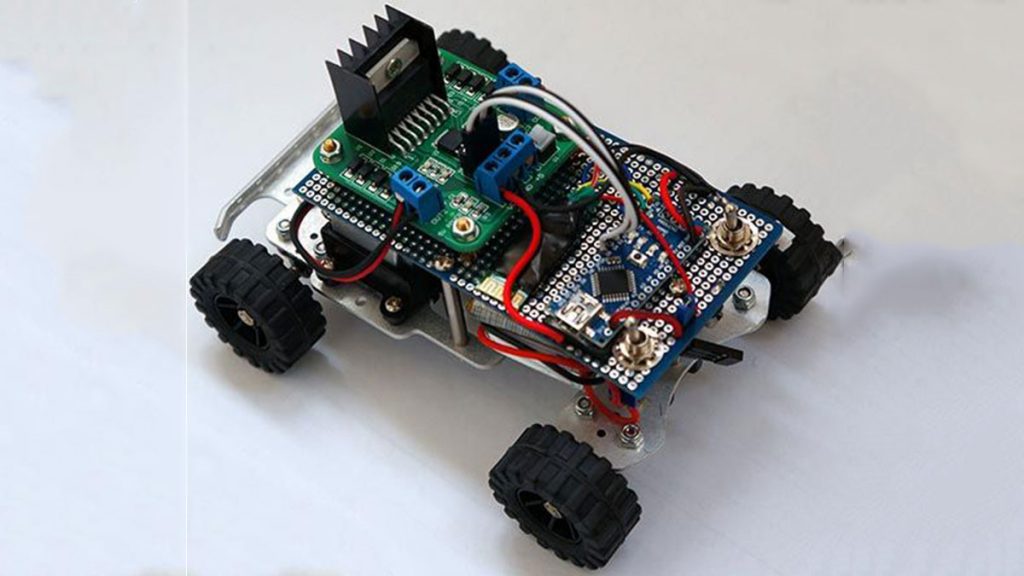
Experience Level: Intermediate (requires soldering) Time Required: 3-5 hours depending on experience J-BOT Kit  Jameco P/N 2140285 Someone mentioned that Jameco needed a robotic mascot. I have always been a tinkerer, especially with radio-controlled electronics and so I volunteered for the chance to design and create the J-Bot. While this was my first autonomous

Arduino 4wd robot with ping sensor “J-Bot” Continue Reading

Scroll to Top