
Summary of Rotary Encoder Video Tutorial with Arduino Code
This tutorial demonstrates an Arduino project using interrupts to track rotary encoder movement. By monitoring signal transitions on pins 0 and 1, the code increments or decrements a pulse counter based on the state of the second signal pin, determining direction. The calculated pulse count is then printed to the Serial Monitor for real-time feedback without blocking the main loop execution.
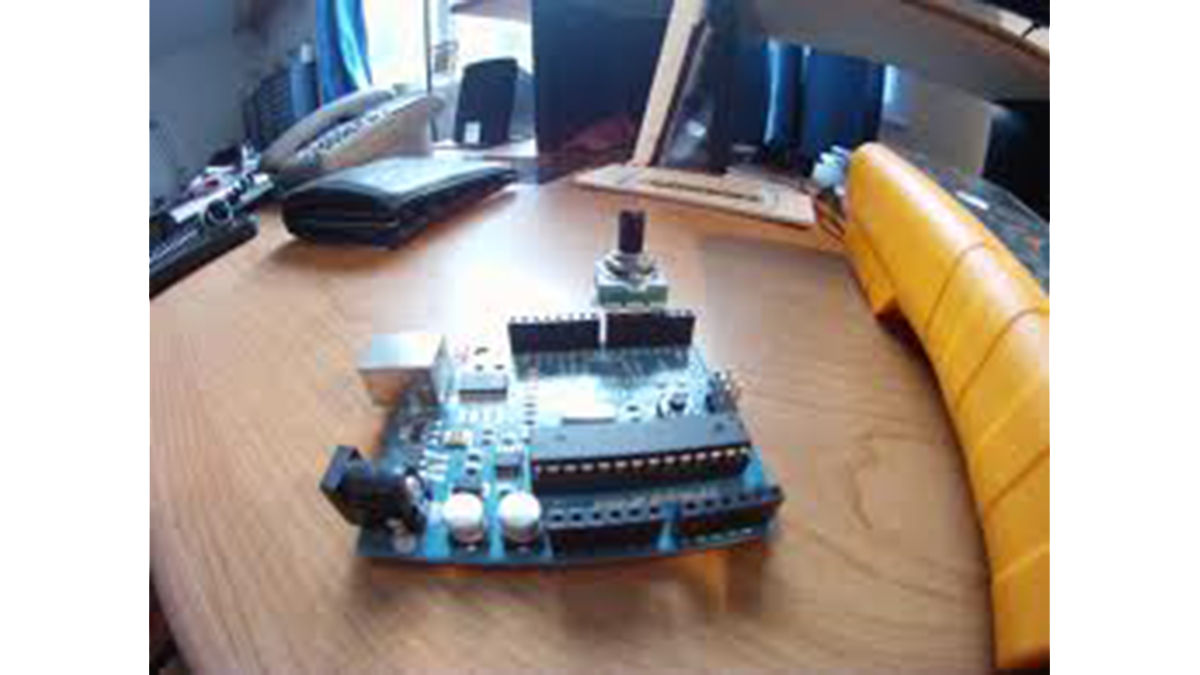
Parts used in Rotary Encoder Tutorial with Arduino Code:
- Arduino Board
- Rotary Encoder
- Serial Monitor
Rotary Encoder Tutorial with Arduino Code
int pulses, A_SIG=0, B_SIG=1;
void setup(){
attachInterrupt(0, A_RISE, RISING);
attachInterrupt(1, B_RISE, RISING);
Serial.begin(115200);
}//setup
void loop(){
}
 void A_RISE(){
detachInterrupt(0);
A_SIG=1;
if(B_SIG==0)
pulses++;//moving forward
if(B_SIG==1)
pulses--;//moving reverse
Serial.println(pulses);
attachInterrupt(0, A_FALL, FALLING);
}
void A_FALL(){
detachInterrupt(0);
A_SIG=0;
void A_RISE(){
detachInterrupt(0);
A_SIG=1;
if(B_SIG==0)
pulses++;//moving forward
if(B_SIG==1)
pulses--;//moving reverse
Serial.println(pulses);
attachInterrupt(0, A_FALL, FALLING);
}
void A_FALL(){
detachInterrupt(0);
A_SIG=0;
For more detail: Rotary Encoder Video Tutorial with Arduino Code
- How does the code determine rotation direction?
The code checks if B_SIG is 0 to increment pulses for forward motion or 1 to decrement pulses for reverse motion. - What interrupt triggers are used in the setup?
The setup attaches interrupts to RISING edges on pin 0 and pin 1 initially. - Where is the pulse count output sent?
The pulse count is sent to the Serial Monitor using Serial.println. - Does the main loop function contain processing logic?
No, the provided loop function is empty as all processing happens within the interrupt service routines. - How does the code handle the A_FALL event?
The A_FALL function detaches the rising interrupt, sets A_SIG to 0, and prepares for the next cycle. - What baud rate is configured for serial communication?
The serial communication is initialized at a baud rate of 115200. - Can this code detect both forward and reverse movement?
Yes, it detects forward movement by incrementing and reverse movement by decrementing the pulse variable.
