
Summary of Make an Arduino-Controlled Robot by Michael Margolis E-Book
This book guides readers in building and programming Arduino-controlled robots capable of sensing environments and performing tasks. It covers concepts like movement, obstacle detection, and remote control for both two-wheeled and four-wheeled platforms. Using motor shields, servos, DC motors, and various sensors, learners can create autonomous or command-driven robots suitable for education or hobbyist projects with basic programming knowledge.
Parts used in Make an Arduino Controlled Robot:
- Arduino microcontroller
- Software creation environment
- Motor shields
- Servos
- DC motors
- Distance sensors
- Infrared reflectance sensors
- Remote control receivers
Building robots that sense and interact with their environment used to be tricky. Now, Arduino makes it easy. With this book and an Arduino microcontroller and software creation environment, you’ll learn how to build and program a robot that can roam around, sense its environment, and perform a wide variety of tasks. All you to get started with the fun projects is a little programming experience and a keen interest in electronics.
Make a robot that obeys your every command—or runs on its own.
Maybe you’re a teacher who wants to show students how to build devices that can move, sense, respond, and interact with the physical world. Or perhaps you’re a hobbyist looking for a robot companion to make your world a little more futuristic. With Make an Arduino Controlled Robot, you’ll learn how to build and customize smart robots on wheels.
You will:
- Explore robotics concepts like movement, obstacle detection, sensors, and remote control
- Use Arduino to build two- and four-wheeled robots
- Put your robot in motion with motor shields, servos, and DC motors
- Work with distance sensors, infrared reflectance sensors, and remote control receivers
- Understand how to program your robot to take on all kinds of real-world physical challenges
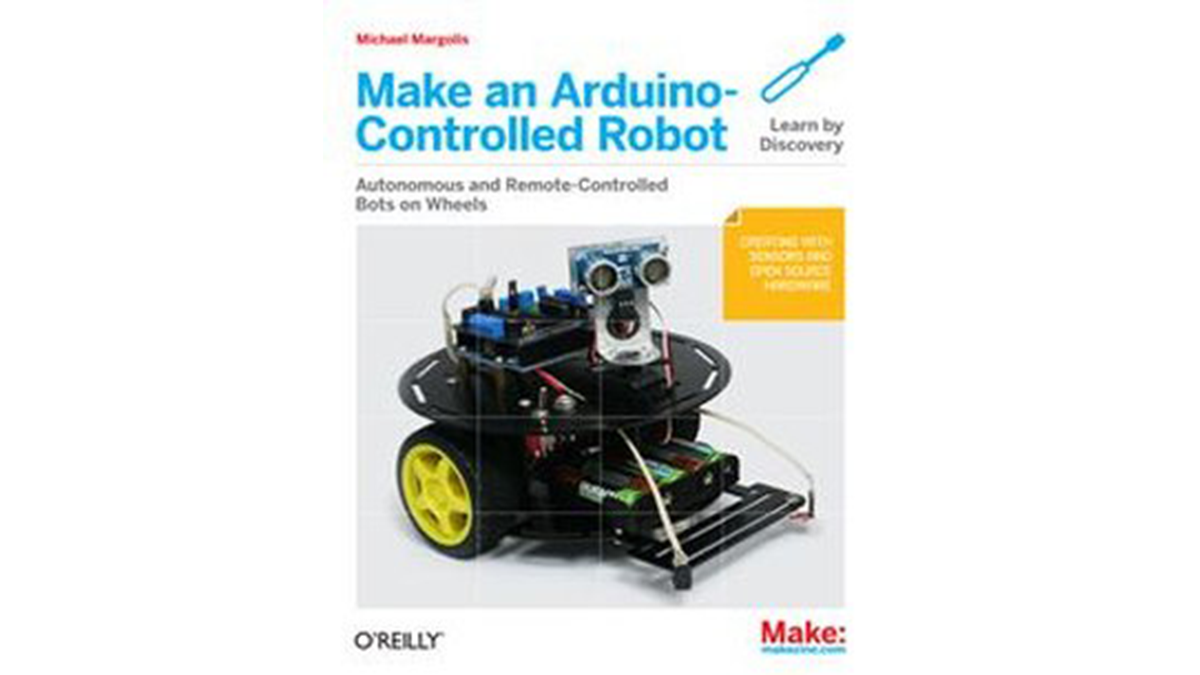
Table of Contents:
Chapter 1 Introduction to Robot Building
Chapter 2 Building the Electronics
Chapter 3 Building the Two-Wheeled Mobile Platform
Chapter 4 Building the Four-Wheeled Mobile Platform
Chapter 5 Tutorial: Getting Started with Arduino
Chapter 6 Testing the Robot’s Basic Functions
Chapter 7 Controlling Speed and Direction
Chapter 8 Tutorial: Introduction to Sensors
Chapter 9 Modifying the Robot to React to Edges and Lines
Chapter 10 Autonomous Movement
Chapter 11 Remote Control
Appendix Enhancing Your Robot
Appendix Using Other Hardware with Your Robot
Appendix Debugging Your Robot
Appendix Power Sources
Appendix Programming Constructs
Appendix Arduino Pin and Timer Usage
Link to Purchase E-Book:
- How do you make a robot that obeys your every command?
You can build and program a smart robot on wheels using the book to run autonomously or obey commands. - What robotics concepts are explored in the book?
The book explores movement, obstacle detection, sensors, and remote control. - Can you use Arduino to build different types of robots?
Yes, you can use Arduino to build both two-wheeled and four-wheeled robots. - What hardware is used to put a robot in motion?
Motor shields, servos, and DC motors are used to put the robot in motion. - Which sensors are used to work with distance and reflection?
Distance sensors and infrared reflectance sensors are utilized for these functions. - Does the book cover programming for real-world challenges?
Yes, it helps you understand how to program your robot to take on all kinds of real-world physical challenges. - What is the best way to learn about getting started with Arduino?
Chapter 5 provides a tutorial specifically for getting started with Arduino. - How can you modify the robot to react to edges and lines?
Chapter 9 explains how to modify the robot to react to edges and lines.
