
Summary of iOS Sensor Apps with Arduino by Alasdair Allan E-Book
This concise guide shows Objective-C developers how to connect external sensors to iPhone or iPad via an Arduino microcontroller, build an iOS app to receive, parse, and plot sensor data in real time, and extend iOS sensing with low-cost hardware. It covers Arduino basics, required components, and step-by-step integration for distributed sensor networks.
Parts used in the iOS Sensor Apps with Arduino Project:
- iPhone or iPad
- Arduino microcontroller
- External sensor(s)
- Connecting cables (USB or serial)
- Computer for development
- iOS development environment (Objective-C)
- Power supply for Arduino
Book Description
Turn your iPhone or iPad into the hub of a distributed sensor network with the help of an Arduino microcontroller. With this concise guide, you’ll learn how to connect an external sensor to an iOS device and have them talk to each other through Arduino. You’ll also build an iOS application that will parse the sensor values it receives and plot the resulting measurements, all in real-time.
iOS processes data from its own onboard sensors, and now you can extend its reach with this simple, low-cost project. If you’re an Objective-C programmer who likes to experiment, this book explains the basics of Arduino and other hardware components you need – and lets you have fun in the process.
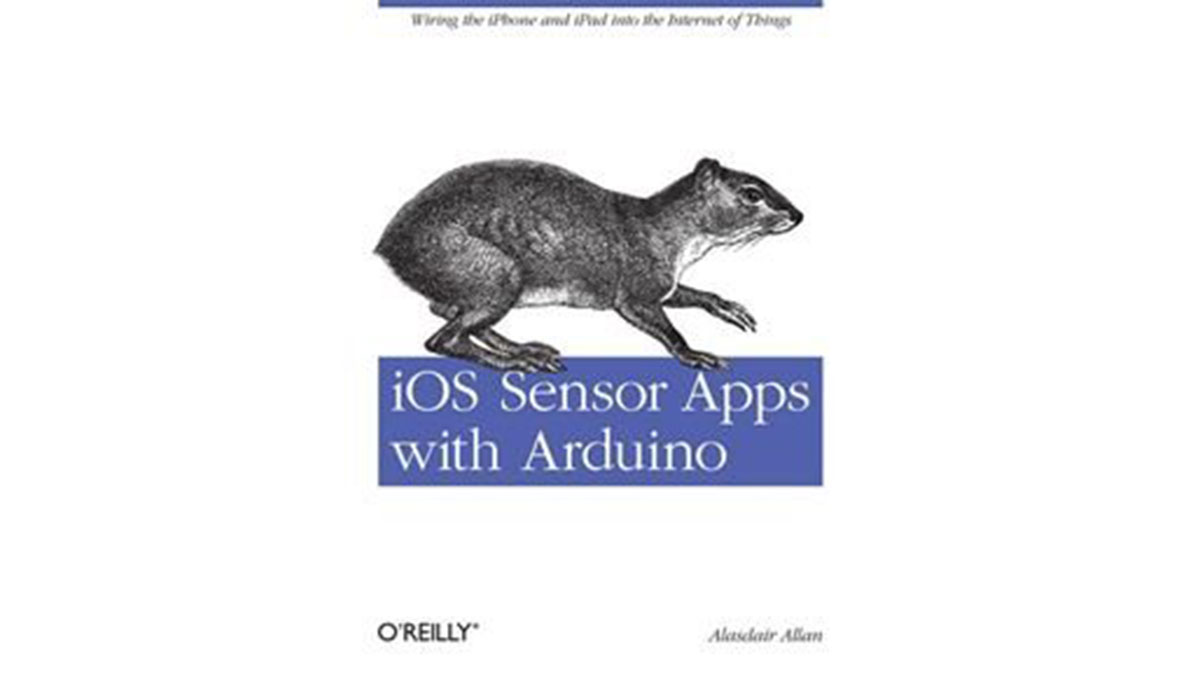
Book Details |
|
| Publisher: | O’Reilly Media |
| By: | Alasdair Allan |
| ISBN: | 978-1-44930-848-3 |
| Year: | 2011 |
| Pages: | 128 |
| Language: | English |
| File size: | 43.5 MB |
| File format: | |
Link to Purchase E-Book: |
|
| Buy: | iOS Sensor Apps with Arduino by Alasdair Allan E-Book |
Purchase Arduino by Emily Gertz E-Book
- Can I connect external sensors to an iPhone or iPad?
Yes, by using an Arduino microcontroller to interface the external sensors with the iOS device. - What programming language is used for the iOS app in the project?
The book uses Objective-C for building the iOS application. - Does the project show how to plot sensor measurements in real time?
Yes, the iOS application parses received sensor values and plots the resulting measurements in real time. - Is Arduino required for this project?
Yes, the Arduino microcontroller is used to connect external sensors to the iOS device. - Can iOS process data from onboard sensors as well as external ones?
Yes, iOS processes data from its own onboard sensors and the project shows how to extend that reach with external sensors via Arduino. - Is this project intended for beginners or experienced developers?
The book is aimed at Objective-C programmers who like to experiment and explains Arduino basics and required hardware. - Does the book cover hardware component details?
Yes, it explains the basics of Arduino and other hardware components needed for the project. - Is this a low-cost project?
Yes, the description characterizes it as a simple, low-cost project.
