
Summary of Arduino String Comparison Operators Code
This article explains how to compare strings in Arduino using operators like ==, !=, >, =, <= and functions equals() and equalsIgnoreCase(). It highlights that == and equals() are identical, while relational operators sort alphabetically. A warning is given against comparing numeric strings as they may yield unexpected results compared to integer comparisons. The project requires only an Arduino board connected via USB, with no external circuit components needed.
Parts used in the String Comparison Operators Project:
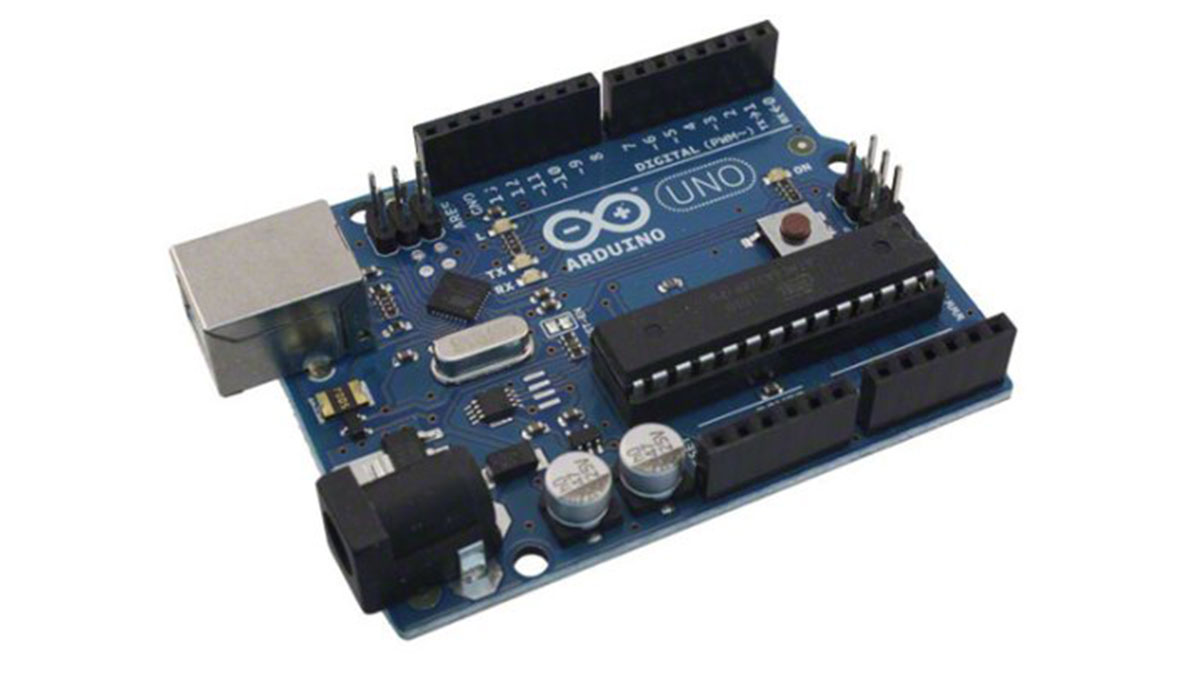
- Arduino Board
The String comparison operators, ==, !=,>, < ,>=, <= , and the functionsequals() and equalsIgoreCase() allow you to make alphabetic comparisons between Strings. They’re useful for sorting and alphabetizing, among other things.
The operator == and the function equals() perform identically. It’s just a matter of which you prefer. So
is identical to
The greater than and less than operators evaluate strings in alphabetical order, on the first character where the two differ. So, for example "a" < "b" and "1" < "2", but "999"> "1000" because 9 comes after 1.
Caution: String comparison operators can be confusing when you’re comparing numeric strings, because you’re used to thinking of them as numbers, not strings. If you have to compare numbers, compare them as ints, floats, or longs, and not as Strings.
Circuit
There is no circuit for this example, though your Arduino must be connected to your computer via USB.
image developed using Fritzing. For more circuit examples, see the Fritzing project page
Code
/*
Comparing Strings

Examples of how to compare strings using the comparison operators

created 27 July 2010
modified 2 Apr 2012
by Tom Igoe

http://arduino.cc/en/Tutorial/StringComparisonOperators

This example code is in the public domain.
*/

String stringOne, stringTwo;

void setup() {
// Open serial communications and wait for port to open:
Serial.begin(9600);
while (!Serial) {
; // wait for serial port to connect. Needed for Leonardo only
}
Hardware Required
- Arduino Board
For more detail: Arduino String Comparison Operators Code
- Which operators allow alphabetic string comparisons?
The operators ==, !=, >, =, <= and functions equals() and equalsIgnoreCase() allow for alphabetic comparisons. - Do the == operator and equals() function perform differently?
No, the operator == and the function equals() perform identically; it is a matter of preference which you use. - How do greater than and less than operators evaluate strings?
They evaluate strings in alphabetical order based on the first character where the two differ. - Why is comparing numeric strings confusing?
String comparison operators can be confusing because users expect them to act as numbers, but they are treated as text characters. - What is the best way to compare numbers in this context?
If you have to compare numbers, compare them as ints, floats, or longs, and not as Strings. - Is there a circuit required for this example?
There is no circuit for this example, though your Arduino must be connected to your computer via USB. - Can I use equalsIgnoreCase() for case-sensitive comparisons?
The article lists equalsIgnoreCase() as a function for making alphabetic comparisons but does not explicitly define its behavior regarding case sensitivity.
