Projects

Arduino control a Servo

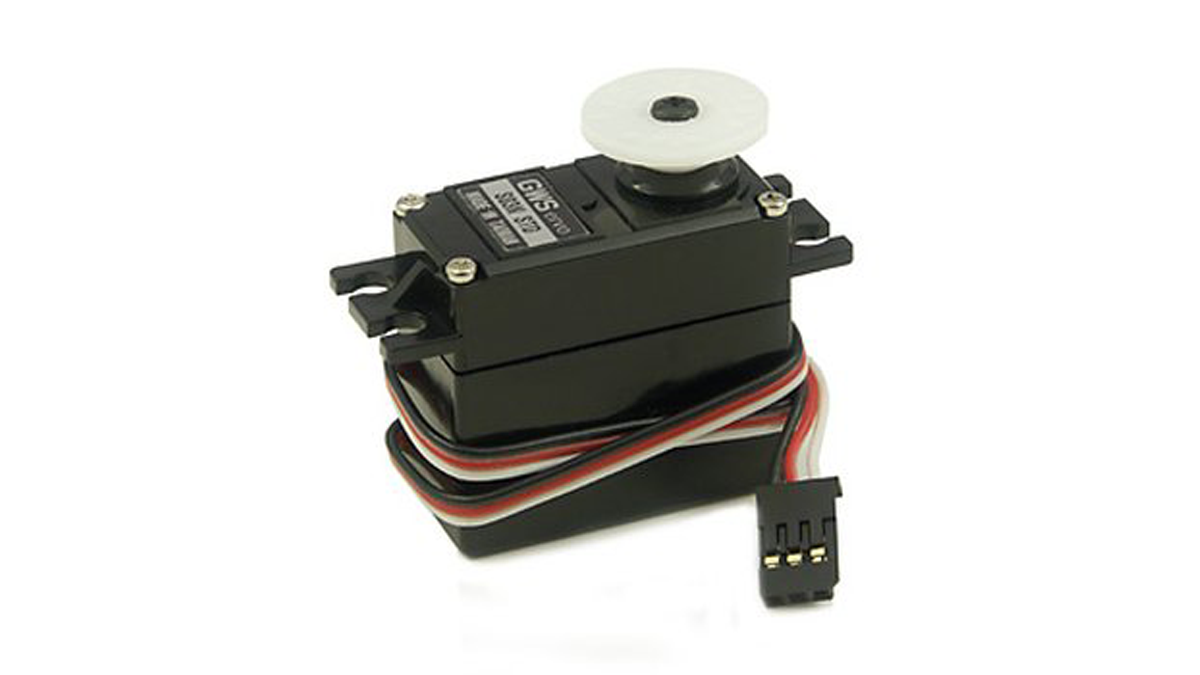
How to control a Servo using Arduino

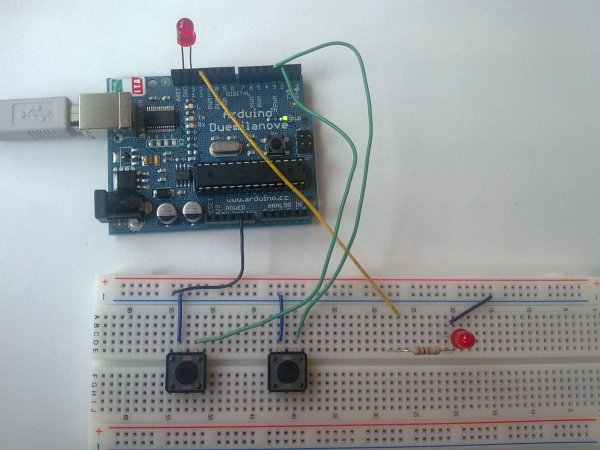
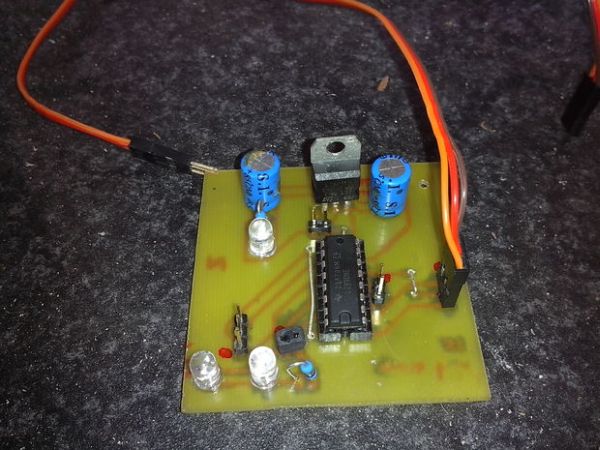
In this one, servo is programmed to be controlled by two buttons, one turns servo to the left and the other one turns it to the right. When the servo is turning, corresponding LED will be switched on to indicate the operation. Result: Because Arduino has built-in library for controlling servo, which makes servo a […]
Better LED as light sensor

Better LED as light sensor

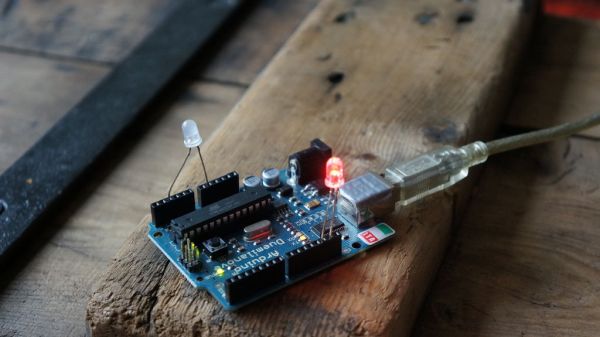
As a result of the questions from lekirst  on this ible of my hand: LED-as-lightsensor-on-the-arduino/ and the cleaner code made by hansc44 at:  Arduino-Use-LED-as-a-light-sensor/ it was time to come with a better Ible. So here it is. (I didn’t solve lekirst’s problems yet so she probably is open for suggestions) What is the idea? You might know that a LED emits light […]

Frameless Laser Harp1

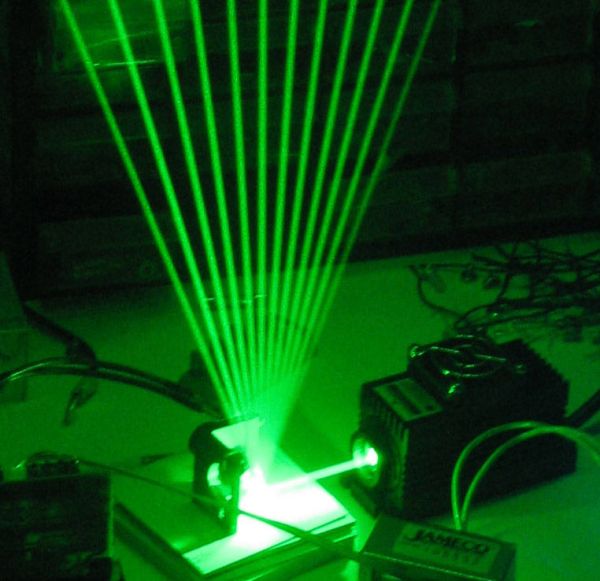
Frameless Laser Harp

We are a generation that love sound and light – can’t do without them really. Our most preferred time of day is night, or what we would call evening. We are particularly well acquainted with technology; doesn’t hurt these days. Our prerequisite for everything is that it be ‘cool’. Put it all together and in […]

Input Pullup Serial using Arduino

Input Pullup Serial using Arduino

This example demonstrates the use of INPUT_PULLUP with pinMode(). It monitors the state of a switch by establishingserial communication between your Arduino and your computer over USB. Additionally, when the input is HIGH, the onboard LED attached to pin 13 will turn on; when LOW, the LED will turn off. Circuit image developed using Fritzing. For more […]

Arduino Chessclock

Arduino Chessclock

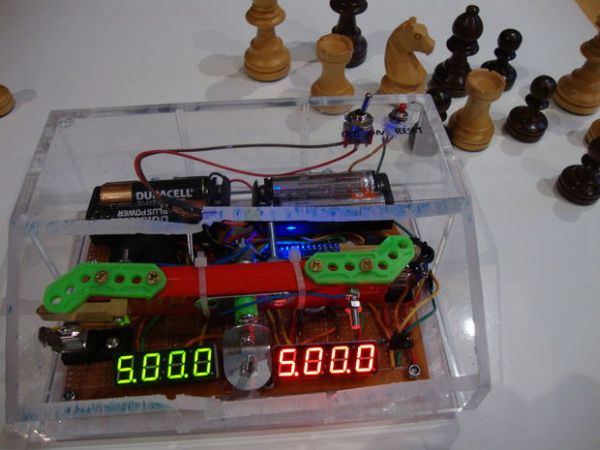
I could not find instructions on a good Arduino chess clock so instead I built my own which I will describe here. Step 1: Parts list Step 2: Prototyping The whole project can be split into these parts: 1. getting the circuit right 2. the program 3. the physical layout This step is optional since […]

ATtiny programming

ATtiny programming with Arduino

After this Instructable you should be able to program an A Ttiny85/45 with an arduino. It may sound complex but it really isn’t. After doing some research I could not find to much info on how this could be done. I however did find http://www.instructables.com/id/Program-an-ATtiny-with-Arduino/. This Instructable is my interpretation of what I learned from Randy. Step […]

Water Flow Gauge

Water Flow Gauge using Arduino

Measuring the consumption of a resource that has units by volume can be more tricky than it sounds. Use of resources such as water, gas, and even electricity is typically measured by gauges that determine either instantaneous flow rate or cumulative volume over time. Both techniques have problems: measuring flow rate at frequent intervals allows […]

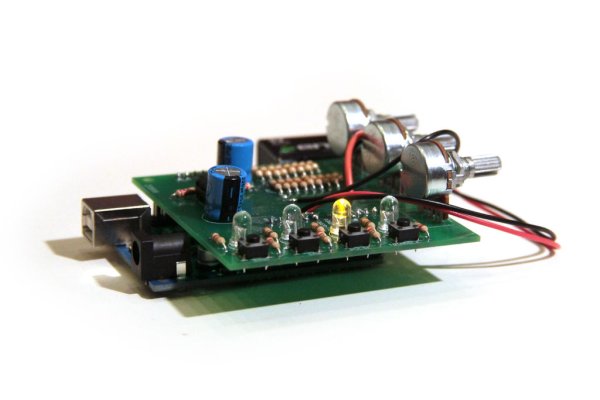
Arduino Waveform Generator Shield

Arduino Waveform Generator Shield

Waveform generators (also called function generators) are useful for testing and debugging circuits. They can be used to test the frequency response of electronic components like op amps and sensors or to characterize and troubleshoot audio effects boxes and pedals. This waveform generator shield is powered by an Arduino. It outputs four waveforms: sine, triangle, […]

Arduino PMW enabled high power shield or non shield on the cheap

Arduino PMW enabled high power shield or non-shield on the cheap

Micro controllers are great, but have you ever wanted to control something bigger then, lets say an LED? If you have, look no further (unless you want more then 0.6Amps for 4 channels, or 2.4Amps for 1 channel), unless you don’t mind spending more money. This instructable will be all about building your own, preferably […]

Arduino Blinky Fish

Blinky Fish using an Arduino

Assembly instructions for an add-on board for the Arduino. **** FOR INSTRUCTIONS FOR MARCH 2013, KICKSTARTER PROJECT GO HERE http://www.instructables.com/id/Blinky-Fish-Kickstarter-Project/  ************ It has some LED’s and a button. It connects to digital pins 9-13 and ground.  My hope is that this will be useful to people that want to play with writing code for the Arduino, but don’t want […]

Scroll to Top