leds

Multiple LEDs Breadboards With Arduino in Tinkercad

Multiple LEDs & Breadboards With Arduino in Tinkercad

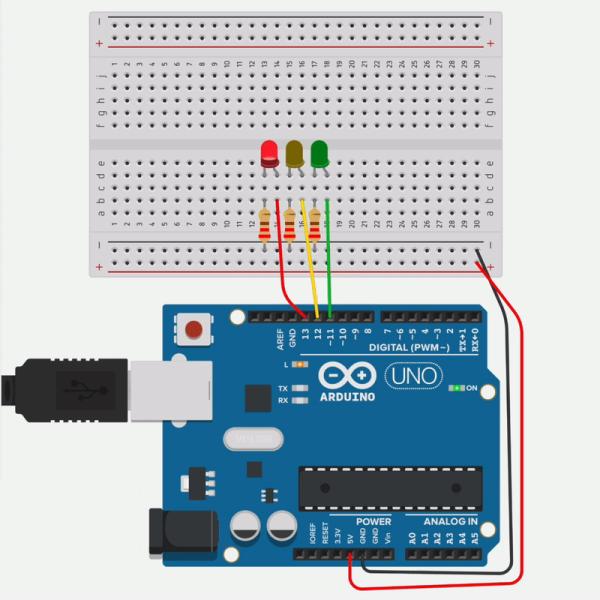
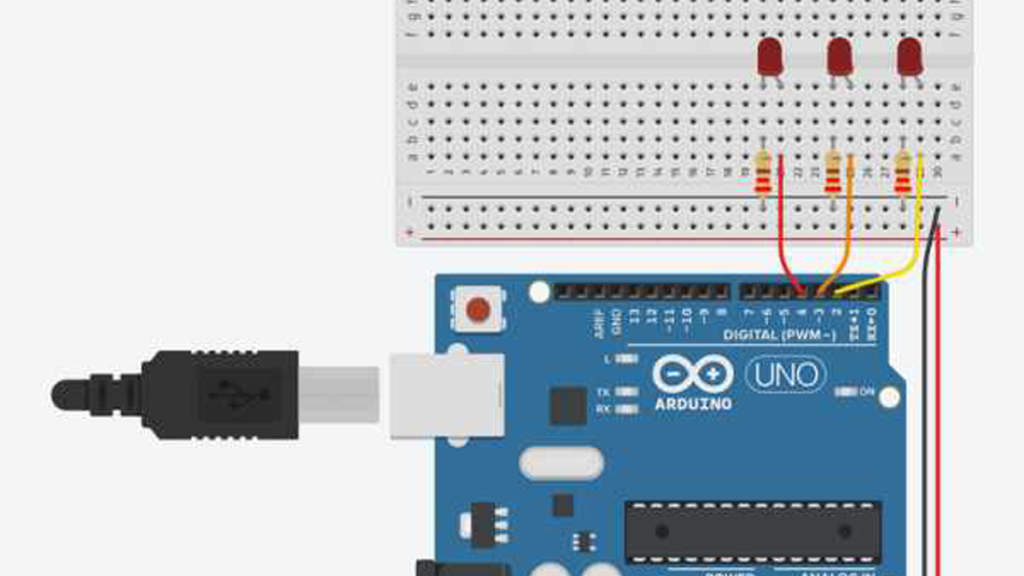
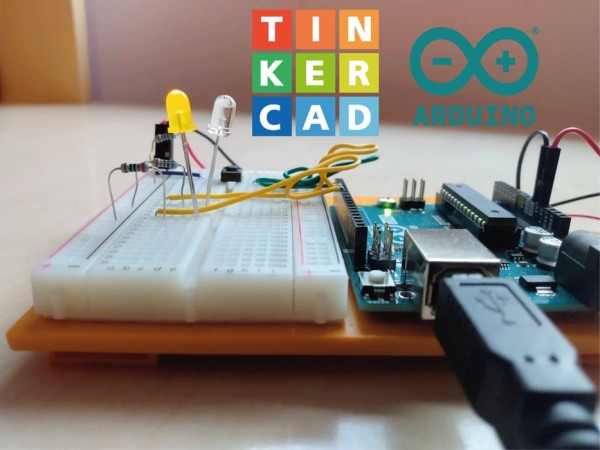
Let’s learn how to control multiple LEDs using Arduino’s digital outputs and a breadboard. Expanding upon the last lesson on blinking an LED, We’ll connect some LEDs to the Arduino Uno and compose a simple program to light them up in a pattern. You can follow along virtually using Tinkercad Circuits. You can even view this lesson from

Multiple LEDs & Breadboards With Arduino in Tinkercad Continue Reading

Build the LED Circuit

Ultrasonic Distance Sensor in Arduino With Tinkercad

Let’s measure distances with an ultrasonic rangefinder (distance sensor) and Arduino’s digital input. We’ll connect up a circuit using a breadboard and use some simple Arduino code to control a single LED. You may have already learned to read a pushbutton and PIR motion sensor with Arduino’s digital input, and we’ll build on those skills in this lesson. Ultrasonic

Ultrasonic Distance Sensor in Arduino With Tinkercad Continue Reading

Glowing Ornament

Glowing Ornament

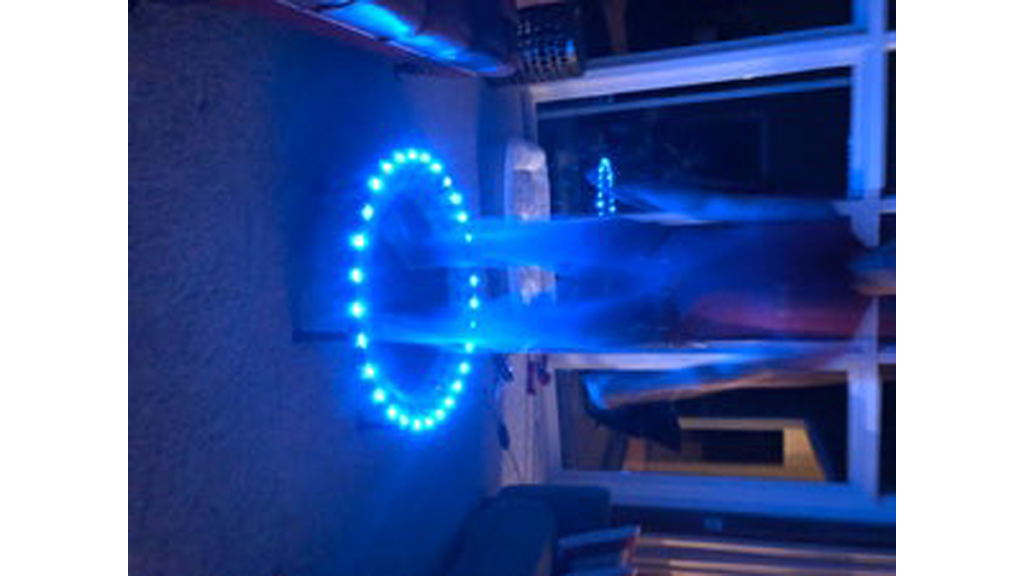
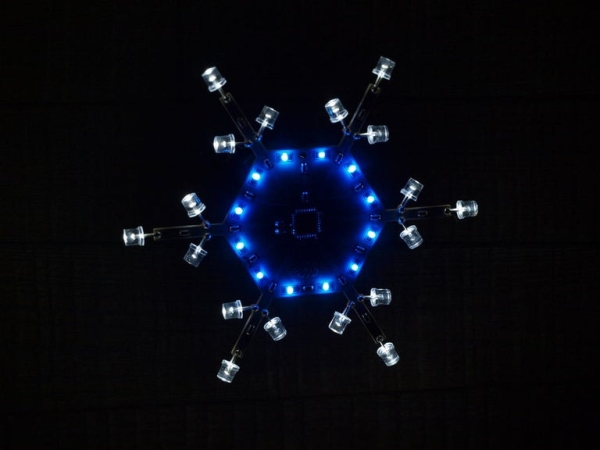
Original glowing ornament for your Xmas tree. It’s made from brass rods wired by a freeform method and contains 18 glowing LEDs. Step 1: Tools soldering iron solder soldering paste 0.8mm brass rod 18x SMD LED coin battery on/off switch Step 2: The Rings The main challenge here is to create a round shape from

Glowing Ornament Continue Reading

Scroll to Top