Projects

Arduino Temperature Displayed

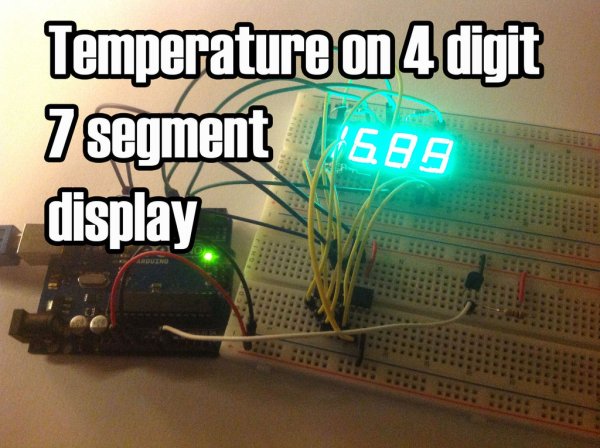
Temperature Displayed on 4 Digit 7 segment using Arduino

In this project I’ll display the temperature in a 4 digit 7 segment display (common anode). The sensor is the cheapest you can find so actually the temperature changes pretty easily which makes the display to show always different temperatures. But the idea is to apply this code to other projects with 7 segment displays

Temperature Displayed on 4 Digit 7 segment using Arduino Continue Reading
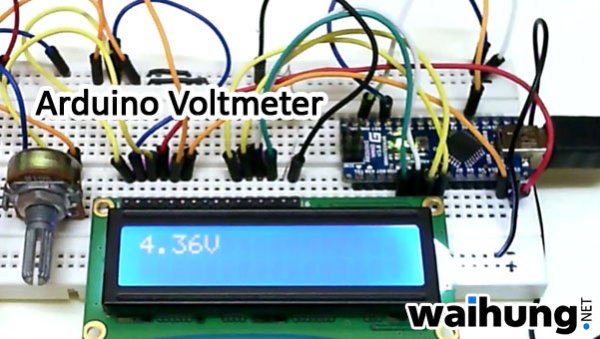
Arduino Voltmeter

Arduino Voltmeter Code

This arduino projects show how to make voltmeter with your arduino. It use voltage divider concept to estimate the voltage input. Instruction; 1) Connect all jumper wire as shown in diagram. Upload this code to your arduino /*   Voltmeter   Voltmeter base on voltage divider concept.   Code based on: http://www.clarenceho.net:8123/blog/articles/2009/05/17/arduino-test-voltmeter   Coded by: arduinoprojects101.com */ // include the library code: #include <LiquidCrystal.h> // initialize the library with the numbers of the interface pins LiquidCrystal lcd(7, 8, 9, 10, 11, 12);

Arduino Voltmeter Code Continue Reading

The smallest USB Arduino

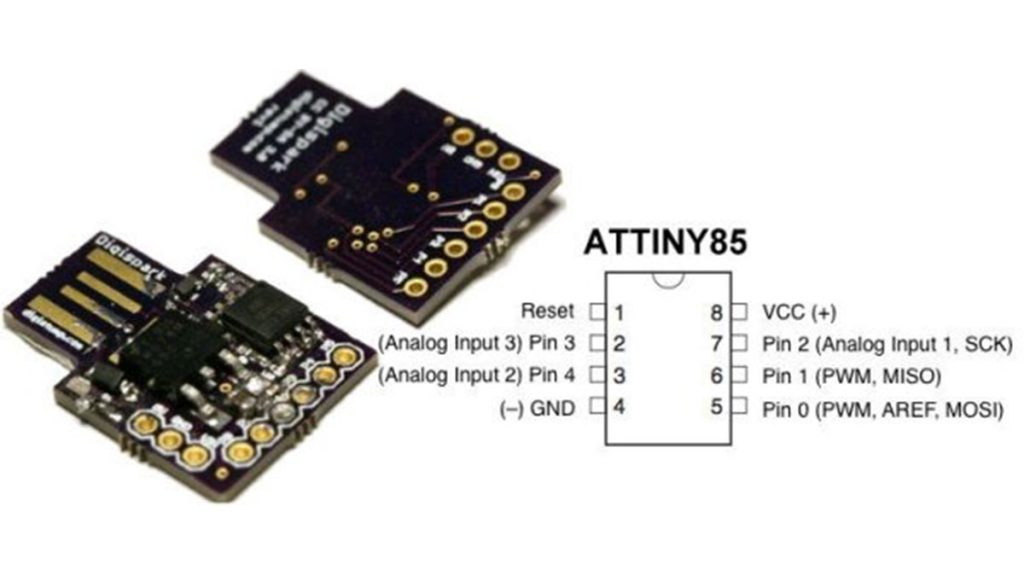
Digispark DIY: The smallest USB Arduino

Digispark is an ATtiny85 based microcontroller development board come with USB interface. Coding is similar to Arduino, and it use the familiar Arduino IDE for development. Digispark is copyrighted by Digistump LLC (digistump.com) and the full license is here: http://digistump.com/wiki/digispark/policy Specification: Support for the Arduino IDE 1.0+ (OSX/Win/Linux) Power via USB or External Source – 5v

Digispark DIY: The smallest USB Arduino Continue Reading

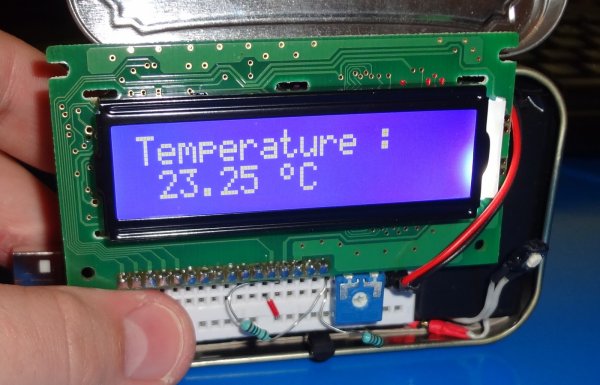
Arduino Temperature Sensor

Arduino Temperature Sensor Code

This arduino projects show how to read Celsius and Fahrenheit temperature with LM35 temperature sensor. Parts List; 1) 1x 16×2 parallel LCD display (compatible with Hitachi HD44780 driver) 2) 1x Arduino 3) 1x 10kΩ potentiometer 4) 1x LM35 temperature sensor 5) Jumper wire Instruction; 1) Connect all jumper wire as shown in diagram. 2) Connect

Arduino Temperature Sensor Code Continue Reading

Scroll to Top