Projects

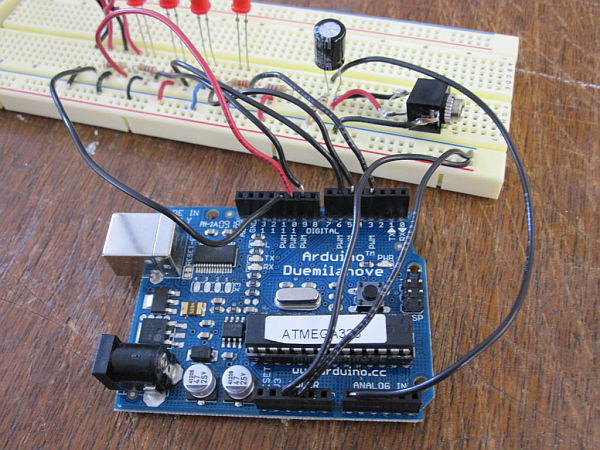
Arduino circuit 1

ASCII Table using Arduino

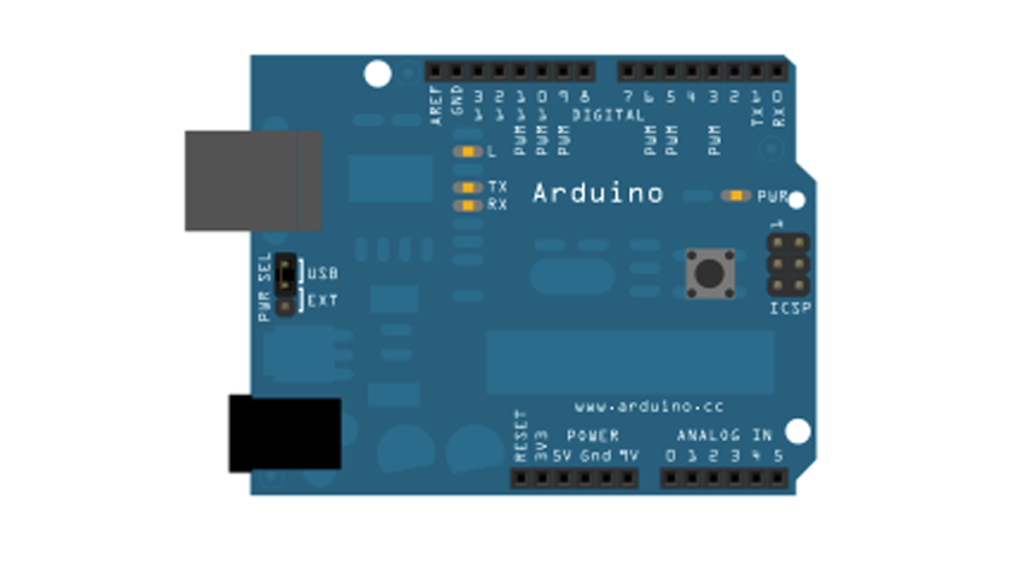
Demonstrates the advanced serial printing functions by generating a table of characters and their ASCII values in decimal, hexadecimal, octal, and binary. For more on ASCII, see asciitable.com Circuit image developed using Fritzing. For more circuit examples, see the Fritzing project page None, but the Arduino has to be connected to the computer. Code /* ASCII table Prints

ASCII Table using Arduino Continue Reading
Wii Nunchuck Arduino

Wii Nunchuck Arduino Spirit Level

Thanks to: http://jeonlab.wordpress.com/ Since I have read an article on todbot blog, I bought a couple of Wii Nunchucks from ebay. I don’t remember how much I paid for them, but it was much cheaper than buying the accelerometer breakout boards. With the nunchuck data reading library shared by todbot (Thanks!), I could easily read the accelerometer data

Wii Nunchuck Arduino Spirit Level Continue Reading

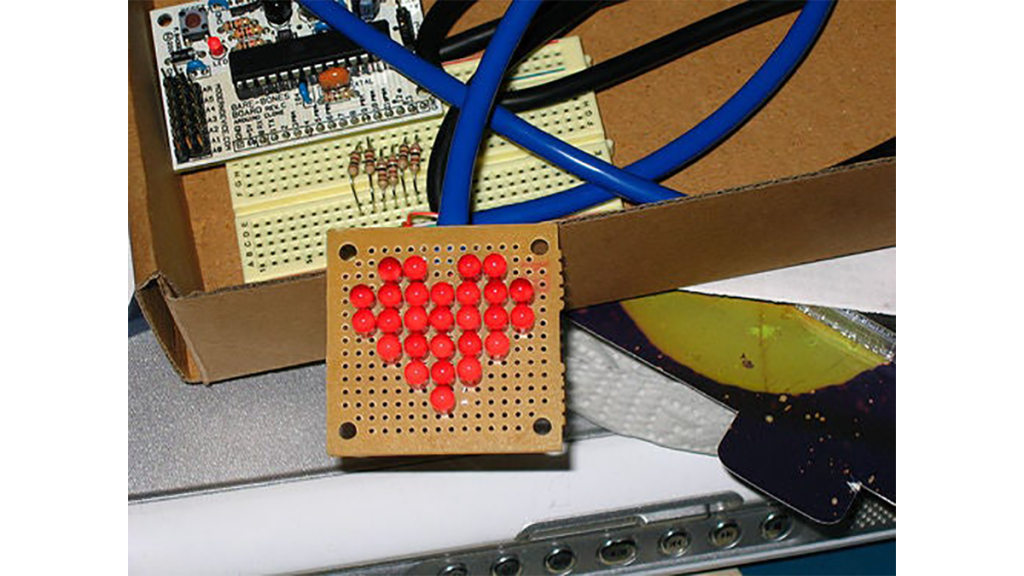
Arduino Row column Scanning to control an 8x8 LED Matrix

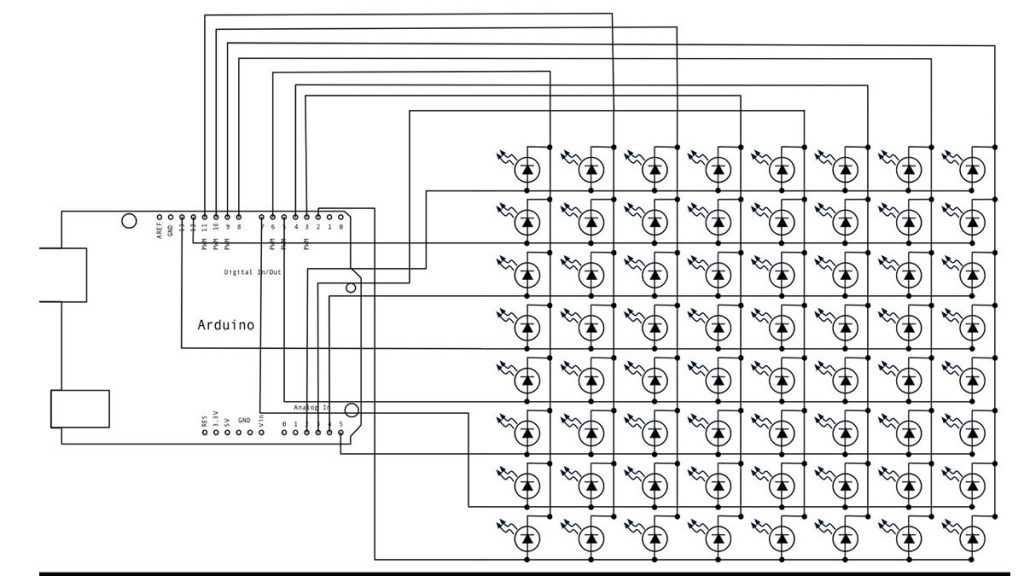
Arduino Row-column Scanning to control an 8×8 LED Matrix Code

LED displays are commonly packaged as arrays of LEDs organized in rows with shared positive terminals and columns with shared negative terminals, or vice versa. Here is a standard illustration, along with its diagram: These exhibits can be very useful. To control a matrix, you connect its rows and columns to your microcontroller. The columns

Arduino Row-column Scanning to control an 8×8 LED Matrix Code Continue Reading

Representing audio

Representing audio through vibration with Arduino

This project functions to display sound using vibration.  You plug your iPod, computer, or TV into it and get tactile feedback representing the loudness of the audio.  It can help deaf people to experience sound. Stuff you need: Arduino USB Cable Computer running Arduino software (www.arduino.cc/download/) Breadboard LEDs Pager Motors Three 100K resistors Six 220uF resistors

Representing audio through vibration with Arduino Continue Reading

Scroll to Top