
LED Projects

Arduino light sculpture

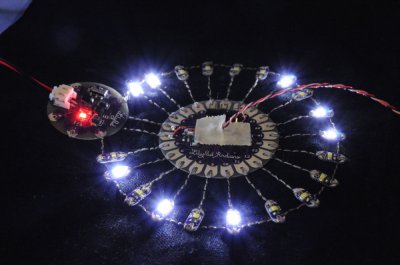
3-dimensional Star Cluster using an Arduino

This instructable will guide you through the process of making your very own star-cluster from LEDs and acrylic. I made this piece for my electronics final project at college and had access to a machine shop. This instructable assumes that you have access to similar tools. This project was very much inspired by http://www.instructables.com/id/working-progress-n-how-to-make-a-multilayered-a/#step8. Step 1:

3-dimensional Star Cluster using an Arduino Continue Reading
Freeform Arduino

Freeform Arduino

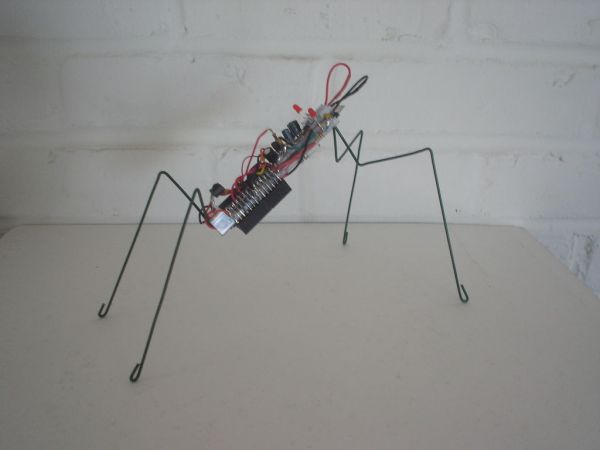
As an artist, sometime I created an art pieces without planning ahead what I want to draw or paint, just want to add colors or lines onto the drawing or canvas, and never think of the outcome of the piece. Let’s our own instinct and subconscious leading away! Then I thought, “What if I am using electronic components,

Freeform Arduino Continue Reading

Arduino Row column Scanning to control an 8x8 LED Matrix

Arduino Row-column Scanning to control an 8×8 LED Matrix Code

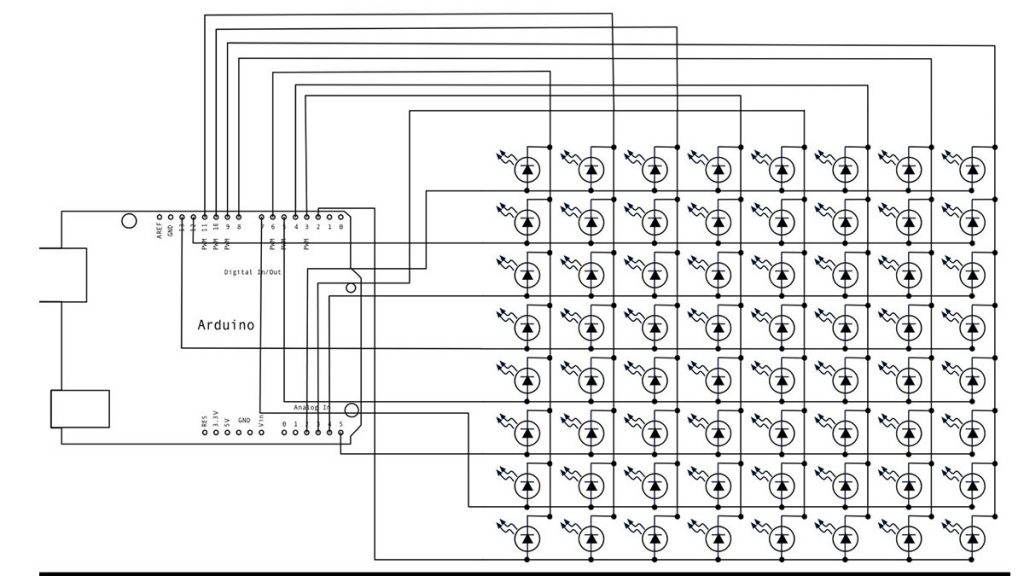
LED displays are commonly packaged as arrays of LEDs organized in rows with shared positive terminals and columns with shared negative terminals, or vice versa. Here is a standard illustration, along with its diagram: These exhibits can be very useful. To control a matrix, you connect its rows and columns to your microcontroller. The columns

Arduino Row-column Scanning to control an 8×8 LED Matrix Code Continue Reading

Potentiometer or variable resistor control LED Code

Potentiometer or variable resistor control LED Code

The if() statement is the most basic of all programming control structures. It allows you to make something happen or not depending on whether a given condition is true or not. It looks like this: if (someCondition) { // do stuff if the condition is true } [Get Code] There is a common variation called if-else that looks like

Potentiometer or variable resistor control LED Code Continue Reading

Read ASCII String using Arduino

Read ASCII String using Arduino

This sketch uses the Serial.parseInt() function to locate values separated by a non-alphanumeric character. Often people use a comma to indicate different pieces of information (this format is commonly referred to as comma-separated-values), but other characters like a space or a period will work too. The values are parsed into ints and used to determine the color

Read ASCII String using Arduino Continue Reading

Arduino Analog Write with 12 LEDs

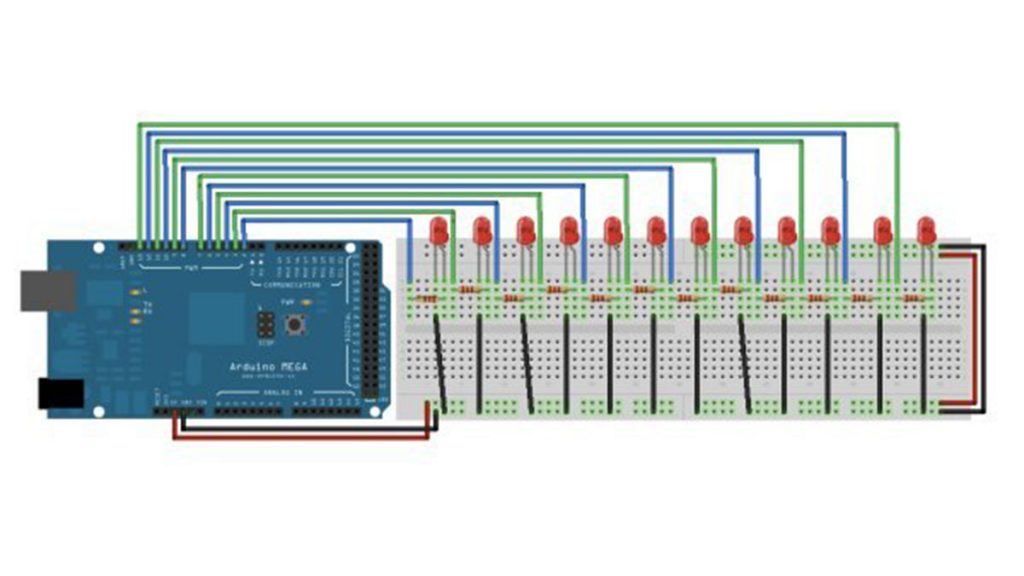
Analog Write with 12 LEDs on an Arduino Mega

This example fades 12 LEDs up and the down, one by one, on an Arduino Mega board. Circuit image developed using Fritzing. For more circuit examples, see the Fritzing project page Connect the longer, positive legs of (anodes) 12 LEDs to digital pins 2-13 through 220 ohm current limiting resistors. Connect the shorter, negative legs (cathodes) to ground. Schematic Code In

Analog Write with 12 LEDs on an Arduino Mega Continue Reading

Use Arduino for Projects

Free Arduino projects, circuits, code and tutorials. Pick a board, pick a sensor, build something.

Scroll to Top