LED Projects

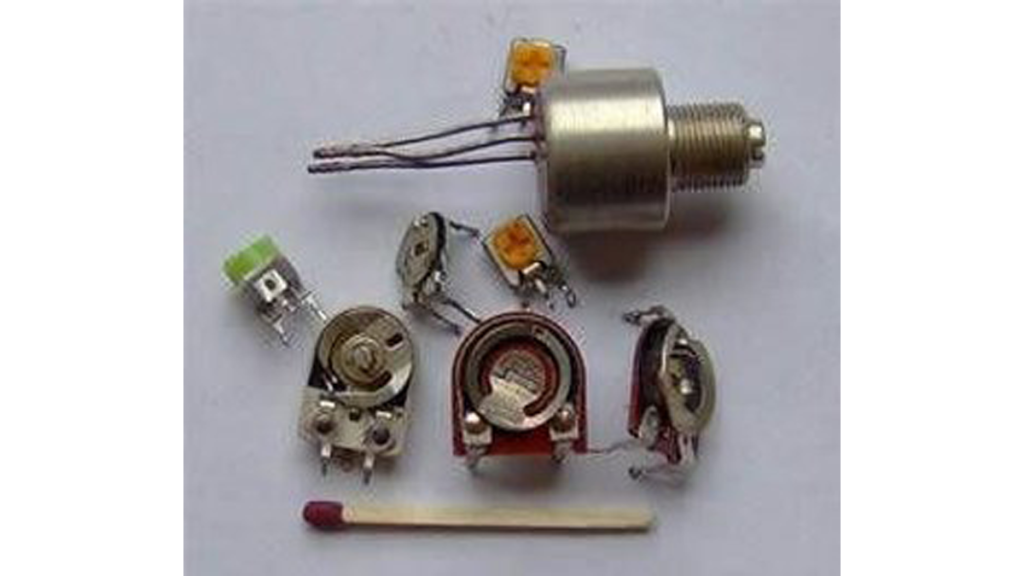
Potentiometer or variable resistor control LED Code

Potentiometer or variable resistor control LED Code

The if() statement is the most basic of all programming control structures. It allows you to make something happen or not depending on whether a given condition is true or not. It looks like this: if (someCondition) { // do stuff if the condition is true } [Get Code] There is a common variation called if-else that looks like

Potentiometer or variable resistor control LED Code Continue Reading

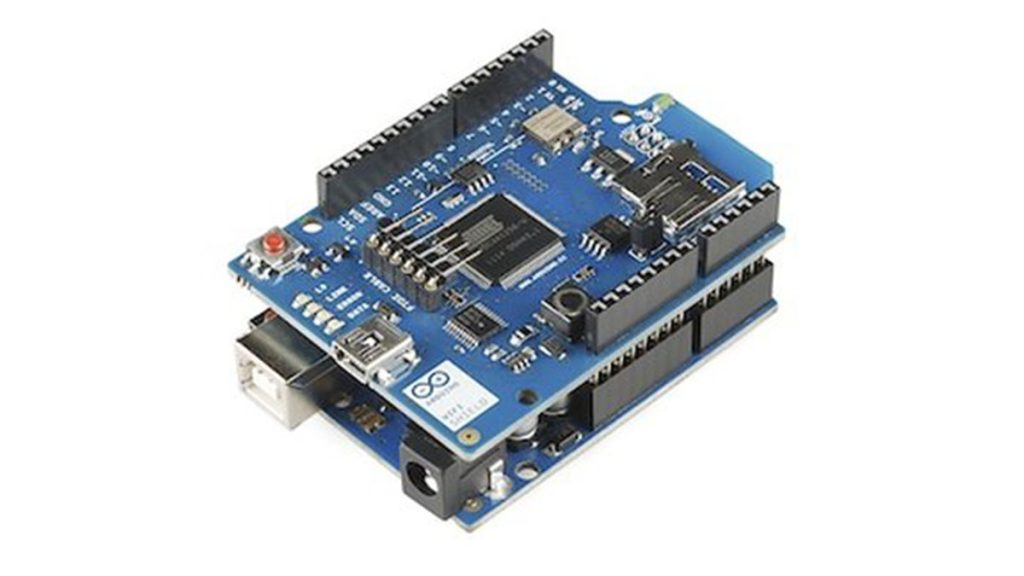
Read ASCII String using Arduino

Read ASCII String using Arduino

This sketch uses the Serial.parseInt() function to locate values separated by a non-alphanumeric character. Often people use a comma to indicate different pieces of information (this format is commonly referred to as comma-separated-values), but other characters like a space or a period will work too. The values are parsed into ints and used to determine the color

Read ASCII String using Arduino Continue Reading

Arduino Analog Write with 12 LEDs

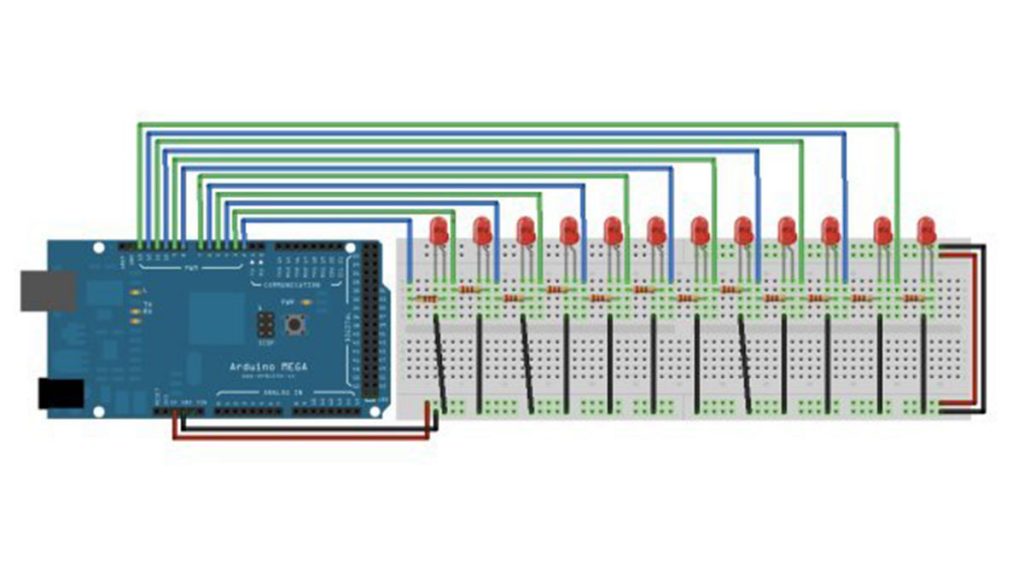
Analog Write with 12 LEDs on an Arduino Mega

This example fades 12 LEDs up and the down, one by one, on an Arduino Mega board. Circuit image developed using Fritzing. For more circuit examples, see the Fritzing project page Connect the longer, positive legs of (anodes) 12 LEDs to digital pins 2-13 through 220 ohm current limiting resistors. Connect the shorter, negative legs (cathodes) to ground. Schematic Code In

Analog Write with 12 LEDs on an Arduino Mega Continue Reading

Fading with Arduino circuit

Fading an LED off and on using Arduino

Demonstrates the use of the analogWrite() function in fading an LED off and on. AnalogWrite uses pulse width modulation (PWM), turning a digital pin on and off very quickly, to create a fading effect. Circuit Connect the anode (the longer, positive leg) of your LED to digital output pin 9 on your Arduino through a 220-ohm resistor. Connect the cathode (the shorter, negative leg)

Fading an LED off and on using Arduino Continue Reading

Scroll to Top