
Summary of Getting Started with Arduino by Massimo Banzi E-Book
Getting Started with Arduino (2nd ed.) by Massimo Banzi introduces Arduino hardware, the IDE, basic electronics, breadboarding, schematics, I/O, cloud connectivity, and troubleshooting. It includes practical beginner projects requiring an Arduino Uno (or earlier), USB A–B cable, and an LED, plus appendices on breadboards, reading resistors/capacitors, and a quick reference.
Parts used in the Getting Started with Arduino:
- Arduino Uno (or earlier Arduino model)
- USB A-B cable
- LED
Book Description
Arduino is the open-source electronics prototyping platform that’s taken the design and hobbyist world by storm. This thorough introduction, updated for Arduino 1.0, gives you lots of ideas for projects and helps you work with them right away. From getting organized to putting the final touches on your prototype, all the information you need is here!
Inside, you’ll learn about:
- Interaction design and physical computing
- The Arduino hardware and software development environment
- Basics of electricity and electronics
- Prototyping on a solderless breadboard
- Drawing a schematic diagram
Getting started with Arduino is a snap. To use the introductory examples in this guide, all you need an Arduino Uno or earlier model, along with USB A-B cable and an LED. The easy-to-use Arduino development environment is free to download.
Join hundreds of thousands of hobbyists who have discovered this incredible (and educational) platform. Written by the co-founder of the Arduino project, Getting Started with Arduino gets you in on all the fun!
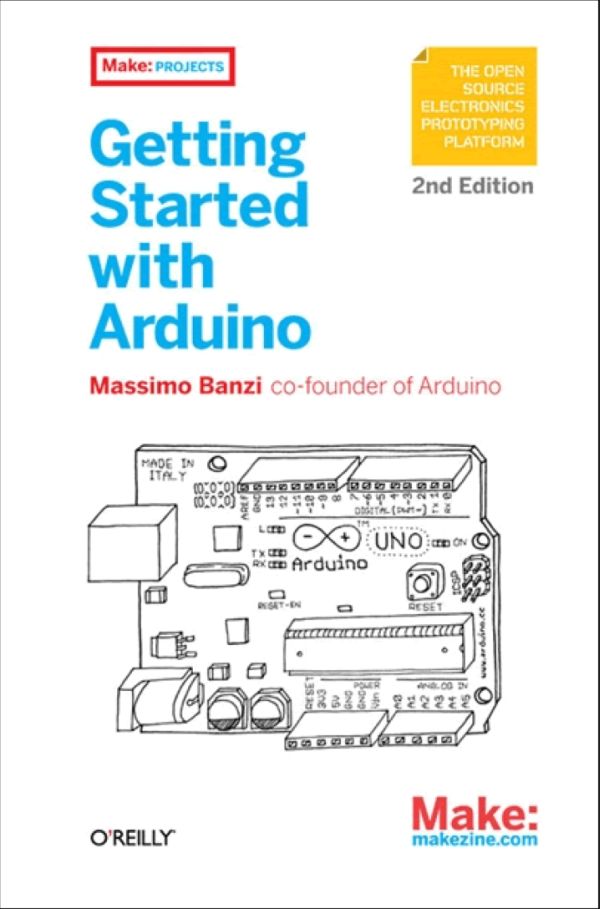
Table of Contents
Chapter 1 Introduction
Chapter 2 The Arduino Way
Chapter 3 The Arduino Platform
Chapter 4 Really Getting Started with Arduino
Chapter 5 Advanced Input and Output
Chapter 6 Talking to the Cloud
Chapter 7 Troubleshooting
Appendix The Breadboard Appendix Reading Resistors and Capacitors Appendix Arduino Quick Reference
Book Details |
|
| Publisher: | O’Reilly Media |
| By: | Massimo Banzi |
| ISBN: | 978-1-4493-0987-9 |
| Year: | 2011 |
| Pages: | 130 |
| Language: | English |
| File size: | 6.8 MB |
| File format: | |
Paper Book |
|
| Buy: | Getting Started with Arduino by Massimo Banzi E-Book |
Online Book |
|
| Read: | Getting Started with Arduino, 2nd Edition |
- What hardware is needed for the introductory examples?
An Arduino Uno or earlier model, a USB A-B cable, and an LED. - Who is the author of Getting Started with Arduino?
Massimo Banzi is the author. - Does the book cover basics of electricity and electronics?
Yes, it covers basics of electricity and electronics. - Can I prototype without soldering according to the book?
Yes, the book includes prototyping on a solderless breadboard. - Does the book explain how to draw schematic diagrams?
Yes, drawing a schematic diagram is covered. - Is the Arduino development environment free to download?
Yes, the Arduino development environment is free to download. - Does the book include troubleshooting guidance?
Yes, there is a chapter on troubleshooting. - What additional appendices are included?
Appendices cover the breadboard, reading resistors and capacitors, and an Arduino quick reference.
