
ermometer with DS18B20 digitaltemperature sensor using Arduino, breadboard, jumpers. So you can measure temperature of the air, liquids like water and the temperature of the ground.
*prints the temperature data on the serial monitor of the arduino IDE.
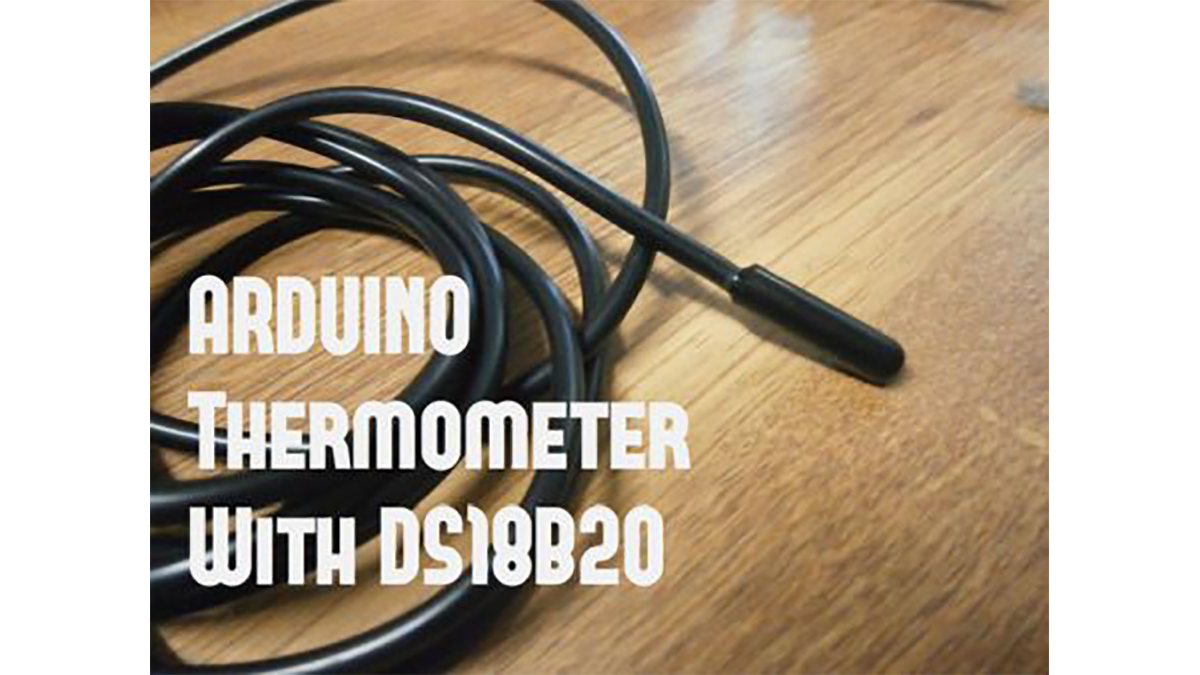
DS18B20 is 1-Wire digital temperature sensor from Maxim IC. Reports degrees in Celsius with 9 to 12-bit precision, from -55 to 125 (+/-0.5). Each sensor has a unique 64-Bit Serial number etched into it – allows for a huge number of sensors to be used on one data bus.
Features:
- Unique 1-Wire® interface requires only one port pin for communication
- Each device has a unique 64-bit serial code stored in an onboard ROM
- Multidrop capability simplifies distributed temperature sensing applications
- Requires no external components
- Can be powered from data line.
- Power supply range is 3.0V to 5.5V
- Measures temperatures from –55°C to +125°C (–67°F to +257°F)±0.5°C accuracy from –10°C to +85°C
- Thermometer resolution is user-selectable from 9 to 12 bits
- Converts temperature to 12-bit digital word in 750ms (max.)
- User-definable nonvolatile (NV) alarm settings
- Alarm search command identifies and addresses devices whose temperature is outside of programmed limits (temperature alarm condition)
- Applications include thermostatic controls, industrial systems, consumer products, thermometers, or any thermally sensitive system
o make the thermometer you will need the following things:
- Arduino board (UNO,DUE,Micro, etc..).
- DS18B20 sensor a waterproof or not and one 4.7k resistor*
- 16×2 LCD display with I2C bus.
- Breadboard and some jumpers to connect everything together.
*Some stores sell the sensor with 4.7k resistor
Step 3: Libraries !!!
Before you start to make the thermometer, download and unzip the following libraries for arduino at – /Progam Files(x86)/Arduino/Libraries (default)
For more detail: Arduino Thermometer With DS18B20
