
Summary of ARDUINO AND GIT: TWO VIEWS
This article explains the benefits of using Git for version control, even for solo developers. It highlights how Git helps track firmware versions, identify bugs, and monitor code changes without requiring a team or complex server setup. The text mentions that while many advanced IDEs integrate Git, GUI tools are available for those who prefer them over the command line. It also distinguishes between Git (the system) and GitHub (the hosting platform), noting that local repositories function as simple directories.
Parts used in Arduino and Git Integration:
- Git version control system
- Arduino IDE
- Advanced IDE with integrated Git
- GUI tools for Git
- Local repository directory
- GitHub platform
- Command line interface
You can’t do much development without running into Git, the version control management system. Part of that is because so much code lives on GitHub which uses Git, although you don’t need to know anything about that if all you want to do is download code. [Dr. Torq] has a good primer on using Git with the Arduino IDE, if you need to get your toes wet.
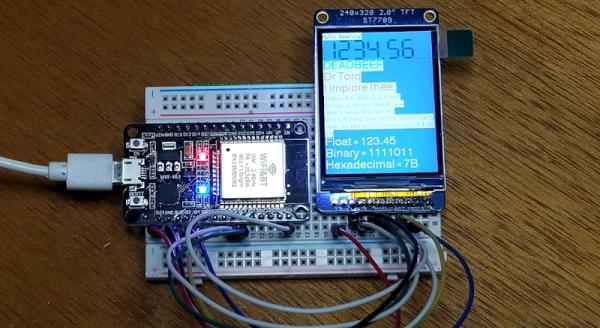
You might think if you develop by yourself you don’t need something like Git. However, using a version control system is a great convenience, especially if you use it correctly. There’s a bug out in the field? What version of the firmware? You can immediately get a copy of the source code at that point in time using Git. A feature is broken? It is very easy to see exactly what changed. So even if you don’t work in a team, there are advantages to having source code under control.
If you are already using a more advanced IDE, Git is probably integrated into your environment, or, at least, it could be. If you are allergic to the command line, there are plenty of GUI tools to use Git, also. One nice thing about Git is that your local repository is just a directory. You don’t need to stand up a special server or anything to use it.
We don’t think it is directly related, but [Andreas] recently had a video on Git and Arduino. It isn’t as detailed, but it does have some good stuff and is worth the time to watch. You can see it below.
We’ve used Git for some odd things in the past. Note that Git is the version control system while GitHub is a website. However, if you are a hardcore command line user, you can manipulate GitHub from there, too.
Source: ARDUINO AND GIT: TWO VIEWS
- Can I use Git if I work alone?
Yes, using a version control system is convenient even for solo developers to track firmware versions and see what changed. - What do I need to set up a local Git repository?
You only need a directory; you do not need to stand up a special server. - How can I use Git if I am allergic to the command line?
There are plenty of GUI tools available to use Git without the command line. - Does every IDE support Git integration?
If you use a more advanced IDE, Git is probably integrated into your environment or could be. - What is the difference between Git and GitHub?
Git is the version control system while GitHub is a website. - How does Git help when a bug is found in the field?
You can immediately get a copy of the source code at that specific point in time. - Is it easy to see what changed in the code?
Yes, it is very easy to see exactly what changed when a feature is broken.
