
Summary of Arduino A Quick-Start Guide by Maik Schmidt E-Book
Arduino: A Quick-Start Guide introduces beginners to Arduino hardware and projects with step-by-step instructions, photos, and troubleshooting. Updated for the Arduino Uno, it covers building a motion-sensing game controller, universal remote, Internet-connected Arduino (client and server), burglar alarm that emails, Wii Nunchuk integration, binary dice, soldering, and more, plus exercises, sidebars, and a quick reference.
Parts used in theArduino: A Quick-Start Guide:
- Arduino Uno board
- Three-axis accelerometer
- Internet connectivity hardware (Ethernet or Wi-Fi shield/module)
- Infrared LED and IR receiver (for universal remote)
- Motion sensor (PIR sensor for burglar alarm)
- Wii Nunchuk controller
- Basic electronic components (resistors, capacitors)
- Breadboard
- Soldering tools and supplies
- Miscellaneous parts for projects (wires, LEDs, buttons)
Book Description
Arduino is an open-source platform that makes DIY electronics projects easier than ever. Readers with no electronics experience can create their first gadgets within a few minutes. This book is up-to-date for the new Arduino Uno board, with step-by-step instructions for building a universal remote, a motion-sensing game controller, and many other fun, useful projects.
See “some photos”: http://www.flickr.com/photos/50804036@N06/sets/72157624195730498/ of projects built by our readers over on Flickr. (And if you have photos of your project, please send them to [email protected]).
With this Quick-Start Guide you’ll be creating your first gadgets within a few minutes, following the step-by-step instructions and photos throughout the book. You’ll build your own motion-sensing game controller with a three-axis accelerometer, connect the Arduino to the Internet and program both client and server applications, and create a universal remote with an Arduino and a few cheap parts. Plus, you’ll build your own burglar alarm that emails you whenever someone’s moving in your living room, integrate Nintendo’s Wii Nunchuk into your projects, make binary dice, learn how to solder, and more.
Sidebars throughout the book point you to exciting real-world projects using the Arduino, plenty of exercises will extend your skills, and “What If It Doesn’t Work” sections help you troubleshoot common problems.
With Arduino: A Quick-Start Guide, beginners can quickly join the worldwide community of hobbyists and professionals who use the Arduino to prototype and develop fun, useful inventions.
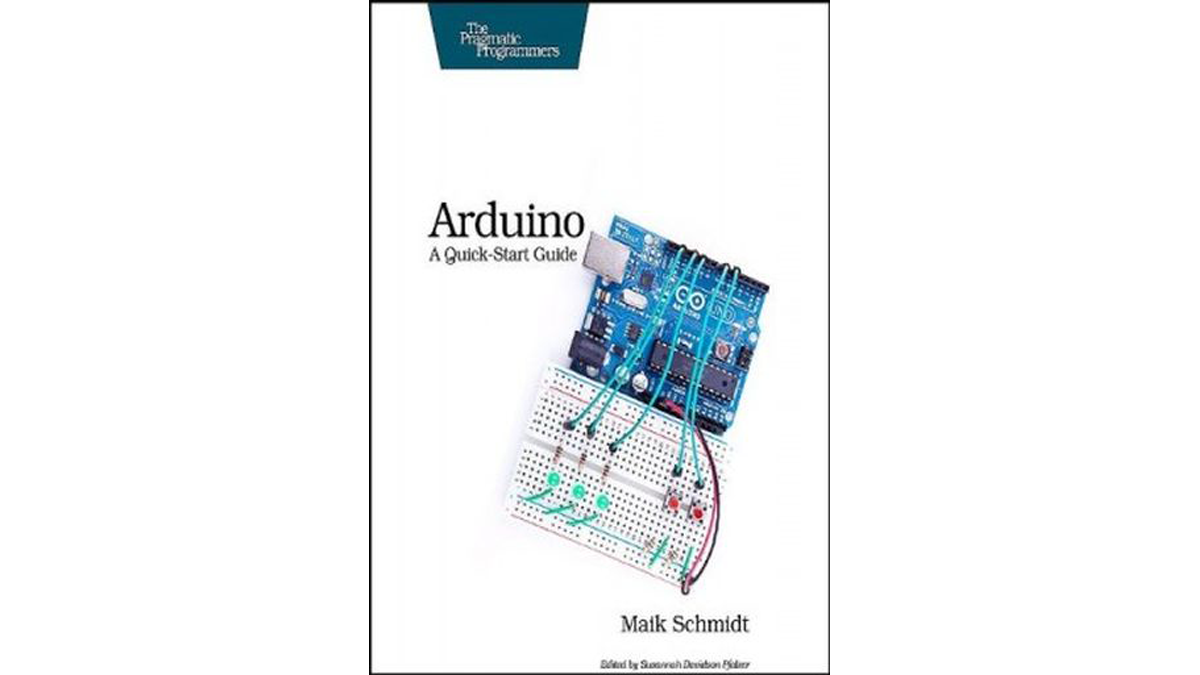
Table of Contents:
Preface
Chapter 1: Introduction
Chapter 2: The Arduino Way
Chapter 3: The Arduino Platform
Chapter 4: Really Getting Started with Arduino
Chapter 5: Advanced Input and Output
Chapter 6: Talking to the Cloud
Chapter 7: TroubleshootingThe BreadboardReading Resistors and Capacitors Arduino Quick ReferenceReading Schematic Diagrams
Online Book
Read: Arduino
Link to Purchase E-Book:
Arduino A Quick-Start Guide by Maik Schmidt E-Book
- Can beginners create Arduino projects quickly?
Yes; the book provides step-by-step instructions and photos so beginners can create their first gadgets within a few minutes. - Does the book cover the new Arduino Uno board?
Yes; it is up-to-date for the new Arduino Uno board. - What projects are included in the book?
Projects include a universal remote, a motion-sensing game controller, an Internet-connected Arduino with client and server programs, a burglar alarm that emails, Wii Nunchuk integration, and binary dice. - Does the book explain connecting Arduino to the Internet?
Yes; it covers connecting the Arduino to the Internet and programming both client and server applications. - Is troubleshooting help provided?
Yes; the book includes What If It Doesn't Work sections that help troubleshoot common problems. - Are there exercises to extend skills?
Yes; plenty of exercises are included to extend readers' skills. - Does the book teach soldering?
Yes; it includes guidance on how to solder. - Are reader-built project photos available?
Yes; some photos of projects built by readers are available on Flickr, and readers are invited to send photos to the publisher's support email.
