
Summary of Wide Range Alarm System
This project is a modular alarm system utilizing an Arduino MKR1000 for each sensor unit and a Raspberry Pi 2 or 3 as the central controller. The system connects to Microsoft Windows 10 IoT Core and Microsoft Azure to detect various threats like fire, gas leaks, or motion. It supports multiple expansion boards for different sensors and features customizable buzzer alerts for specific locations or the entire home.
Parts used in the Wide Range Alarm System:
- Arduino MKR1000
- Raspberry Pi 2 Model B
- DTH11 temperature sensor
- MQ2 gas sensor
- PIR infrared motion sensor
- Buzzer
- 5 pin connector
- Standard board
This is an alarm system based on the MKR1000 and a raspberry pi 2 or 3. The system will detect different alarms and notify you if necessary.
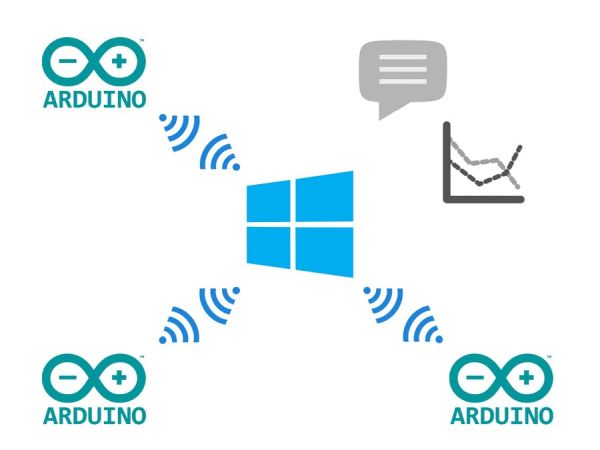
Things used in this project
Hardware components |
||||||
 |
|
× | 1 | |||
 |
|
× | 1 | |||
Software apps and online services |
||||||
 |
|
|||||
 |
|
|||||
Story
This project is a modular alarm system. It uses an Arduino MKR1000 in every unit, which is mounted on the standard board. To this board, you can connect multiple other boards with different sensors or relays.
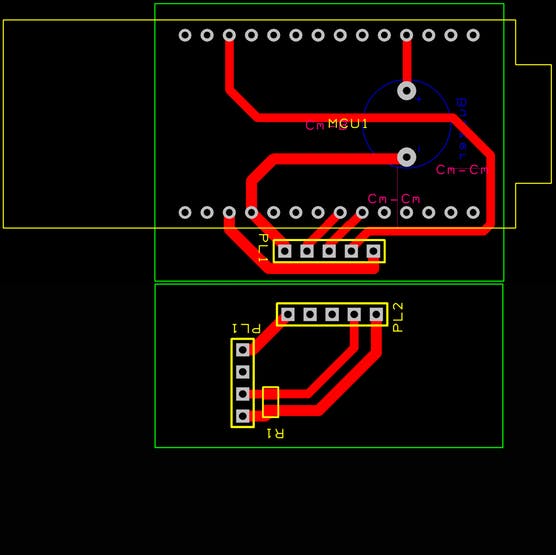
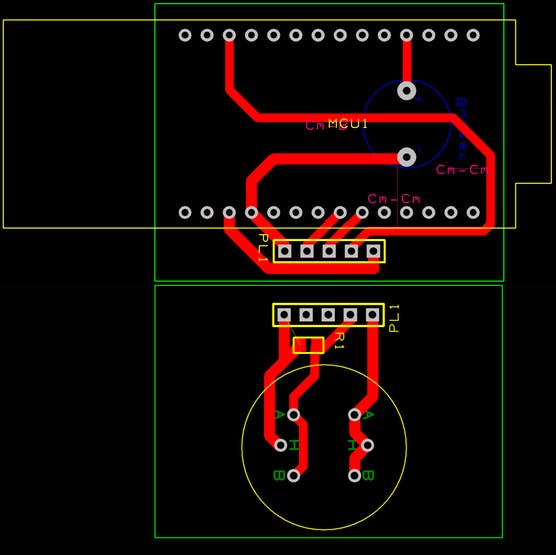
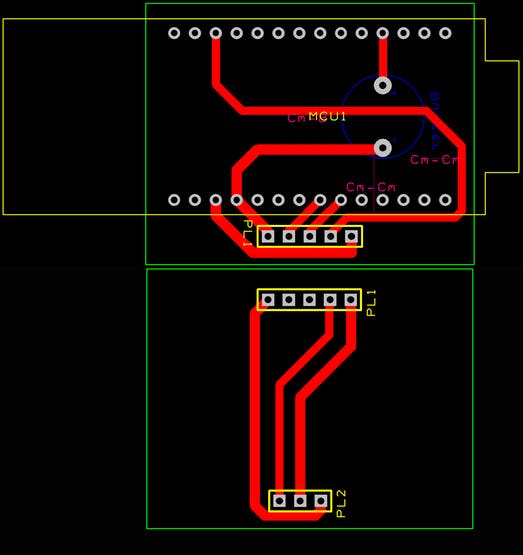
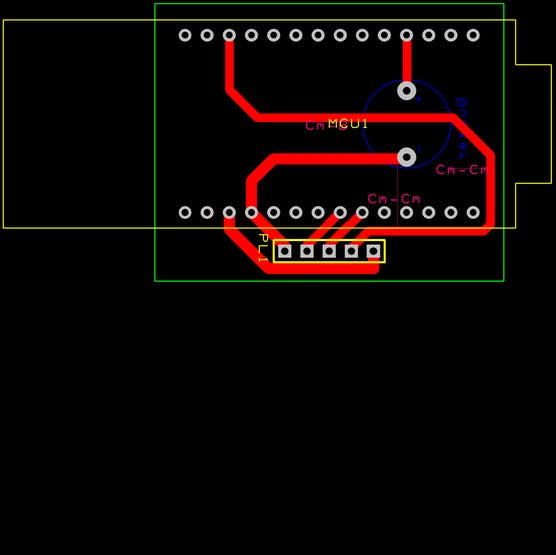 The standard board
The idea is that you can choose which kind of sensors you want to protect your house. For example, you want smoke detectors, but you also want burglar sensors on the same system.
Every standard board with the MKR1000 will also have a buzzer on it, so the central computer (raspberry pi) can alarm every one at home if there is a fire or something like that. You can also use a buzzer from 1 station to alarm only 1 place. For example, when there are burglars at night and you are sleeping, only the buzzer in your room could go of, to wake you up.
You can also make your own expansion boards with your own sensors on it. The 5 pin connector gives you access to an interrupt or an analog pin and I2C pins.
Every module would connect to your home network and send it’s data to a raspberry pi, which handles the alerts etc.
This is my project, I hope you like it and I hope I have time to work it out further.
Schematics
- What components are used in this modular alarm system?
The system uses an Arduino MKR1000 in every unit and a Raspberry Pi 2 or 3 as the central computer. - Can I add my own sensors to the standard board?
Yes, you can make your own expansion boards with your own sensors using the 5 pin connector which provides access to interrupt, analog, and I2C pins. - How does the system handle alarms for different locations?
You can use a buzzer from one station to alarm only one place, such as waking up only the person sleeping in their room during a burglary. - What software platforms support this project?
The project utilizes Microsoft Windows 10 IoT Core and Microsoft Azure. - Does every module connect to the home network?
Yes, every module connects to the home network and sends its data to the Raspberry Pi which handles the alerts. - What types of sensors are demonstrated in this project?
The article demonstrates expansions for a DTH11 temperature sensor, an MQ2 gas sensor, and a PIR infrared motion sensor. - What is the role of the Raspberry Pi in this setup?
The Raspberry Pi acts as the central computer that receives data from modules and handles the alerts and alarms.
