
keyboard

Arduino Simple keyboard

Simple keyboard using the tone() function using Arduino

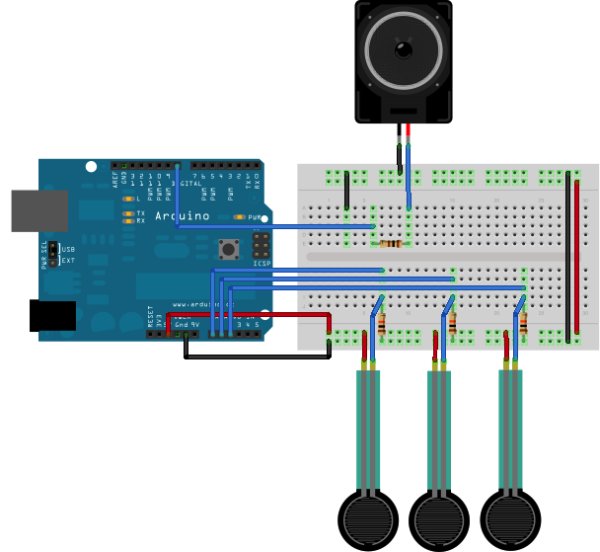
This example shows how to use the tone() command to generate different pitches depending on which sensor is pressed.   Circuit Connect one terminal of your speaker to digital pin 8 through a 100 ohm resistor, and its other terminal to ground. Power your three FSRs (or any other analog sensor) with 5V in parallel. Connect each

Simple keyboard using the tone() function using Arduino Continue Reading

setup Arduino

Control Keyboard & Mouse Android app via Arduino

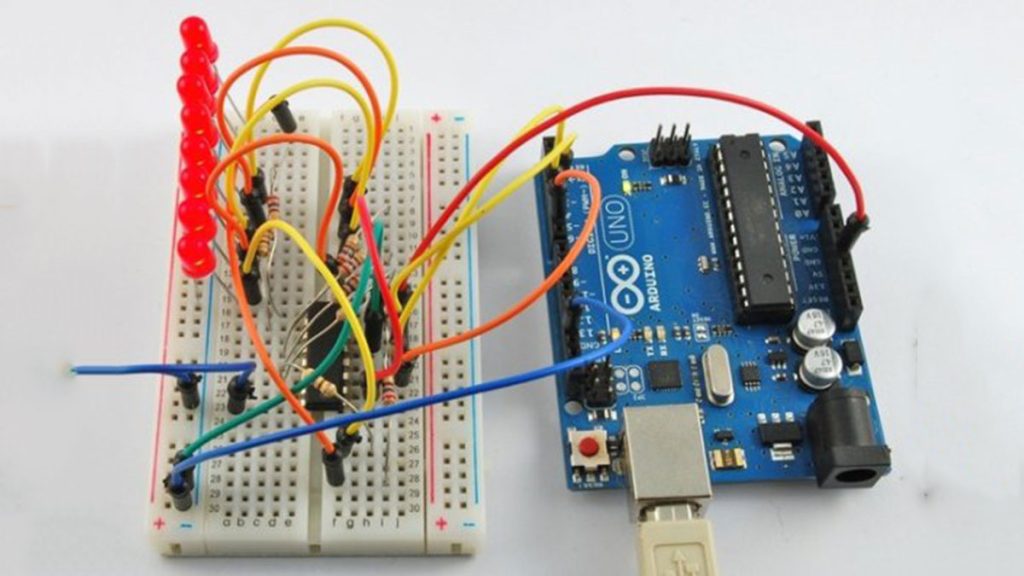
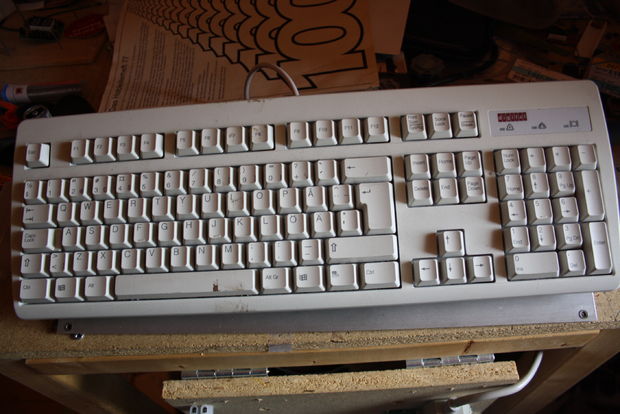
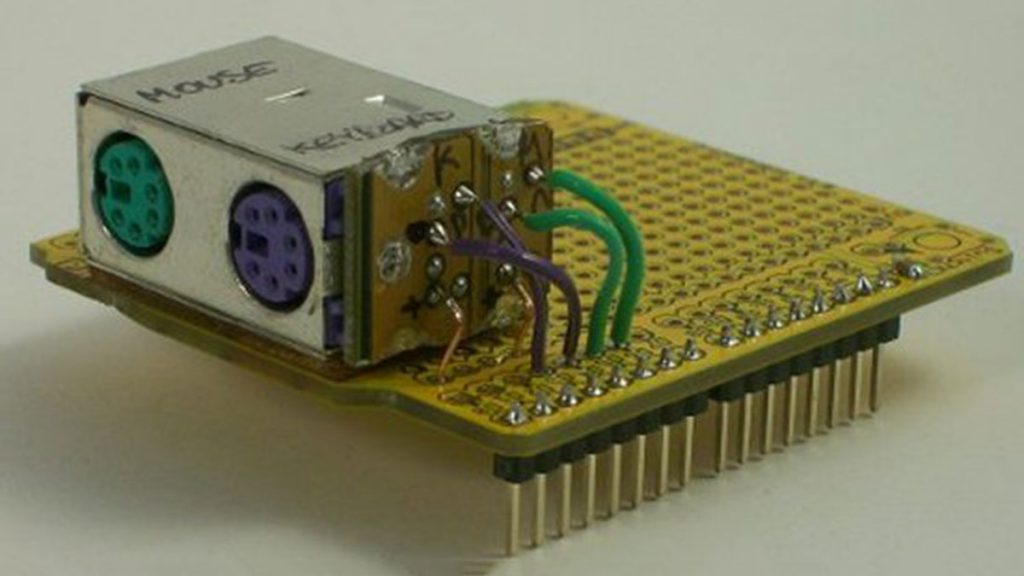
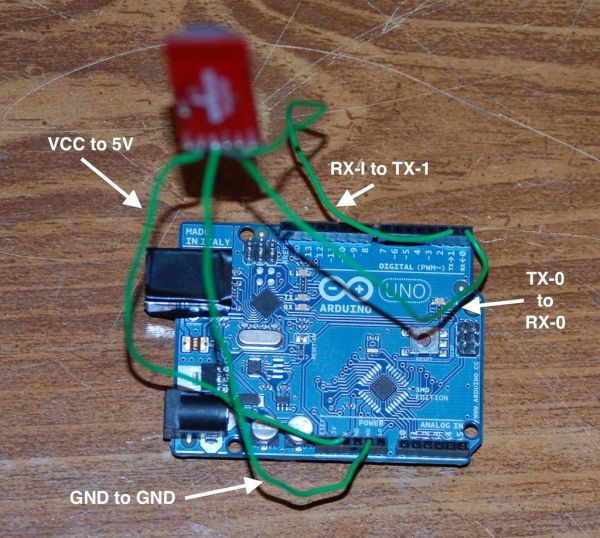
This instructable will show you how to control your computer’s keyboard and mouse with an Android app via bluetooth to an Arduino BACKGROUND Ever wanted to control your computer’s mouse/keyboard functionality without having to actually sit in front of it? I do all the time. For instance, I often hook my laptop up to the

Control Keyboard & Mouse Android app via Arduino Continue Reading

Scroll to Top