Projects

Simple 3 Button On off With 12f629 mikroC

Simple 3 Button On-off With 12f629 (mikroC)

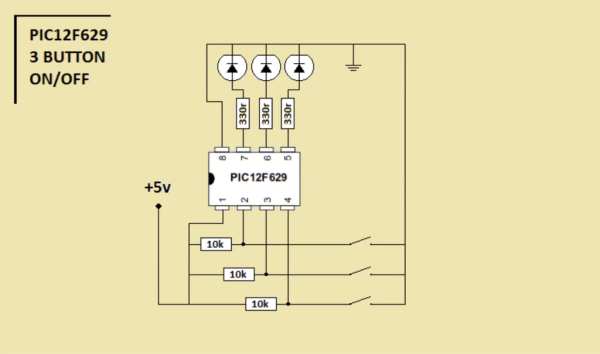
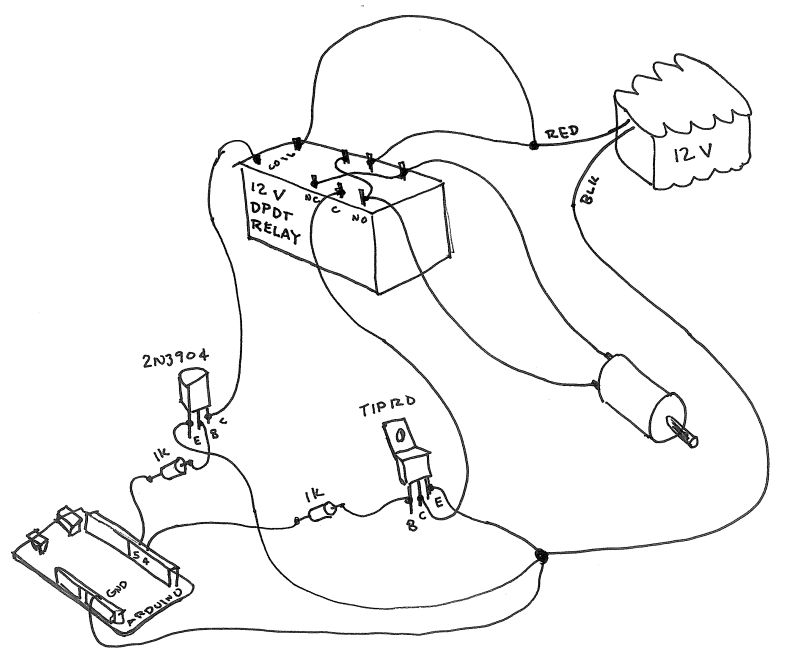
a simple 3 buttons on-off with pic12f629. it’s written with MikroC Step 1: The Code… start the code with ”int”———————————————————- int x0,x1,y0,y1,z0,z1; ////// with this the GPIO outputs could stay on or off void main() { GPIO = 0x00; ////// all outputs are 0 CMCON = 0x07; ////// Disable CMCON PORT TRISIO = 0b00111000; //////

Simple 3 Button On-off With 12f629 (mikroC) Continue Reading

Getting Started With the Particle Photon Internet Controlled LEDs

Getting Started With the Particle Photon (Internet Controlled LEDs)

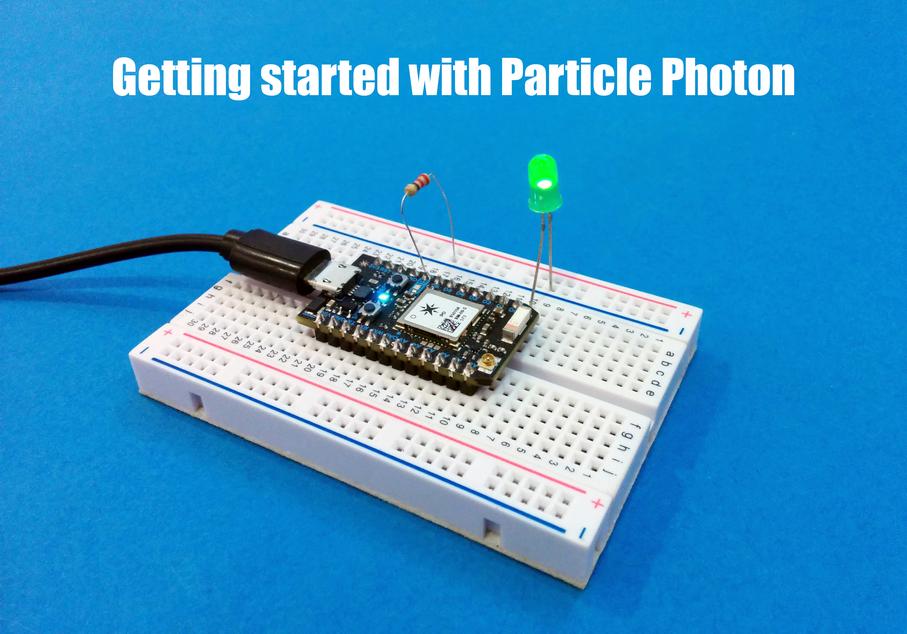
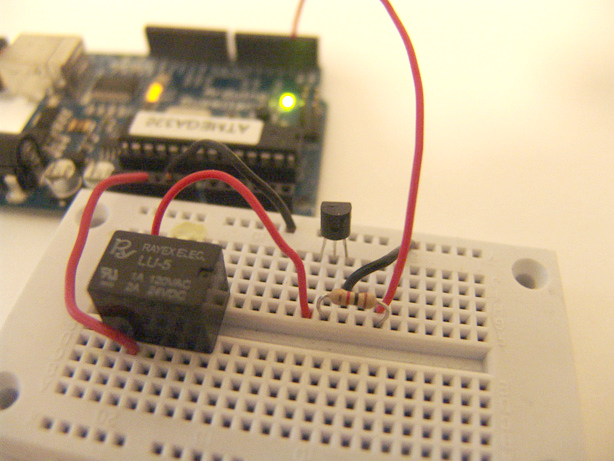
In the previous instructable I showed you how to get started with IoT using the nodeMCU, in this instructable I will be featuring the Particle Photon which is an easy to use IoT device to get started with designing IoT projects. The particle photon is smaller than the nodeMCU and features STM32 ARM Cortex M3 microcontroller on

Getting Started With the Particle Photon (Internet Controlled LEDs) Continue Reading

The Wondrous Weather Cube

The Wondrous Weather Cube Using Arduino

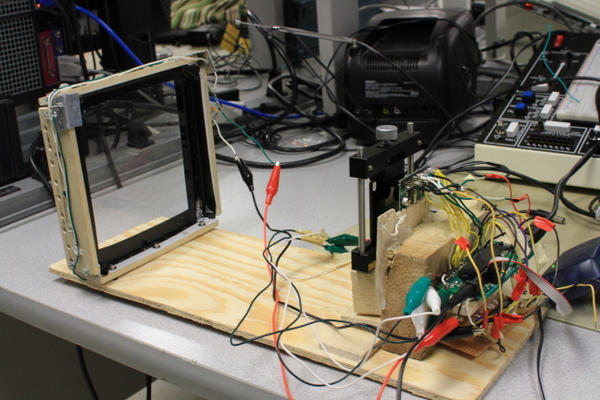
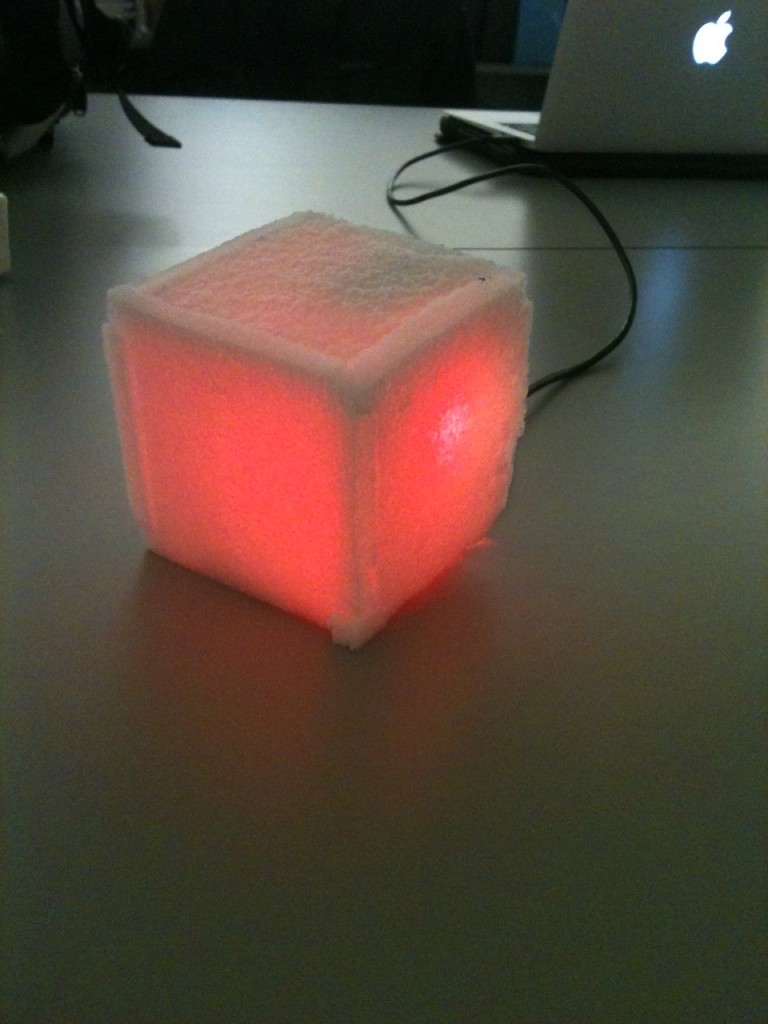
We created an Internet-enabled companion cube for your computer, which displays different kinds of information by glowing red or green. Depending on its orientation, and which labeled face is oriented upwards, our companion cube displays either stock readings of the NASDAQ or the outside temperature in Princeton. As the temperature or stock index changes, the

The Wondrous Weather Cube Using Arduino Continue Reading

Scroll to Top