LCD Projects

Radar Screen

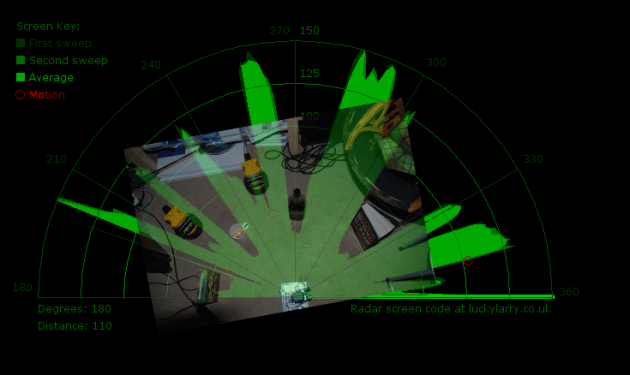
Arduino + Processing – Make a Radar Screen – Part 3: Visualising the Data from Sharp Infrared Range Finder

So I had some luck with getting the Sharp Infrared range finder working and I’ve now plugged this on to my servo rig to see if I get better results on my radar styled display. Check out how to use the Sharp IR range finder here Few things to bare in mind, whilst the code
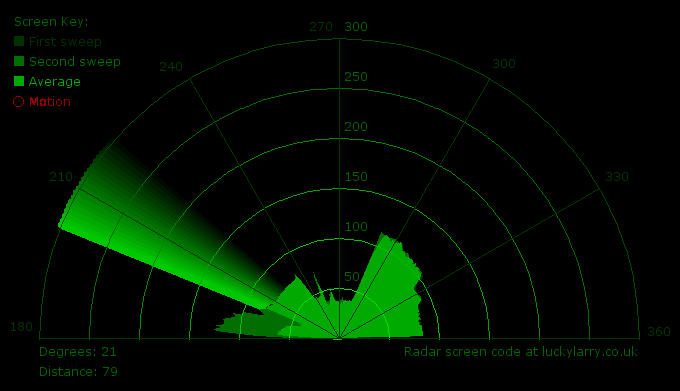
Arduino + Processing – Make a Radar Screen – Part 3: Visualising the Data from Sharp Infrared Range Finder Continue Reading

Arduino + Processing Make a Radar Screen to Visualise Sensor Data from SRF 05 – Part 2

Arduino + Processing: Make a Radar Screen to Visualise Sensor Data from SRF-05 – Part 2: Visualising the Data

This is where all the work is done to read an interpret the values from the servo and the sensor. If the readings are to erratic then you won’t have nice shapes. Also if you don’t allow enough time to the signals to be sent back then you’ll get false distance readings. So this code

Arduino + Processing: Make a Radar Screen to Visualise Sensor Data from SRF-05 – Part 2: Visualising the Data Continue Reading

Arduino + Processing – Make a Radar Screen to Visualise Sensor Data from SRF 05 – Part 1

Arduino + Processing – Make a Radar Screen to Visualise Sensor Data from SRF-05 – Part 1

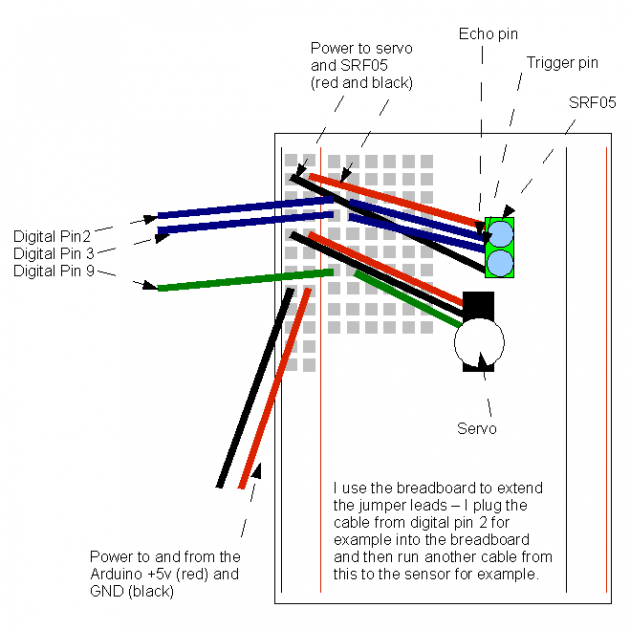
First things first, we need to build our circuit. This is the easy bit! We’ll be using the Arduino to control a servo that will rotate our sensor around 180 degrees. The Arduino will then send the value from the distance sensor along with the current angle of the servo to the serial port. Before

Arduino + Processing – Make a Radar Screen to Visualise Sensor Data from SRF-05 – Part 1 Continue Reading

Capteur temperature choix du type de degres par infrarouge using arduino

Capteur temperature choix du type de degres par infrarouge using arduino

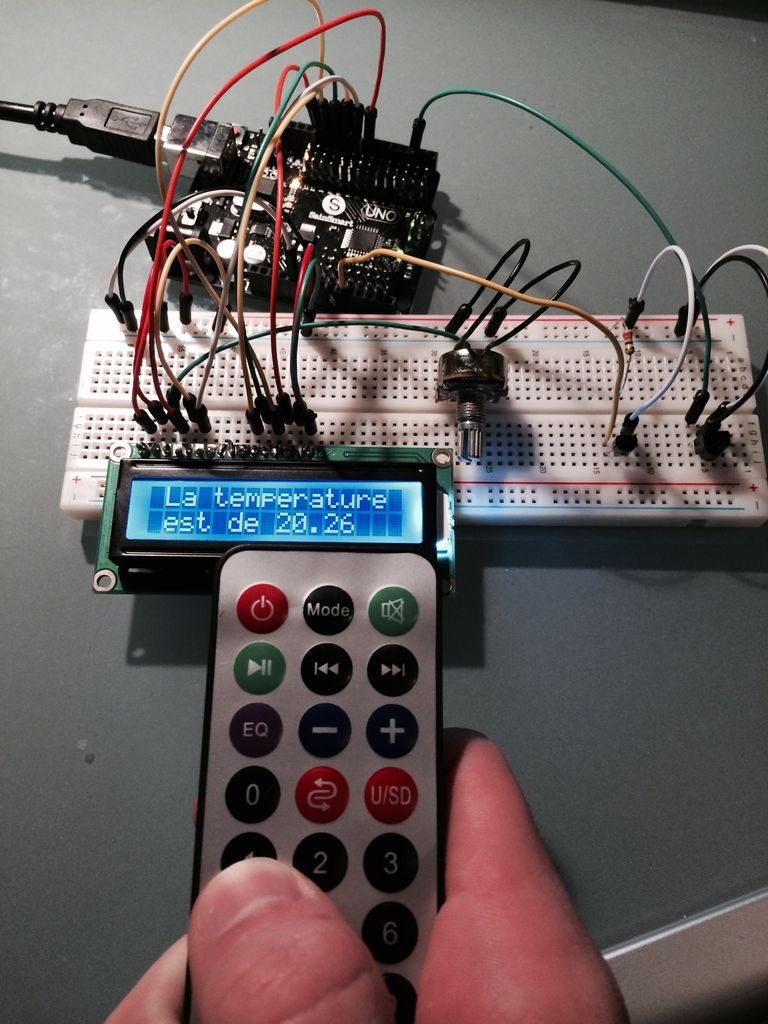
ENGLISH VERSION HERE Dans ce programme nous allons voir comment capter une température et afficher sa valeur sur un lecteur LCD en choisissant si on veut l’afficher en°C ou °F grâce à une télécommande infrarouge. Dans ce tuto j’utilise: -Une carte SainSmart (similaire à Arduino UNO) -Un lecteur LCD QC1602A -Un variateur -Un capteur de

Capteur temperature choix du type de degres par infrarouge using arduino Continue Reading

Make an Oscilloscope Using the SainSmart Mega2560 with the TFT LCD shield

Make an Oscilloscope Using the SainSmart Mega2560 with the TFT LCD shield and the 3.5 “color touch screen

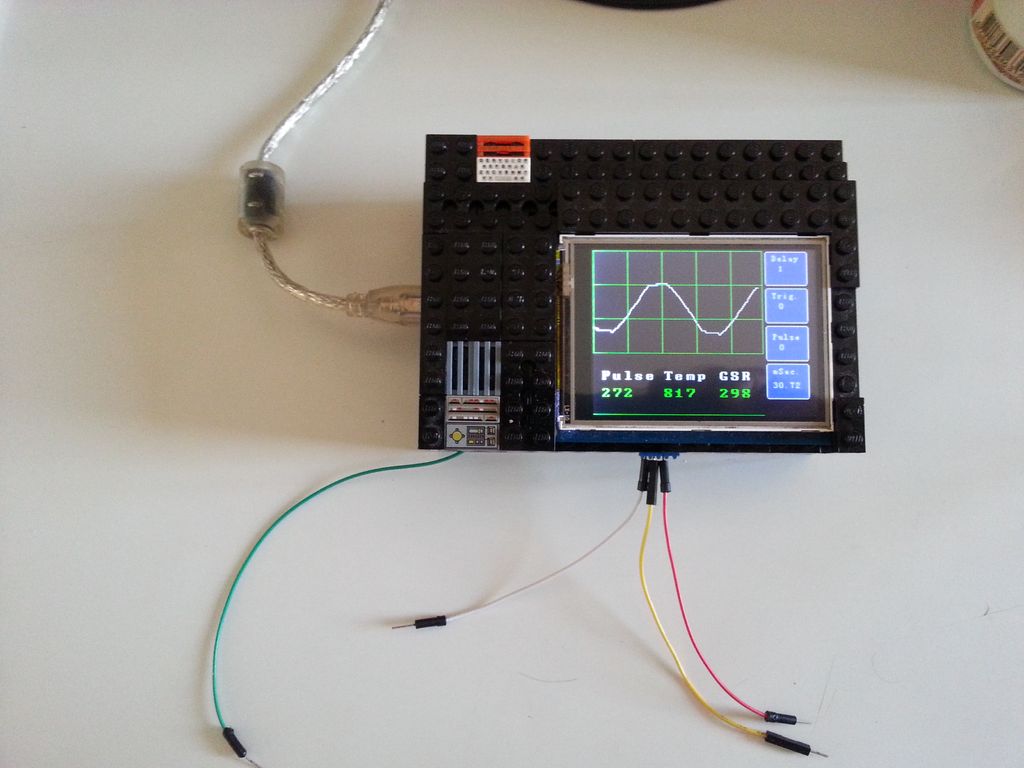
This instructable will show you how to build a portable Touch Screen Oscilloscope for less than 40 U$! The oscilloscope is one of the most powerful electronic instruments that is available to electronics hobbyist, experimenters, and engineers. It is mainly used to measue time-varying signals. Any time you have a signal that varies with time(

Make an Oscilloscope Using the SainSmart Mega2560 with the TFT LCD shield and the 3.5 “color touch screen Continue Reading

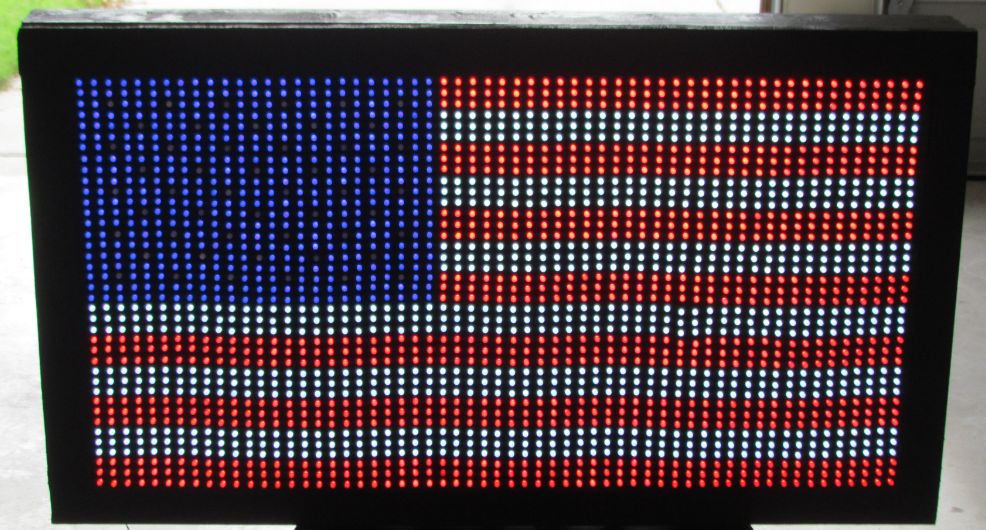
USA Flag made with diffused LED using Arduino

USA Flag made with diffused LED using Arduino

USA flag constructed using a total of 2,301 diffused red, white and blue LEDs completed with Arduino sketch animations, I hope this instructions helps anyone who wants to try this out. This flag can be displayed during the 4th of July, memorial day or during Christmas. If you find this project interesting and you do

USA Flag made with diffused LED using Arduino Continue Reading

Scroll to Top