
Summary of Spartan WiFi Pager System
This article describes the first stage of a Spartan WiFi pager system, focusing on assembling a breadboard circuit using an Arduino MKR1000 and an LCD to test WiFi connectivity. The code verifies network connection status and displays the SSID and IP address on the screen, while Azure IoT Hub integration is noted as future work.
Parts used in the Spartan WIFI pager system:
- Arduino MKR1000
- Adafruit Standard LCD - 16x2 White on Blue
Simple Wifi pager system.
Things used in this project
Hardware components |
||||||
 |
|
× | 1 | |||
 |
|
× | 1 | |||
Story
This project is an initial stage of the Spartan WIFI pager system (https://www.hackster.io/challenges/arduino-microsoft-maker/ideas/2421).
First step in this stage is assembling a test breadboard-based circuit with MKR1000 and LCD:
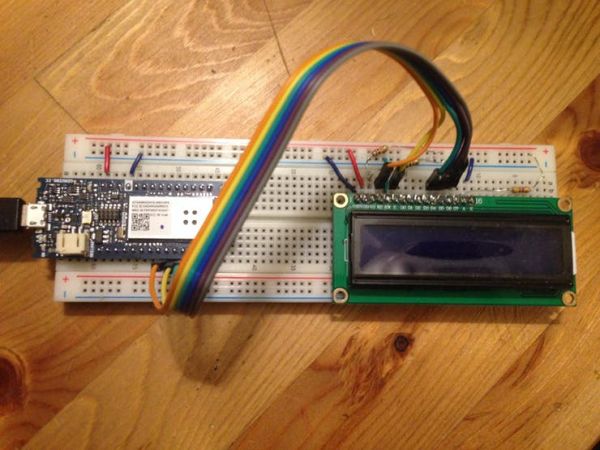
MKR1000 and LCD assembled
Second step is writing a test code to make sure that Genuino can connect to the test WiFi network and report the connection stages in LCD.
Genuino is connecting to the WiFi network:
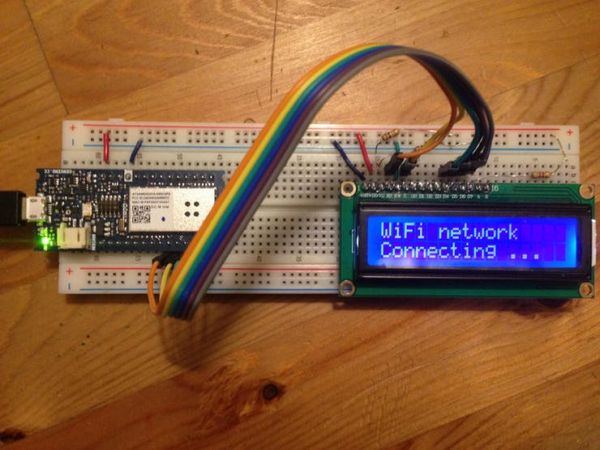
Connecting to the WiFi network
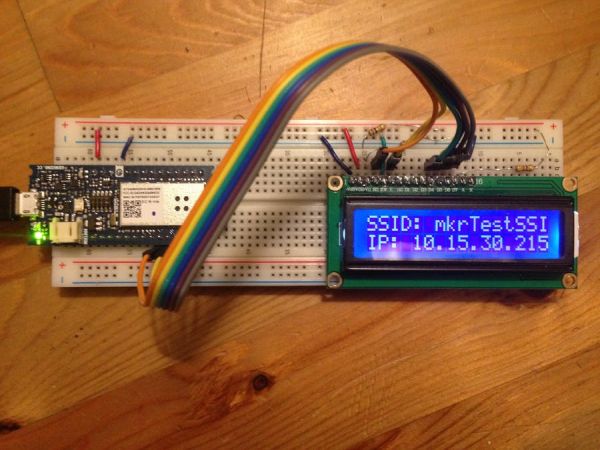
Genuino got an IP address and ready receiving messages:
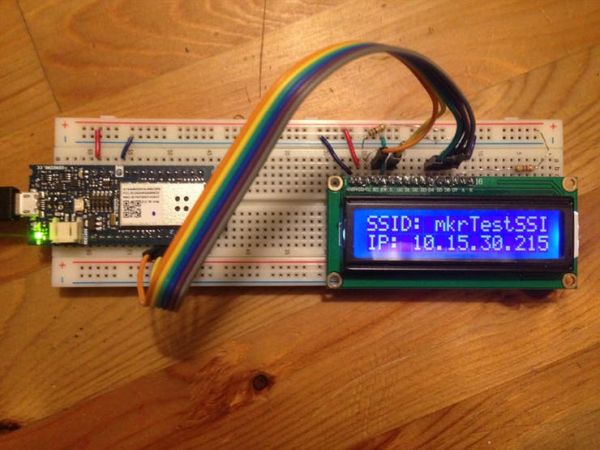
Proper WiFi connection has been established
Connection to Azure IoT Hub and sending/receiving messages are still being developed and not covered by this project yet.
Code
Source : Spartan WiFi Pager System
- What is the primary goal of this project?
The project serves as the initial stage of the Spartan WIFI pager system to assemble a test circuit. - How does the Genuino report connection stages?
The device reports connection stages by displaying messages on the LCD screen. - Can the Genuino connect to a WiFi network?
Yes, the test code ensures the Genuino can connect to a specified WiFi network. - Does the current project include Azure IoT Hub connection?
No, connection to Azure IoT Hub and message handling are still being developed. - What information is displayed after a proper WiFi connection?
The LCD displays the SSID and the local IP address once connected. - What happens if the WiFi shield is not present?
The LCD clears and prints NOT PRESENT before stopping execution. - How long does the code wait for a WiFi connection?
The code waits up to 10 seconds for the connection attempt. - Where is the Azure connection code placed?
The Azure connection code is intended for the loop function but is currently empty.
