
Summary of Web Client Repeating using Arduino
This example demonstrates making repeated HTTP requests using an Arduino Ethernet shield with DNS support. The sketch connects to a web server, retrieves content, and displays it via the serial window. It utilizes the SPI bus for communication between the Arduino and the WizNet controller, while also supporting onboard SD card functionality on later shield models.
Parts used in Repeating Web Client:
- Arduino Ethernet Shield
- Shield-compatible Arduino board
- WizNet Ethernet module
- Ethernet cable
- SD Card (for later shield models)
This example shows you how to make repeated HTTP requests using an Ethernet shield. This example uses DNS, by assigning the Ethernet client with a MAC address, IP address, and DNS address. It connects to http://www.arduino.cc/latest.txt. The conent of the page is viewable through your Arduino’s serial window.
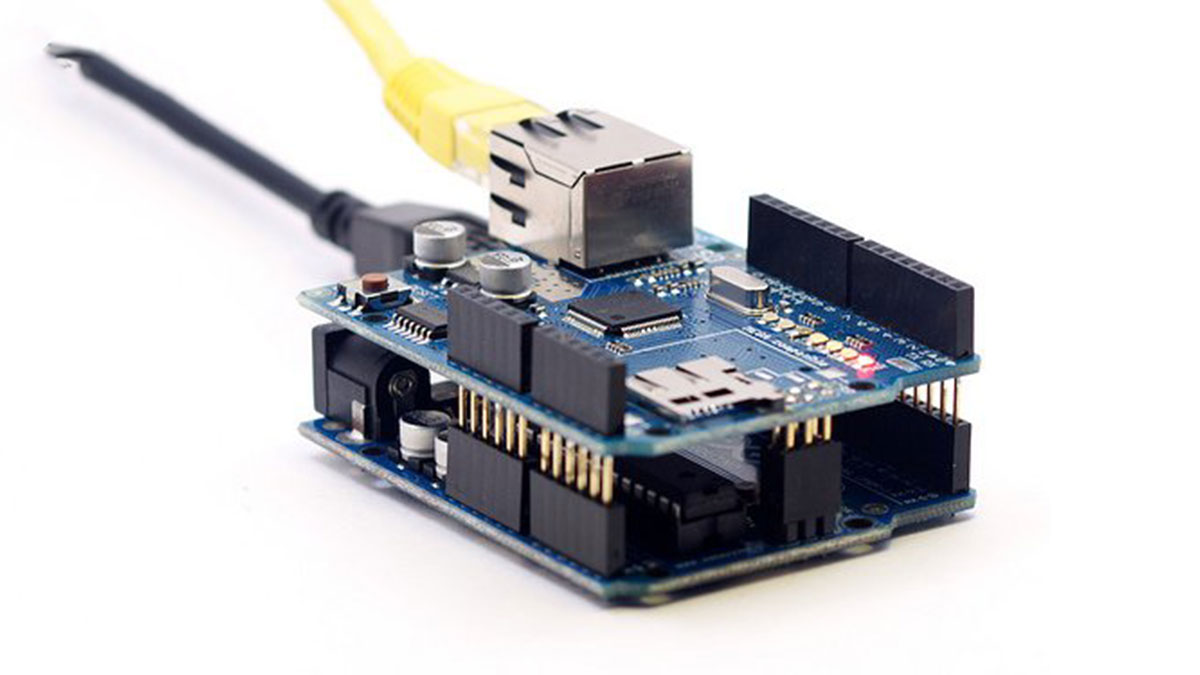
Circuit
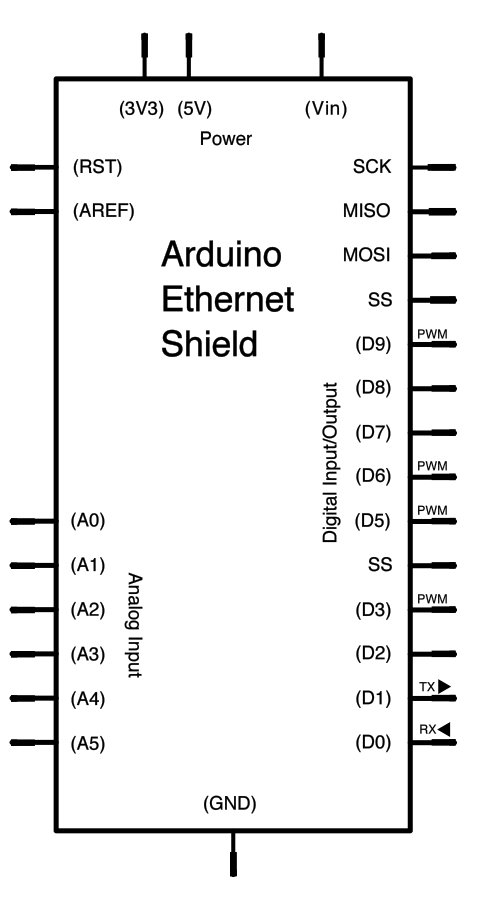
The Ethernet shield allows you to connect a WizNet Ethernet controller to the Arduino via the SPI bus. It uses pins 10, 11, 12, and 13 for the SPI connection to the WizNet. Later models of the Ethernet shield also have an SD Card on board. Digital pin 4 is used to control the slave select pin on the SD card.
The shield should be connected to a network with an ethernet cable. You will need to change the network settings in the program to correspond to your network.
image developed using Fritzing. For more circuit examples, see the Fritzing project page
In the above image, the Arduino would be stacked below the Ethernet shield.
Schematic
Code:
/*
Repeating Web client

This sketch connects to a a web server and makes a request
using a Wiznet Ethernet shield. You can use the Arduino Ethernet shield, or
the Adafruit Ethernet shield, either one will work, as long as it's got
a Wiznet Ethernet module on board.
Hardware Required
- Arduino Ethernet Shield
- Shield-compatible Arduino board
For more detail: Web Client Repeating using Arduino
-
How does the Ethernet shield connect to the Arduino?
The shield connects to the Arduino via the SPI bus using pins 10, 11, 12, and 13. -
Can I use different brands of Ethernet shields?
Yes, you can use either the Arduino Ethernet shield or the Adafruit Ethernet shield as long as they have a WizNet module. -
What is the function of digital pin 4?
Digital pin 4 is used to control the slave select pin on the onboard SD card found on later shield models. -
Where can I view the content retrieved from the web server?
The content of the page is viewable through the Arduino's serial window. -
Do I need to change network settings in the program?
Yes, you must change the network settings in the program to correspond to your specific network. -
Does this project require an internet connection?
Yes, the shield must be connected to a network with an ethernet cable to make HTTP requests.
