arduino

How to Control a Ton of RGB LEDs with Arduino TLC59401

How to Control a Ton of RGB LEDs with Arduino & TLC5940

This video explains how to use the 16 channel PWM controller TLC5940 The CODE: //Texas Instruments TLC 5940 with Arduino //www.kevindarrah.com #include <SPI.h>//Serial Peripheral Interface Library byte ch=0, chbit=0, spibit=0, spibyte=0;// variables used by tlc sub routine int SINData;//variable used to shift data to the TLC byte transferbyte[48];// bytes that are sent out to the

How to Control a Ton of RGB LEDs with Arduino & TLC5940 Continue Reading

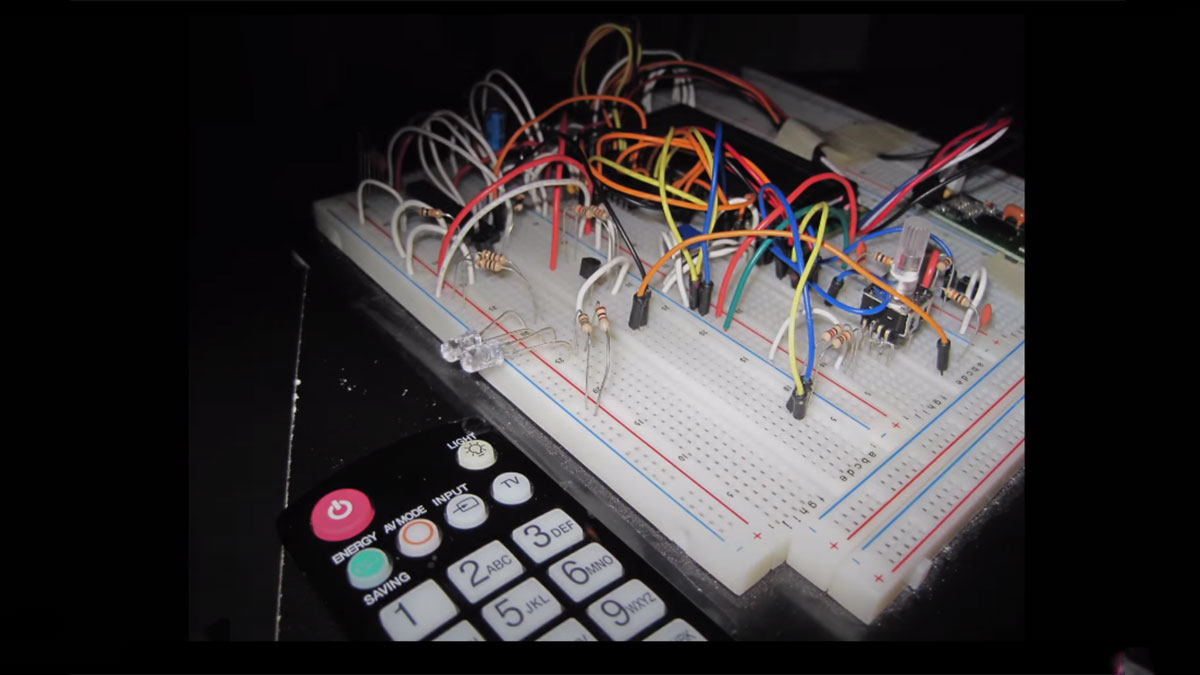
How to Build an Arduino Voice Controlled TV Remote

How to Build an Arduino Voice Controlled TV Remote

#include <EEPROM.h> #include <Wire.h> #include <SoftwareSerial.h> #include <LiquidCrystal.h> SoftwareSerial voice = SoftwareSerial(15, 16); LiquidCrystal lcd(5, 6, 7, 8, 9, 10); int pulses, A_SIG=0, B_SIG=1, menu=0, datacount, i, buttoncount=0; int count, j, k, m, ready=0, even=0, fail, first_but=0, second_but=0; word Power[100]; word Remote[100]; //word Remote2[100]; word mute_remote[100]; word enter_remote[100]; byte datlow, dathigh, addlow, addhigh; long Start,

How to Build an Arduino Voice Controlled TV Remote Continue Reading

How to use a 1602 16X2 LCD display with Arduino

How to use a 1602 16X2 LCD display with Arduino, TI Launchpad, and standalone MSP430 video instructions

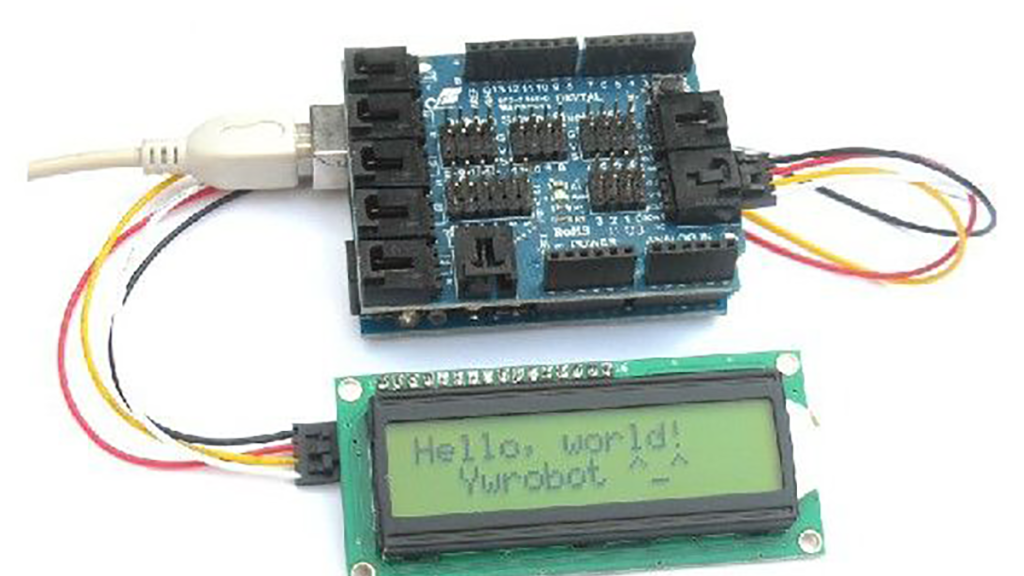
I show how to use a standard 16X2 LCD display in three different use cases. 1. With an Arduino Uno 2. With a TI Launchpad MSP430 running Energia 3. Directly on a breadboard on an MSP430G2553 running Energia This LCD display is low cost – I paid $2.26, shipped, on Ebay. It uses the standard

How to use a 1602 16X2 LCD display with Arduino, TI Launchpad, and standalone MSP430 video instructions Continue Reading

Rotary Encoder Video Tutorial with Arduino Code

Rotary Encoder Video Tutorial with Arduino Code

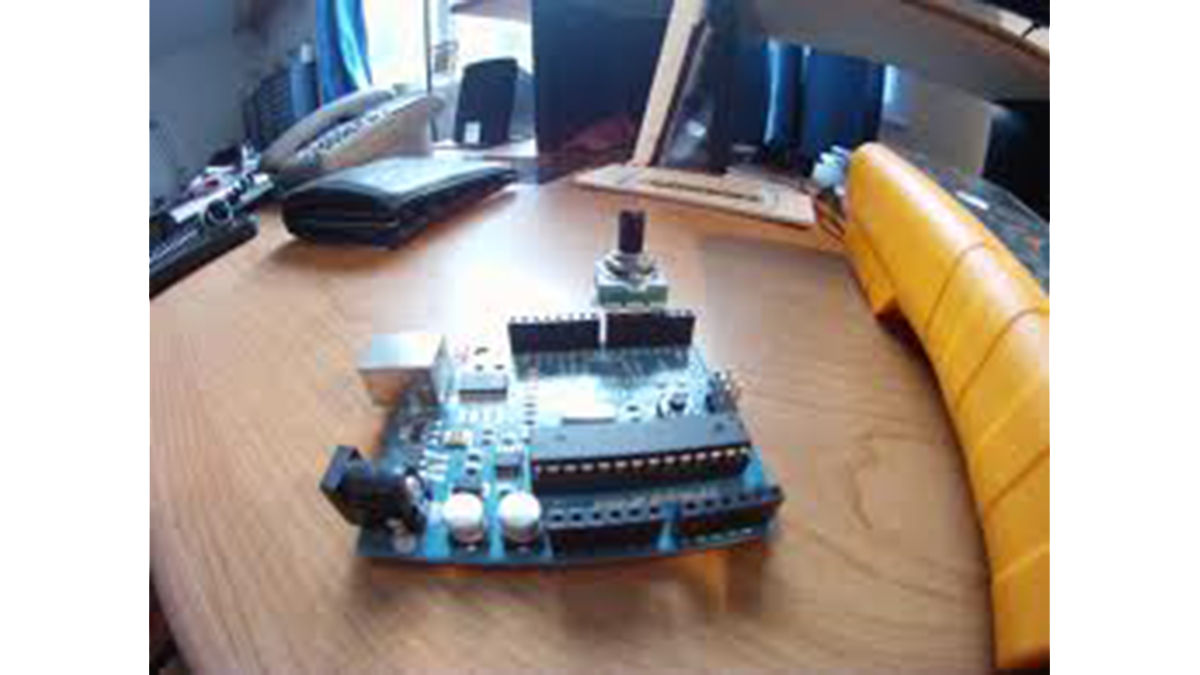
Rotary Encoder Tutorial with Arduino Code int pulses, A_SIG=0, B_SIG=1; void setup(){ attachInterrupt(0, A_RISE, RISING); attachInterrupt(1, B_RISE, RISING); Serial.begin(115200); }//setup void loop(){ } void A_RISE(){ detachInterrupt(0); A_SIG=1; if(B_SIG==0) pulses++;//moving forward if(B_SIG==1) pulses–;//moving reverse Serial.println(pulses); attachInterrupt(0, A_FALL, FALLING); } void A_FALL(){ detachInterrupt(0); A_SIG=0; For more detail: Rotary Encoder Video Tutorial with Arduino Code

Rotary Encoder Video Tutorial with Arduino Code Continue Reading

Arduino Battery

Arduino Battery

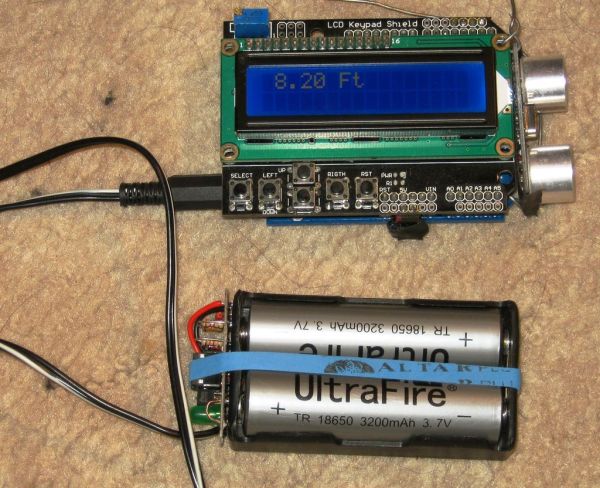
As many of you may know, this Lazy Old Geek loves Arduinos. Many of my projects are portable and need a battery source: http://www.instructables.com/id/Arduino-Pedometer/ http://www.instructables.com/id/Arduino-Nokia-LCD-Sensors/ http://www.instructables.com/id/Ultrasonic-Tape-Measure/   All pricing was determined about early 2012. So, I’ve been using Adafruit 6 AA Battery holder $5.00 https://www.adafruit.com/products/248 with 6 AA rechargeable batteries. (See Picture) Another choice would

Arduino Battery Continue Reading

Scroll to Top