arduino

Arduino Model Train

Wii Nunchuk Controlled Model Train using Arduino

Using an Arduino microcontroller, an Adafruit motor shield, and a Wii Nunchuk, you can create a intuitive, programmable, model train controller to run your layout.  Amaze your friends.  Entertain your kids.  Not quite DC, not quite DCC.  You’re headed for the hacker lands of PWM (pulse-width modulation). Why do this? – Pulse-width modulation allows smooth

Wii Nunchuk Controlled Model Train using Arduino Continue Reading
Arduino Fighting Robots

Ardusumo: an Open Source Platform for Fighting Robots using Arduino

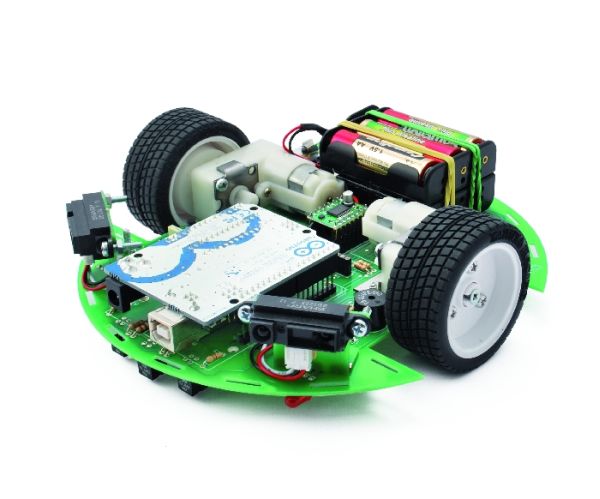
The idea Ardusumo is a universal platform to build robots on wheels that can move around avoiding obstacles using infrared sensors and follow routes marked with dark lines on a white background. We have created Ardusumo to bring young students to the world of robotics: if suitably programmed, Ardusumo allows robots to perform various autonomous

Ardusumo: an Open Source Platform for Fighting Robots using Arduino Continue Reading

Arduino automatic blind hooked up

Automatic blind hooked up to existing projector screen using Arduino

Hello my name is Chipsy, I’m French, reading instructables since at least 2 years, it is the first entry i make on this website. Why i made this project : I have a small homecinema system in my living room, with a projector and a commercial motorized projector screen. I have a big mirror on

Automatic blind hooked up to existing projector screen using Arduino Continue Reading

Arduino Connect several digital inputs to one analog input

Connect several digital inputs to one analog input using Arduino

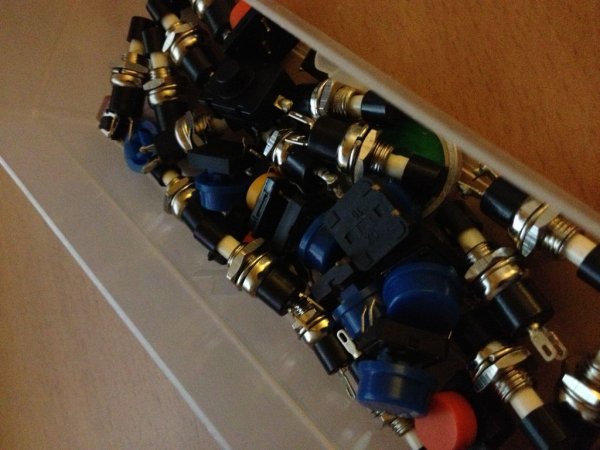
I often run out of digital pins on my Arduino. Anything as complicated as, say, a video game controller, was near impossible with the amount of pins I had available. Multiplexing buttons works, but it requires lots of connections and soldering. So, I put together a solution! Step 1: Resistor Dividers in Five In a

Connect several digital inputs to one analog input using Arduino Continue Reading

Arduino SuperScope

SuperScope: Circuit Simulation through Arduino-Processing Interface

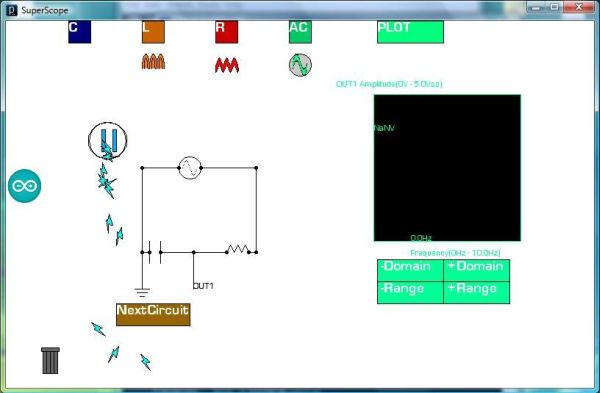
nto the program where you can physically manipulate them. Arduino tests for the value of the component (a capacitor, inductor, resistor, or waveform of specific frequency) then sends the data to Processing. Imported components can then be plugged into circuit schematics. SuperScope builds upon the mission of Arduino, the interface between hardware and software, analog

SuperScope: Circuit Simulation through Arduino-Processing Interface Continue Reading

Control Arduino Wirelessly

Control Arduino Wirelessly with MATLAB

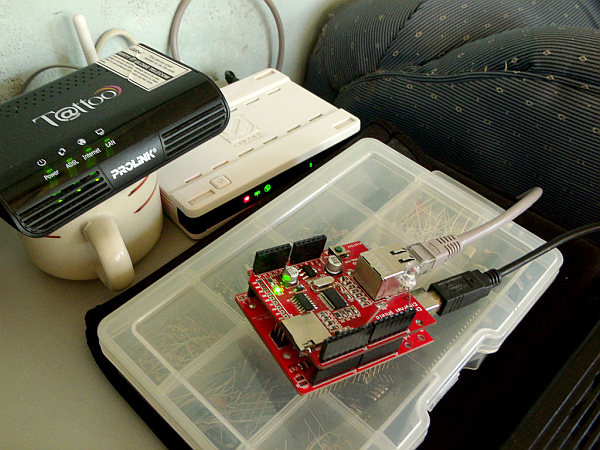
Been seeing few DIYs on how to establish a communication between MATLAB application and Arduino that is hardwired to PC. However, I haven’t encountered anything that control Arduino via MATLAB wirelessly using the ENC28J60 compatible Ethernet shield. In this ible’, I’m going to show the simplest way to control Arduino using MATLAB wirelessly. WHAT YOU

Control Arduino Wirelessly with MATLAB Continue Reading

Scroll to Top