Projects

Arduino Light Up Umbrella

Pressure Activated Light-Up Umbrella using an Arduino

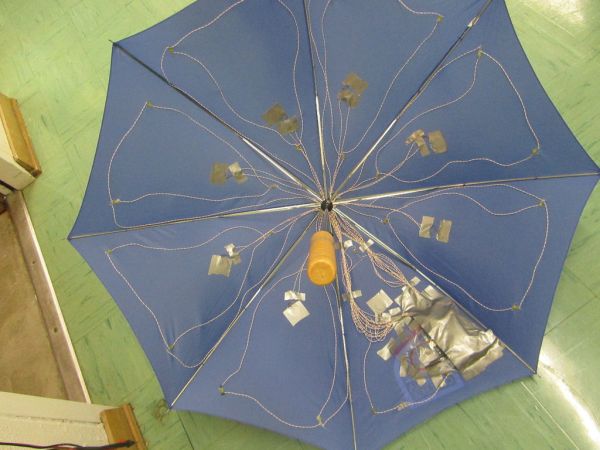
Once upon a time, 2 girls greatly enjoyed walking in the rain with umbrellas. They decided the enjoyment of this experience could be maximized by building their own pressure-activated web of LEDs to install under their umbrella. Thus, with the help of an Arduino, some 4051 multiplexers, a lot of wire and a lot of […]
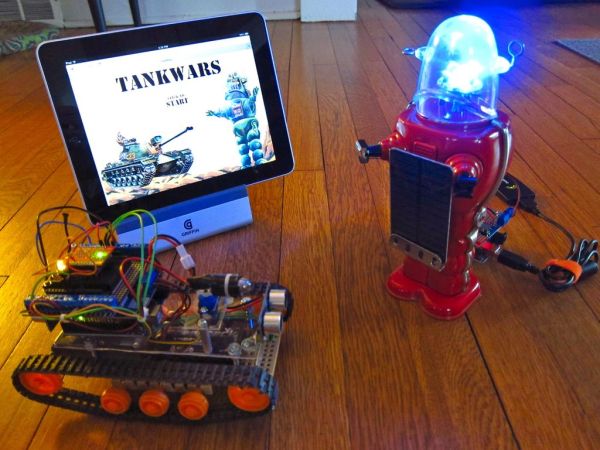
Arduino TankWars game

TankWars: A Physical Video Game using Arduino

This instructable will show the game TankWars, a web based game played on an iPad that drives a real robot tank to fire lasers at a robot. When you hit the robot target, the game is updated. The tank and the target are Arduino’s equipped with RN-XV WiFly modules, the iPad is using a PHP […]

ATtiny programming

ATtiny programming with Arduino

After this Instructable you should be able to program an A Ttiny85/45 with an arduino. It may sound complex but it really isn’t. After doing some research I could not find to much info on how this could be done. I however did find http://www.instructables.com/id/Program-an-ATtiny-with-Arduino/. This Instructable is my interpretation of what I learned from Randy. Step […]

Arduino Thermometer

Arduino 7-Segment Thermometer

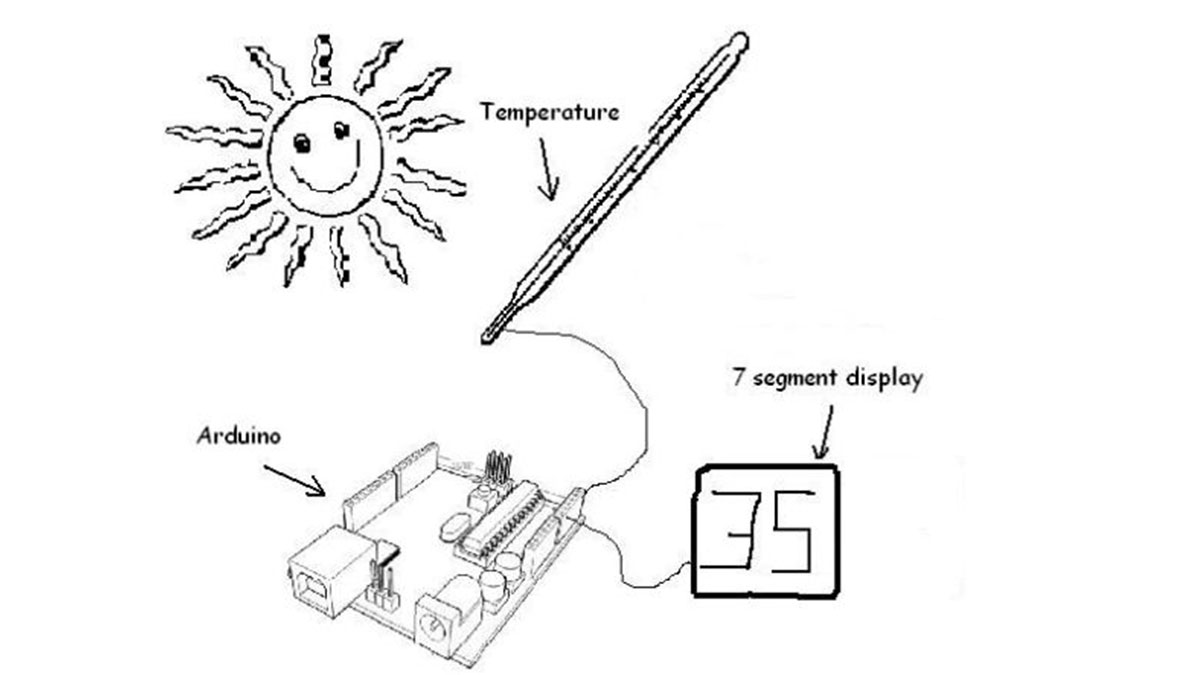
Using a dual 7-segment display, a DS18B20 temperature sensor and a couple of shift registers I figured that I could build a digital thermometer. Step 1: Temperature Sensor The sensor I’m using is the DS18B20, it’s a 3pin sensor that just requires a single input pin from the arduino. Multiple sensors can be hooked together, […]

Arduino String Comparison Operators

Arduino String Comparison Operators Code

The String comparison operators, ==, !=,>, < ,>=, <= , and the functionsequals() and equalsIgoreCase() allow you to make alphabetic comparisons between Strings. They’re useful for sorting and alphabetizing, among other things. The operator == and the function equals() perform identically. It’s just a matter of which you prefer. So if (stringOne.equals(stringTwo)) { [Get Code] […]

USB Freeform Arduino

USB Freeform using an Arduino

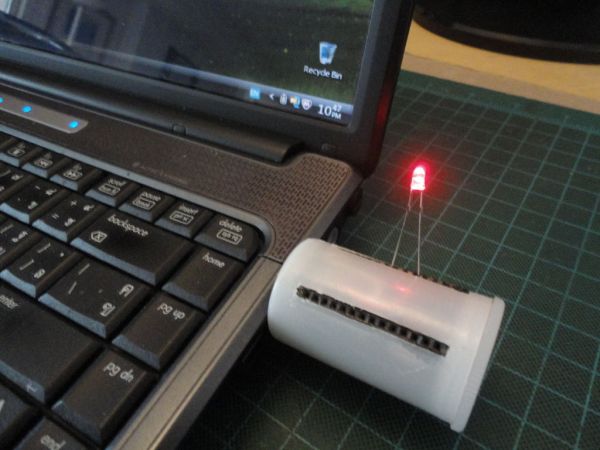
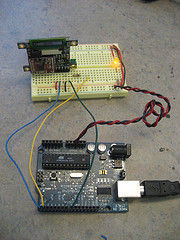
This is a project in attempting to improve it predecessor “Freeform Arduino” by putting it in an enclosure and having it serve the similar purposes as “Palm Arduino Kit” and “Palm Arduino II” which I can carry it in my pocket and be available to use, and to connect to easy available power source specifically […]

LEDs with Arduino

Flicker up to 6 LEDs with Arduino

Hi there. Christmas is coming closer, and I was wondering if I could put some candles in my room to get in the “christmas mood”. But after a friends house burned down of christmas tree candles, I don’t want to burn real candles into my room. So why don’t let the Arduino light for you?! […]

4D OLEDS

Displaying Images on 4D OLEDS using Arduino

4D Systems makes some really nice serial OLEDS. They aren’t hard to use, but the documentation for them is very scattered. This tutorial pulls together the various pieces i’ve found so that you can get up and running very quickly. Start by skimming through the user manual for your particular 4D OLED. µOLED-128-GMD µOLED-96-G1 µOLED-160-GMD1 […]

Arduino stoplight

Arduino stoplight web server

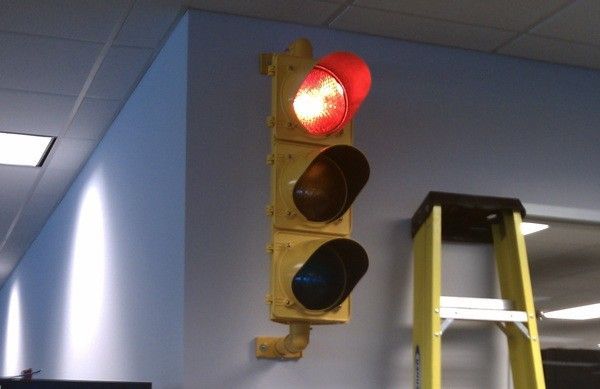
At the place I work, we use xymon to monitor of our servers. All of the services monitored are important, but we wanted a separate indicator to simply show the overall health of the most critical systems. Furthermore, we came up with the following criteria: We wanted this visible to everyone whether or not they […]

Digital Read Serial Circuit

Digital Read Serial using Arduino

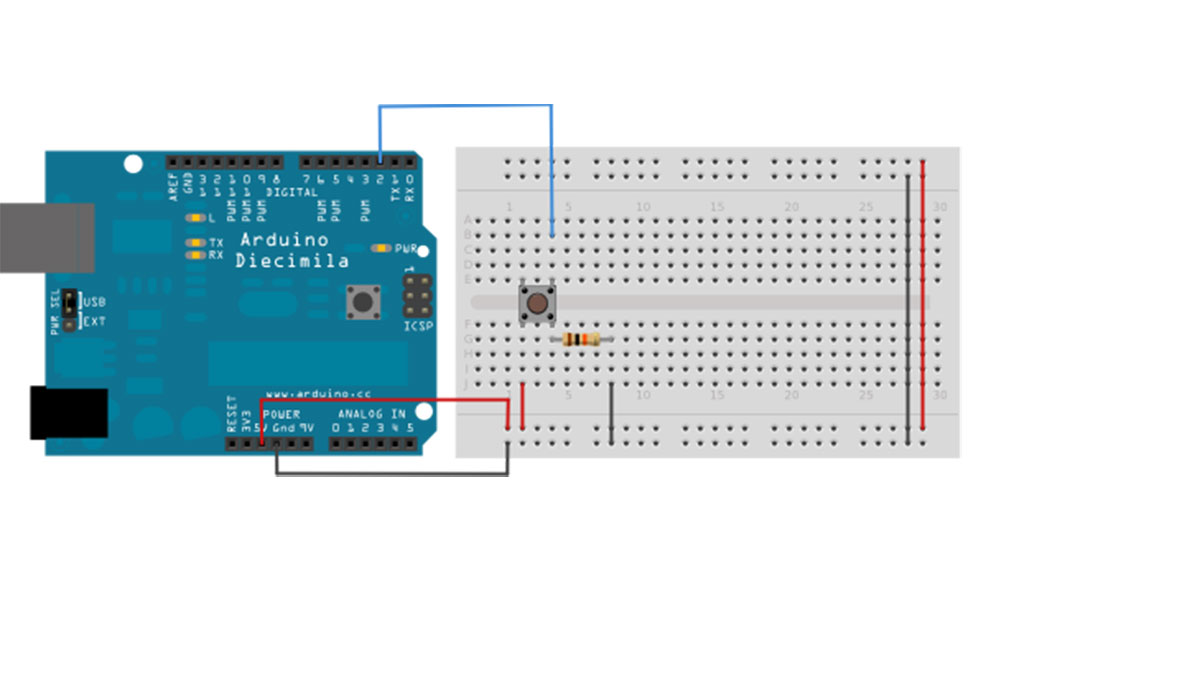
This example shows you how to monitor the state of a switch by establishing serial communication between your Arduino and your computer over USB. Hardware Required Arduino Board A momentary switch, button, or toggle switch 10k ohm resistor breadboard hook-up wire Circuit image developed using Fritzing. For more circuit examples, see the Fritzing project page Connect three wires to […]

Scroll to Top