When the button is pressed in this example, a text string is sent to the computer as keyboard input. The string reports the number of times the button has been pressed. Once you have the Leonardo programmed and wired up, open up your favourite text editor to see the results. NB: When you use the […]
Projects
Visual Computer Stress Meter using an Arduino
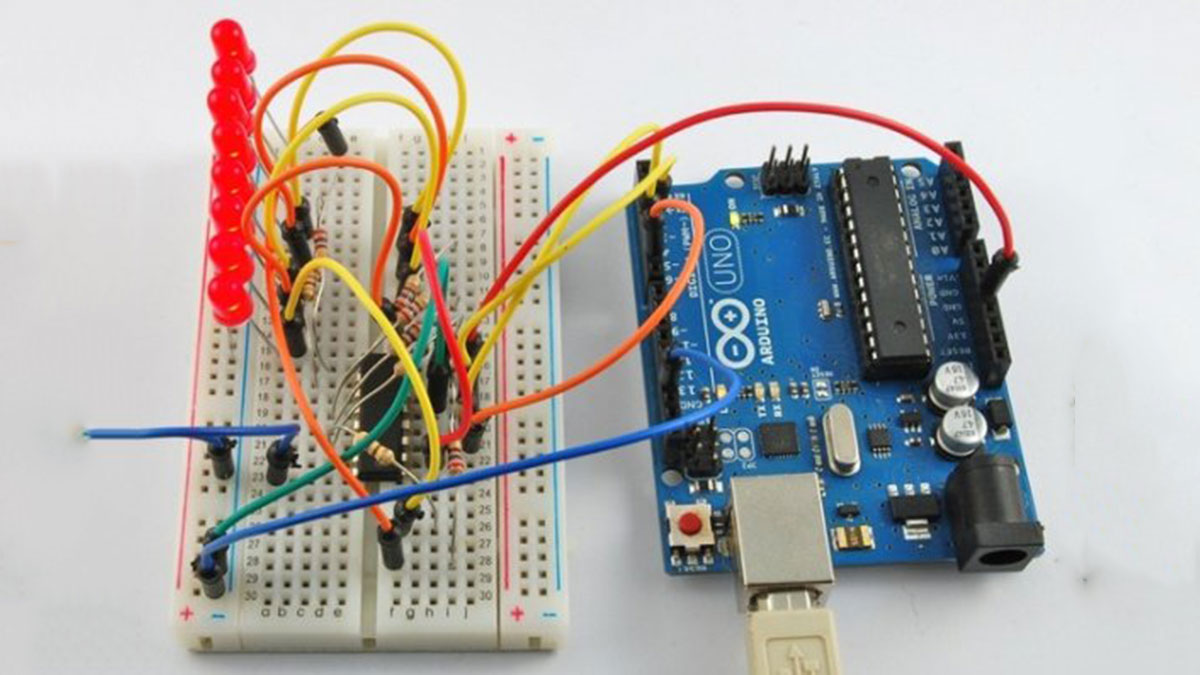
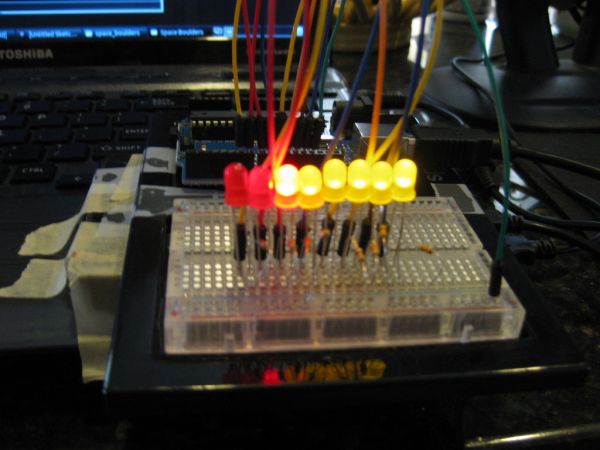
Have you ever wanted to, without going out of your way to clock your processor, see how much stress your computer is under? With this project you will have a simple bar graph that constantly shows how much stress your computer is under. If the graph reads 0, your computer isn’t working too much. If […]
DIY Arduino Unit Converter: How to use LCD
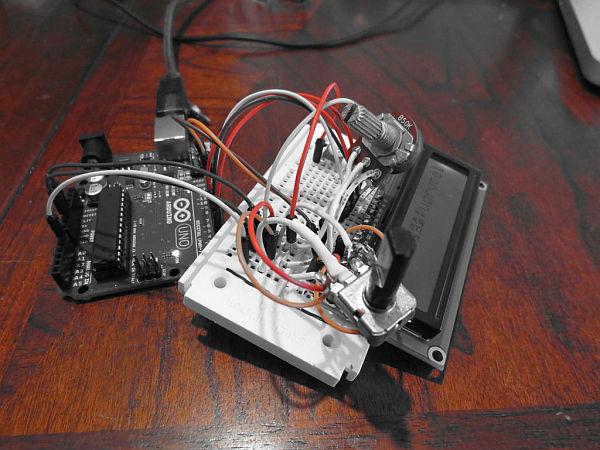
Step 1: Ingredients: Electronics Arduino Breadboard LCD* 2x 50k pots 150 ohm resistor Jumper wires, and tons of them! If you do not want to use a LCD then you will have to use serial monitor. Wherever you see lcd.print just change it to Serial.print. Instead of lcd.begin change it to Serial.begin(9600);. Step 2: The […]
CHR’s 8X8X8 LED Cube – Revisited with improvements!
SEE STEP 11 for uploadable code for this cube. This instructable has mutated over the past few months, and you’ll see a bunch of end results before we get into how to make the cube, and the improvements that have been made over the original construction techniques and original circuit, as well as improvements made […]
Fading using an Arduino
Demonstrates the use of analog output (Pulse Width Modulation (PWM)) to fade an LED. PWM is a technique for getting an analog-like behavior from a digital output by switching it off and on very fast. Circuit An LED connected to digital output pin 9 through a 220-ohm resistor. Schematic image developed using Fritzing. For more circuit […]
Pressure Activated Light-Up Umbrella using an Arduino
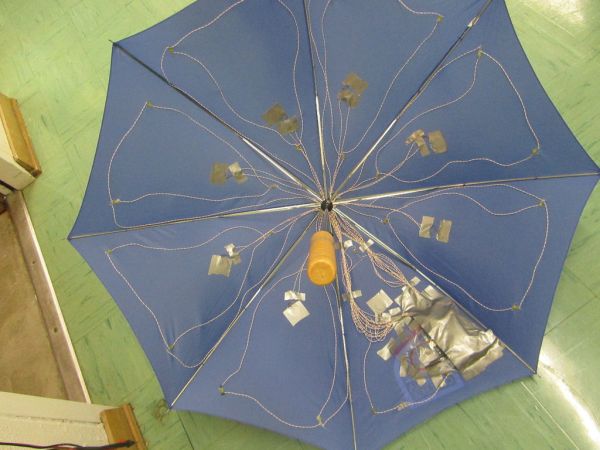
Once upon a time, 2 girls greatly enjoyed walking in the rain with umbrellas. They decided the enjoyment of this experience could be maximized by building their own pressure-activated web of LEDs to install under their umbrella. Thus, with the help of an Arduino, some 4051 multiplexers, a lot of wire and a lot of […]
TankWars: A Physical Video Game using Arduino
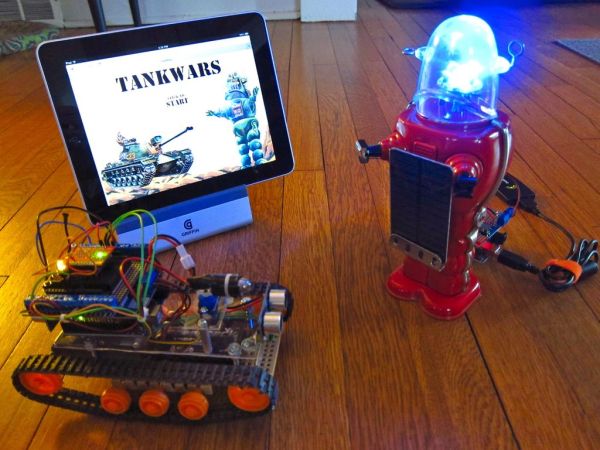
This instructable will show the game TankWars, a web based game played on an iPad that drives a real robot tank to fire lasers at a robot. When you hit the robot target, the game is updated. The tank and the target are Arduino’s equipped with RN-XV WiFly modules, the iPad is using a PHP […]
ATtiny programming with Arduino
After this Instructable you should be able to program an A Ttiny85/45 with an arduino. It may sound complex but it really isn’t. After doing some research I could not find to much info on how this could be done. I however did find http://www.instructables.com/id/Program-an-ATtiny-with-Arduino/. This Instructable is my interpretation of what I learned from Randy. Step […]
Arduino 7-Segment Thermometer
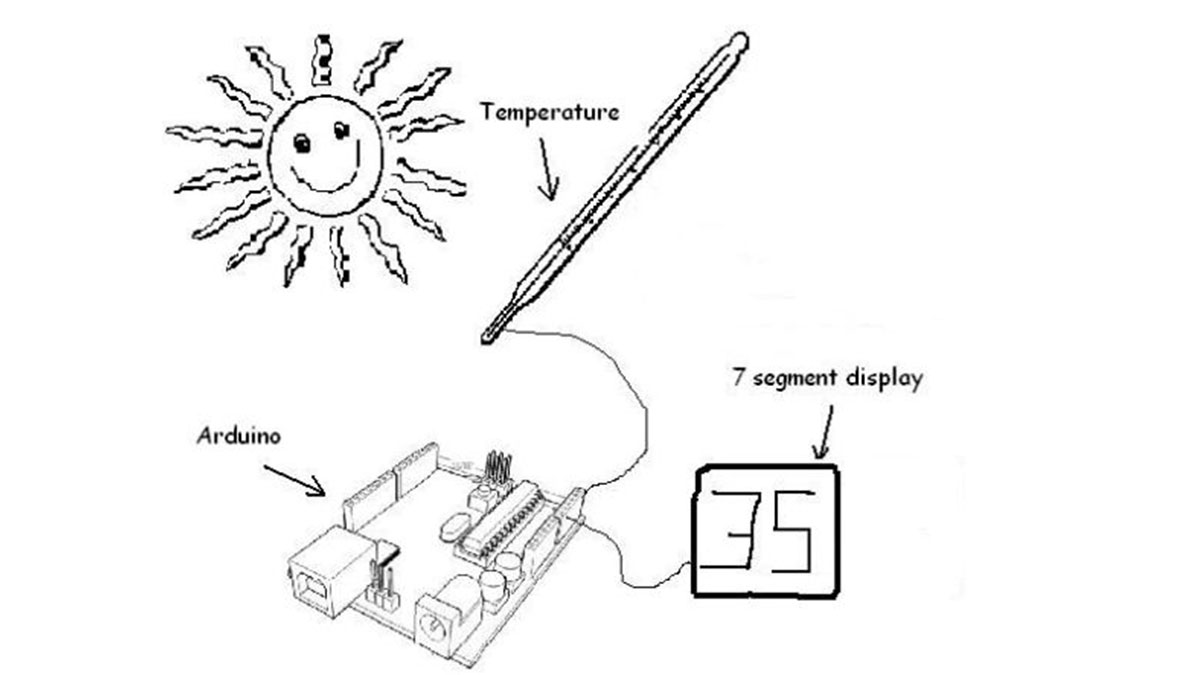
Using a dual 7-segment display, a DS18B20 temperature sensor and a couple of shift registers I figured that I could build a digital thermometer. Step 1: Temperature Sensor The sensor I’m using is the DS18B20, it’s a 3pin sensor that just requires a single input pin from the arduino. Multiple sensors can be hooked together, […]
Arduino String Comparison Operators Code
The String comparison operators, ==, !=,>, < ,>=, <= , and the functionsequals() and equalsIgoreCase() allow you to make alphabetic comparisons between Strings. They’re useful for sorting and alphabetizing, among other things. The operator == and the function equals() perform identically. It’s just a matter of which you prefer. So if (stringOne.equals(stringTwo)) { [Get Code] […]