Projects

arduino LEDs from a reprogramable

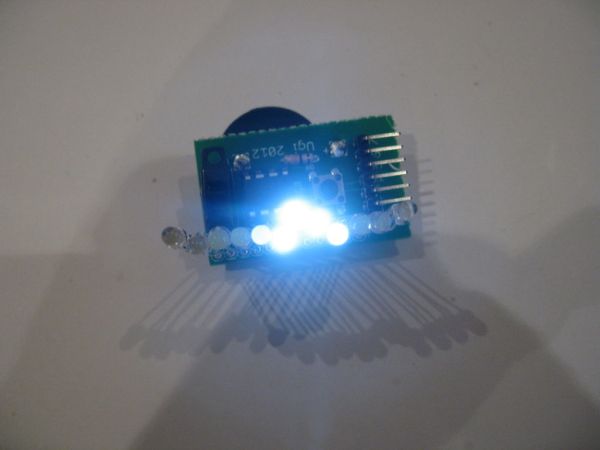
Tiny Wearable LED kit – 12 PWM LEDs from a reprogramable ATtiny85

This instructable covers the assembly and use of a Tiny Wearable LED kit.  The kit is useable immediately but is desigend to be hackable and can be reprogrammed to your liking using an ISP programmer or Arduino board and the Arduino IDE. There are not too many tiny implementations of microcontrollers.  The Arduino lillypad is

Tiny Wearable LED kit – 12 PWM LEDs from a reprogramable ATtiny85 Continue Reading
Arduino with iPod

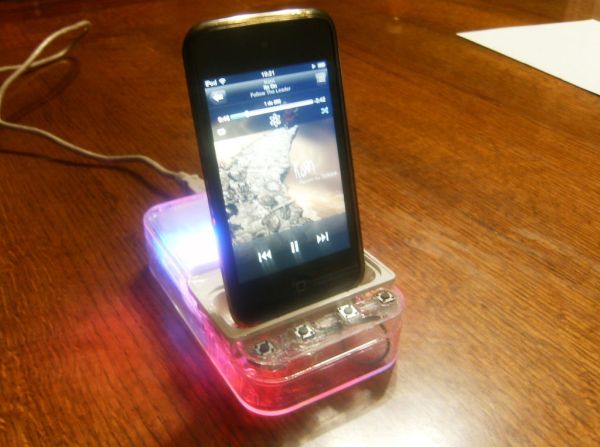
Easily control your iPod using Arduino

Easily control your iPod with Arduino using serial commands. This instructable includes the schematic, the code and some extra info; everything you need to make this work. USB,battery or wall power supply powered. Step 1: What you need Parts: 5x  1K ohm resistors 2x  1M ohm resistors 1x  12K ohm resistors 1x  1.5K ohm resistors

Easily control your iPod using Arduino Continue Reading

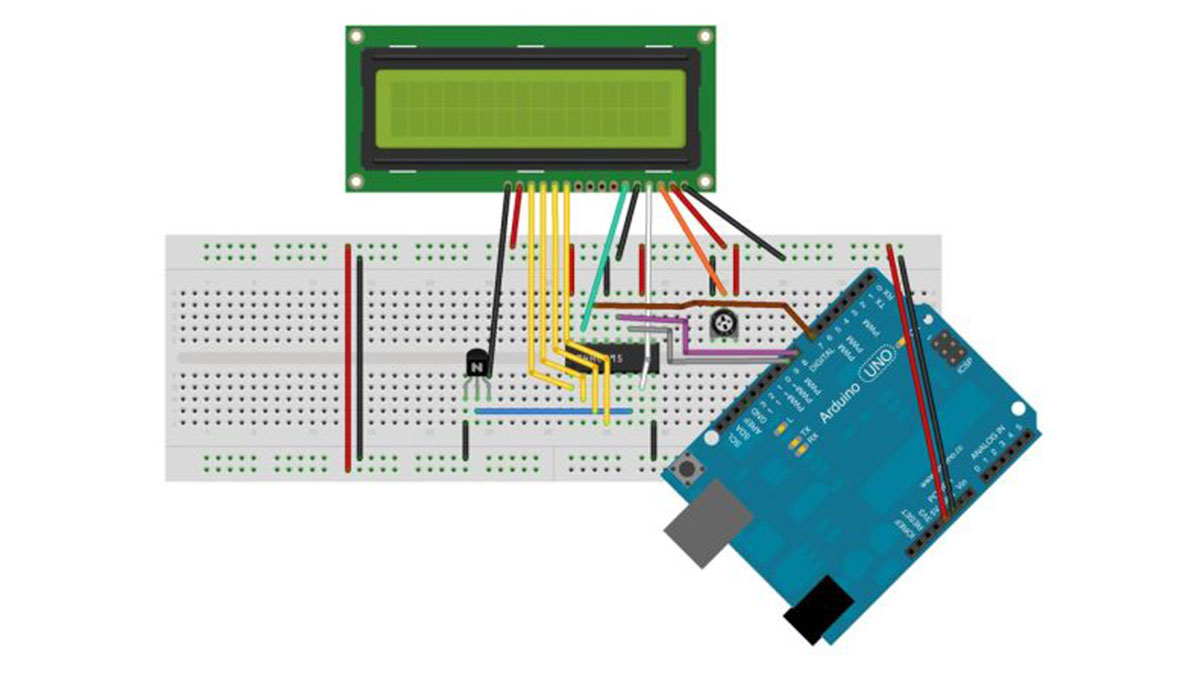
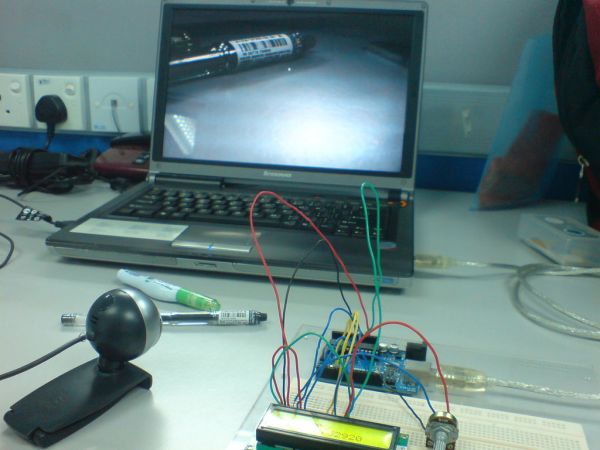
Barcode Reading on Arduino LCD

Barcode Reading using Roborealm Output on Arduino LCD

This Instructable shows how to create a Barcode Reader using only a webcam together with Roborealm and Arduino. The webcam used in this demonstration is the Logitech Quickcam and the LCD screen is labelled, JHD162A. What you need for this project: 1. Arduino UNO 2. LCD 3. Roborealm 4. Potentiometer Step 1: Coding the Arduino

Barcode Reading using Roborealm Output on Arduino LCD Continue Reading

How To Interface a CDV 700 Geiger Counter to a PC Using an Arduino Part 1

How To Interface a CDV 700 Geiger Counter to a PC Using an Arduino Video instrucitons

How To Interface a CDV 700 Geiger Counter to a PC Using an Arduino (Part 1) The second part of our video series of our project to interface to a CDV-700 radiation meter using an Arduino Uno! How To Interface a CDV 700 Geiger Counter to a PC Using an Arduino (Part 2) Code: A

How To Interface a CDV 700 Geiger Counter to a PC Using an Arduino Video instrucitons Continue Reading

Arduino Serial Communication 1

Arduino Serial Communication Code

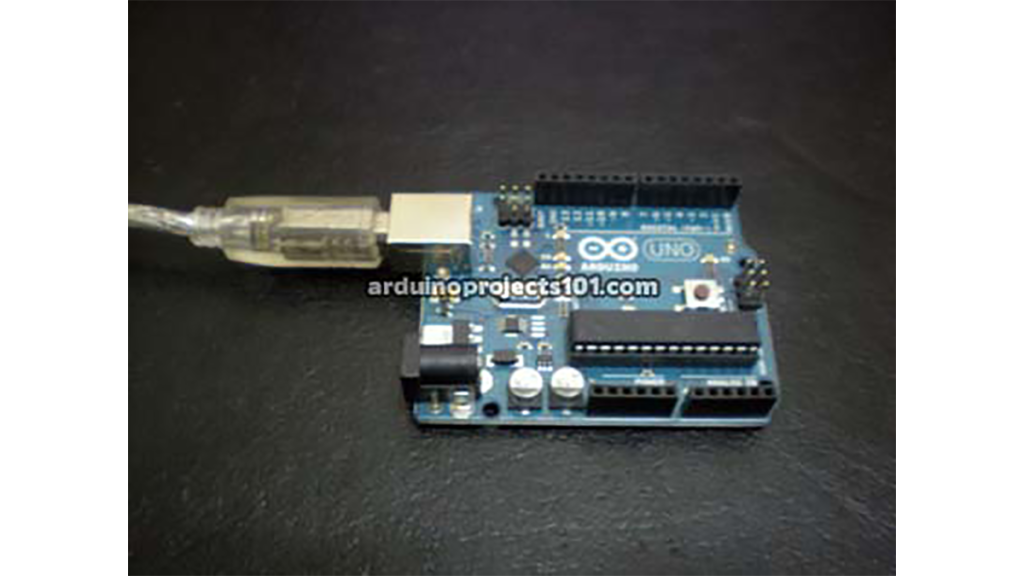
Arduino can send output through serial communication to your computer over USB. The output can be anything such as status, text, sensor reading, value, number etc. You can view the status output by clicking Serial Monitor button at Arduino Environment software. Instruction; 1) Connect your arduino to your computer using USB cable A plug to

Arduino Serial Communication Code Continue Reading

Arduino Alarm Clock with Tetris1

Alarm Clock with Tetris to Prove You’re Awake using Arduino

This is an Arduino powered alarm clock that after hitting snooze twice the alarm will not cancel until the user has cleared 4 lines in the game Tetris. You physically turn the clock sideways, so the screen is vertical, to play Tetris.  It’s never fun to wake up in the morning but playing a little

Alarm Clock with Tetris to Prove You’re Awake using Arduino Continue Reading

Arduino animatronics

Arduino animatronics- make your awesome costumes more awesome

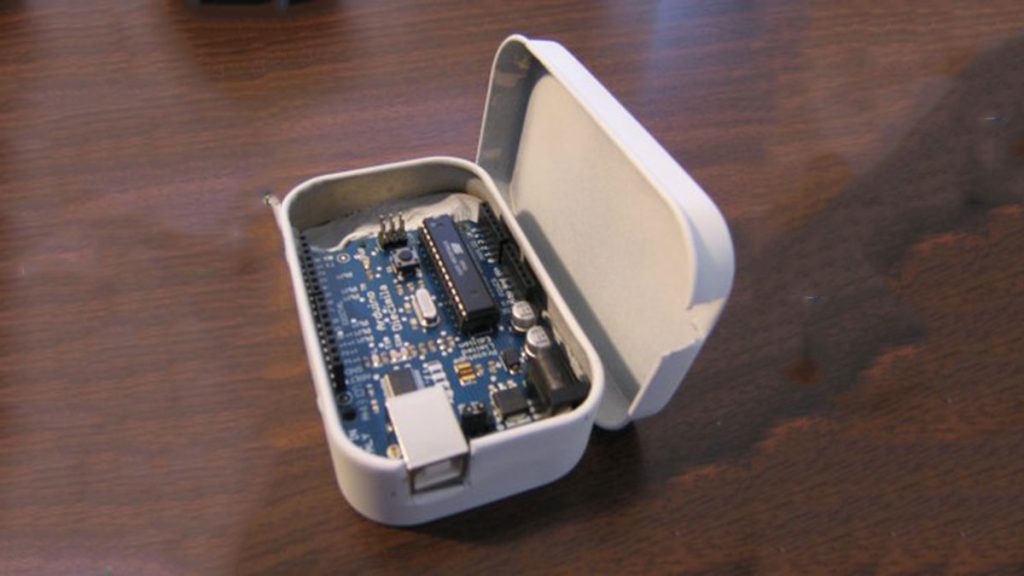
Here’s how to add lights, sound and action to your favorite Halloween project using the open source Arduino microcontroller. Arduino is easy to learn to use and it opens up a whole new world for costume builders and creature creators. If you want to learn how to connect wires, servos, LEDs and use sound effects

Arduino animatronics- make your awesome costumes more awesome Continue Reading

FaceBooth

FaceBooth – One button to facebook photobooth

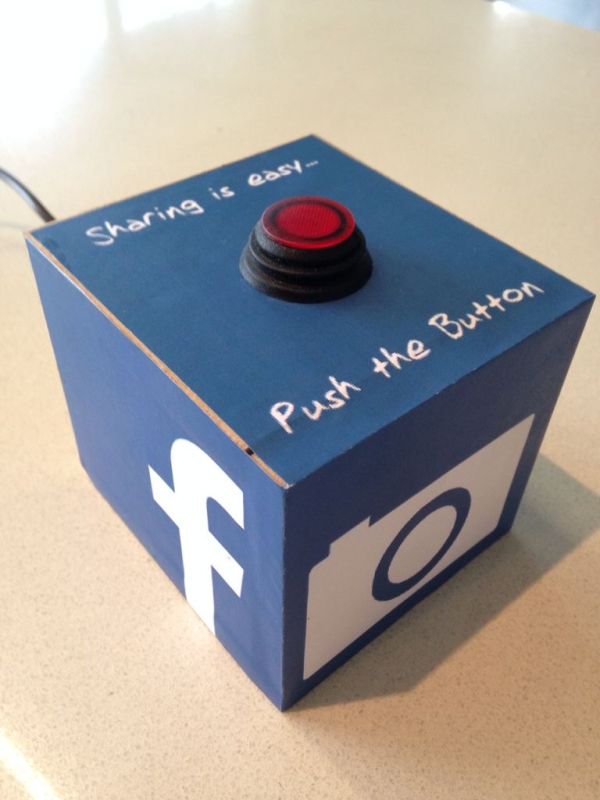
I wanted to make a photbooth for a Christmas party. I wanted it to be simple to operate and only be one click easy so that even a guest who was chemically uncoordinated could even operate it.I wanted a solution that would take a photo and post it on facebook. Guests could later tag themselves

FaceBooth – One button to facebook photobooth Continue Reading

Scroll to Top