Projects

Arduino Simple keyboard

Simple keyboard using the tone() function using Arduino

This example shows how to use the tone() command to generate different pitches depending on which sensor is pressed.   Circuit Connect one terminal of your speaker to digital pin 8 through a 100 ohm resistor, and its other terminal to ground. Power your three FSRs (or any other analog sensor) with 5V in parallel. Connect each

Simple keyboard using the tone() function using Arduino Continue Reading

Arduino Powered Nixie Tubes

Arduino Powered Nixie Tubes: ArduiNIX Nixie driver shield assembly

www.ArduiNIX.com presents: ArduiNIX Nixie driver shield assembly The ArduiNIX shield is a user programmable platform for driving multiplexed Nixie tube or other high voltage displays**. The ArduiNIX is open source hardware Welcome to the assembly portion of the site. Here we will take you step by step through the build process of your ArduiNIX kit. First,

Arduino Powered Nixie Tubes: ArduiNIX Nixie driver shield assembly Continue Reading

Arduino Wally – IR Detection Robot

Wally – IR Detection Robot using Arduino

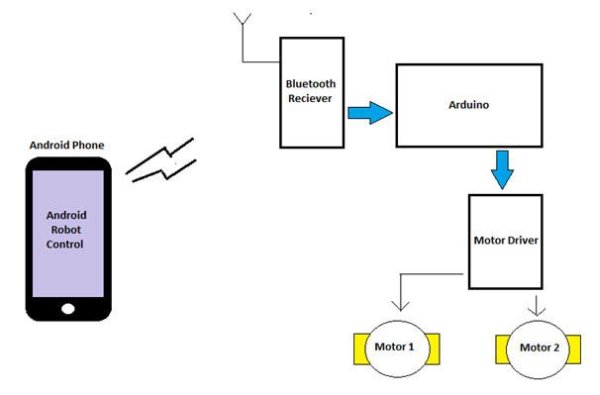
My First ever Robot. It tracks objects using Infra-red sensors, and has basic AI that follows and avoid objects. I will describe the how I made this robot, and upload some videos. Version 1 (16 Dec 2011): —————–The components used ———————- I actually planned this robot before making it. I didn’t use all the parts

Wally – IR Detection Robot using Arduino Continue Reading

Arduino Projects breadboard

Arduino Projects on a breadboard (no serial com)

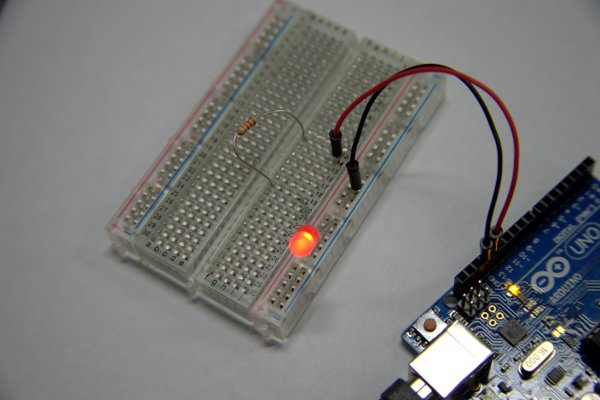
Intro: If you’ve got an Arduino Uno and want to start duplicating projects without having to buy an Uno every time… get ready to live!  This instructable will show you how to move your projects (that do not require serial communication) onto a breadboard for prototyping or expansion.  If you’re looking for a more permanent

Arduino Projects on a breadboard (no serial com) Continue Reading

Scroll to Top