Projects

Using a quadrature encoder rotary switch with Arduino

Using a quadrature encoder (rotary switch) with Arduino

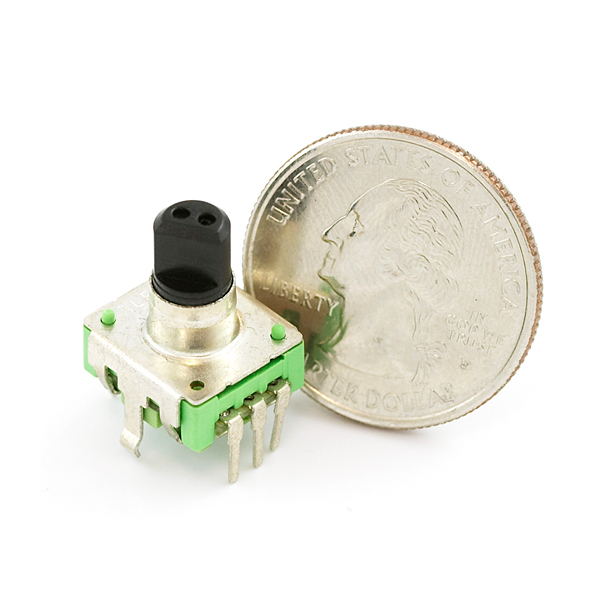
I’ve found several sites and posts explaining how to use a quadrature encoder with an Arduino, but wasn’t completely satisfied with any of the methods used. Perhaps part of the problem is with the encoder I’m using: it’s part #COM-09117 at Sparkfun.com. This encoder has twelve detents per rotation, and each detent covers one complete […]
Use xbees series 2 to control a motor

Use xbees (series 2) to control a motor

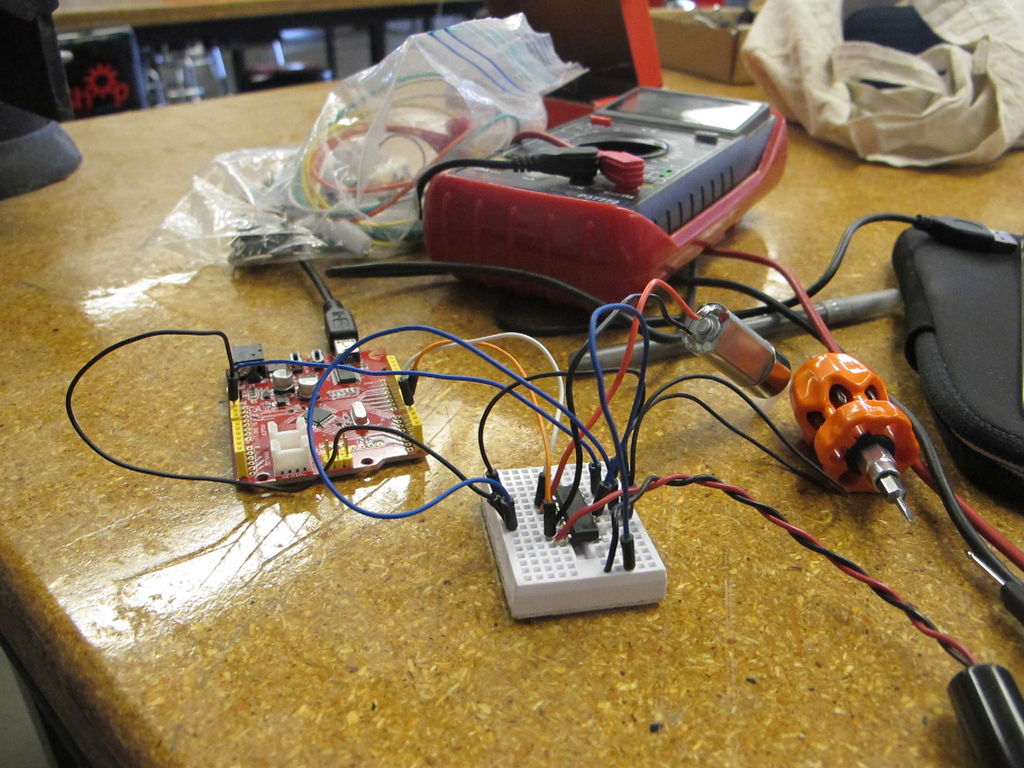
Using two xbees, an arduino, an xbee explorer, and an h-bridge, wirelessly control a DC motor to spin in both directions (last video). Note: I used the xbee I linked to, but for a one to one communication, rather than a network of wireless devices, xbee series 1 would do fine, but the AT commands […]

Simple Datalogger

Simple Datalogger

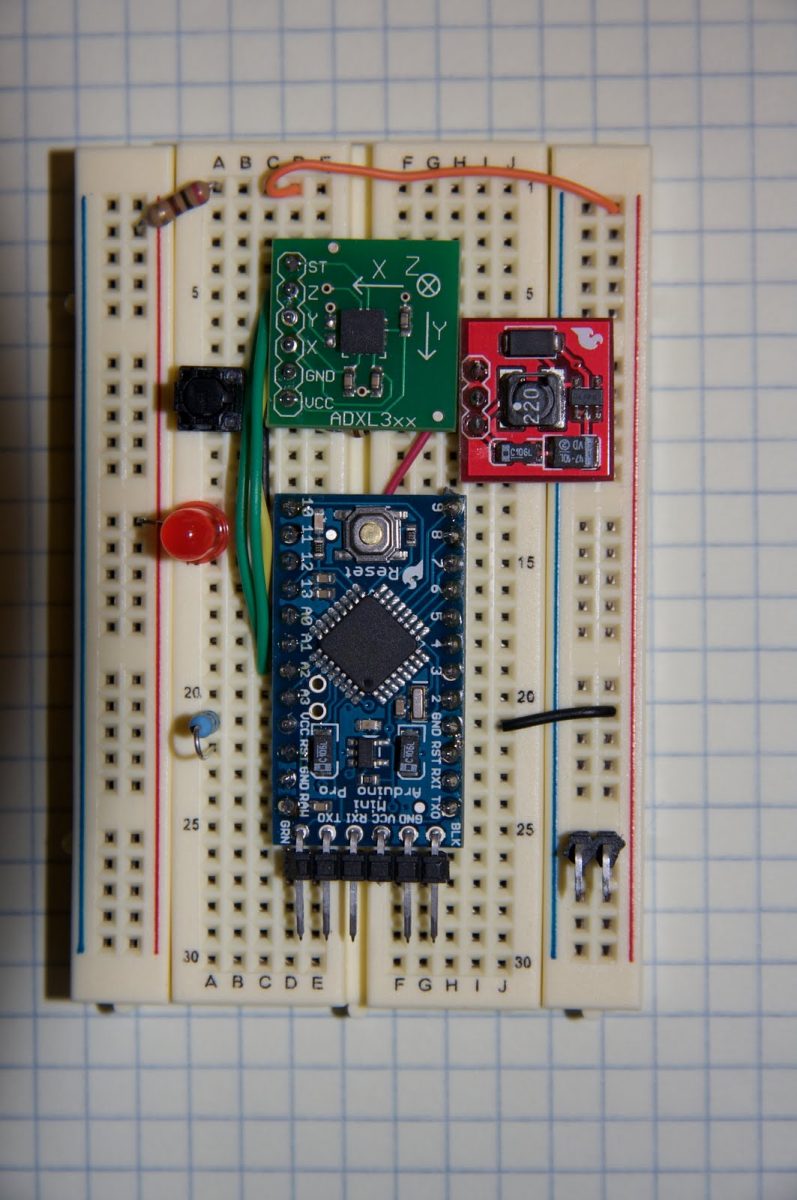
Here’s a simple Arduino-based datalogger I’m currently developing: This test-of-concept model is based on the Arduino Pro Mini (ATMega168). It runs on a 1.5-V battery, using a voltage up-converter from Sparkfun.com. For a sensor, it’s using a 3-axis accelerometer on a breakout board, also from Sparkfun. It has one button for control. When the device […]

BaW Bot Part 3

BaW-Bot Part 3: Adding Sight and Touch to the Bot

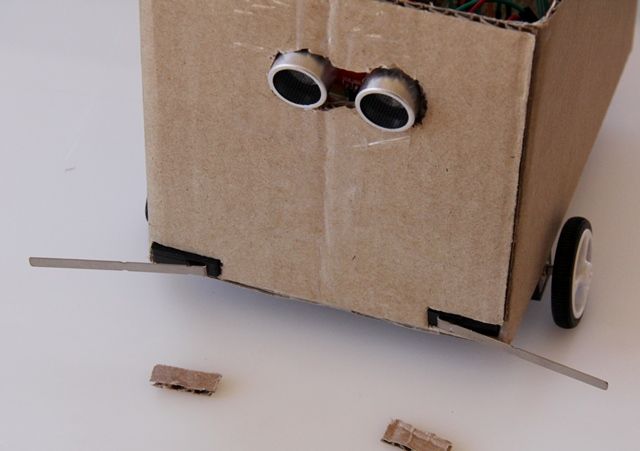
This is the third part of our BaW-Bot (Bells-and-Whistles Bot) build – 5 separate instructables that look into different Arduino-related technologies, combining to create a Bot with all the bells-and-whistles. Part 1: Build an Arduino on a Board Part 2: Build the motor-controller & body Part 3: Adding Sight and Touch Part 4: Blinging up […]

Simple Arduino data collection

Simple Arduino data-collection

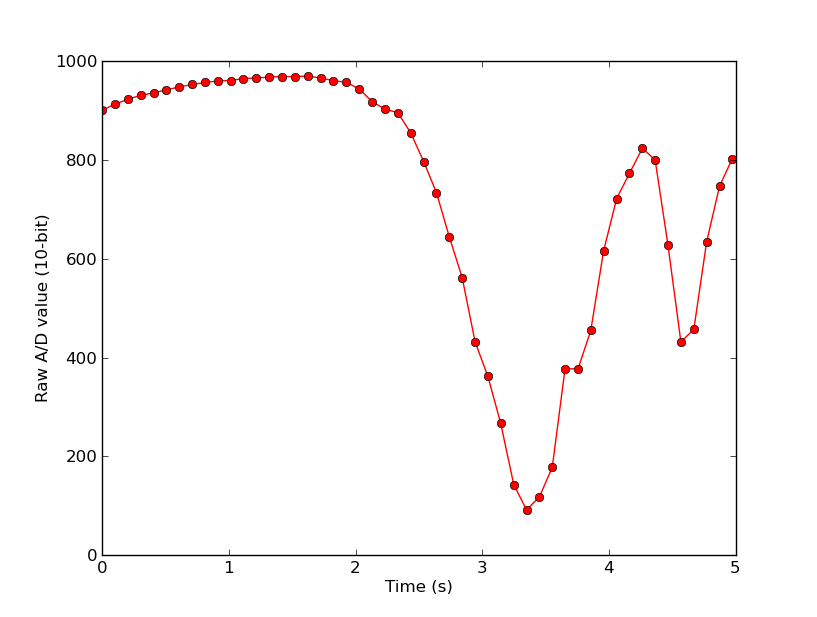
At this year’s “Arduinos in the Physics Lab” workshop at the AAPT meeting, one of the participants asked for a simple way of using the Arduino as a tethered A/D converter for data collection direct to a computer. This is my quick & dirty demonstration solution. Here’s the code for the Arduino. It waits for […]

Arduino based energy consumption monitoring shield

Energino: an Arduino-based energy consumption monitoring shield

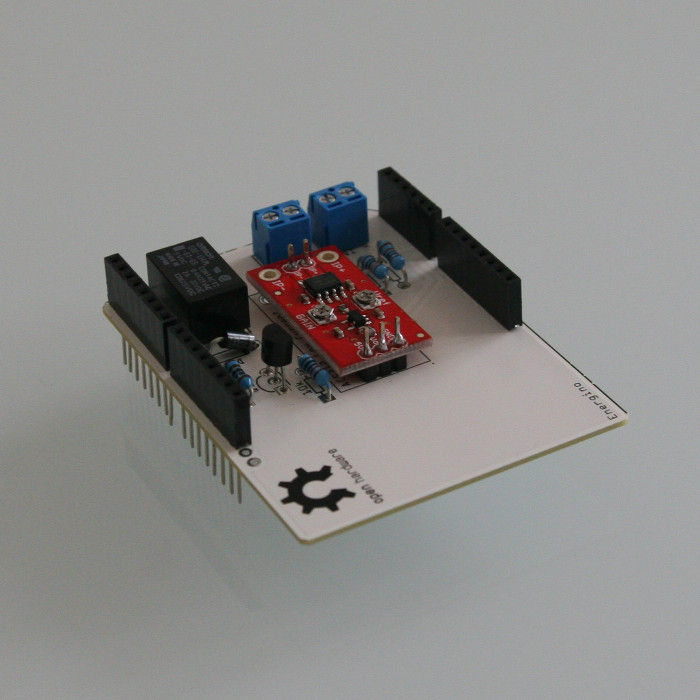
Energino is a plug-load meter that measures the amount of power consumed by whatever DC electrical appliance is plugged into its. It was originally designed to monitor the energy consumption of simple networking devices such as Ethernet switches and WiFi access points, but it can be used to monitor any DC appliance. Energino “sits” between […]

Arduino based event counter

Arduino-based event counter

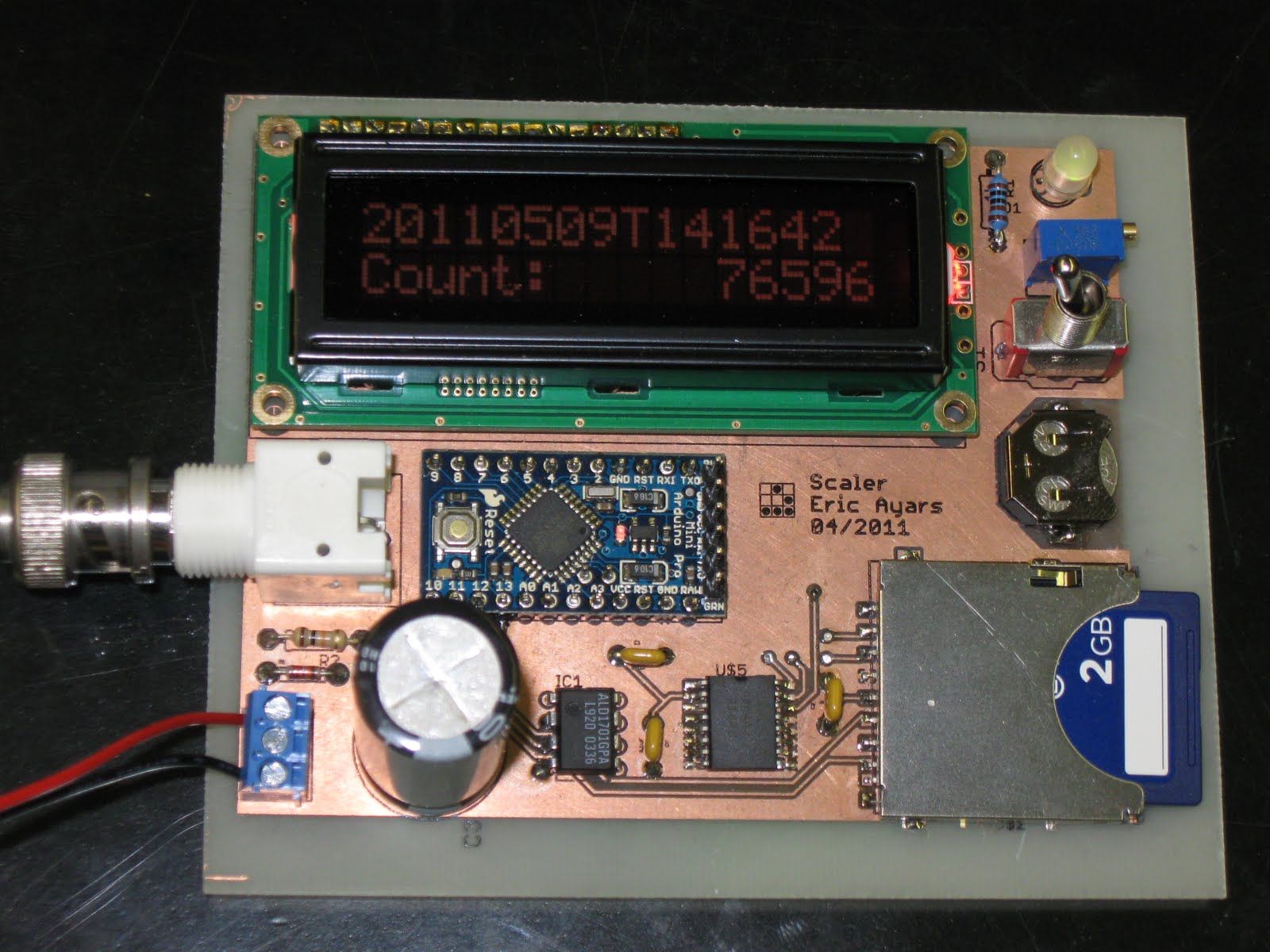
I teach Modern Physics here at CSUC, and we occasionally use isotopes with half-lives of a year or less (such as Zinc-65 and Cadmium-109) for energy-calibration sources for a gamma-spectroscopy lab. I thought it might be fun to try measuring the activity of one of these sources over time and thus get a looooong-scale half-life […]

Lithium Battery Solar USB iPhone Arduino Charger

Lithium Battery Solar USB – iPhone – Arduino Charger

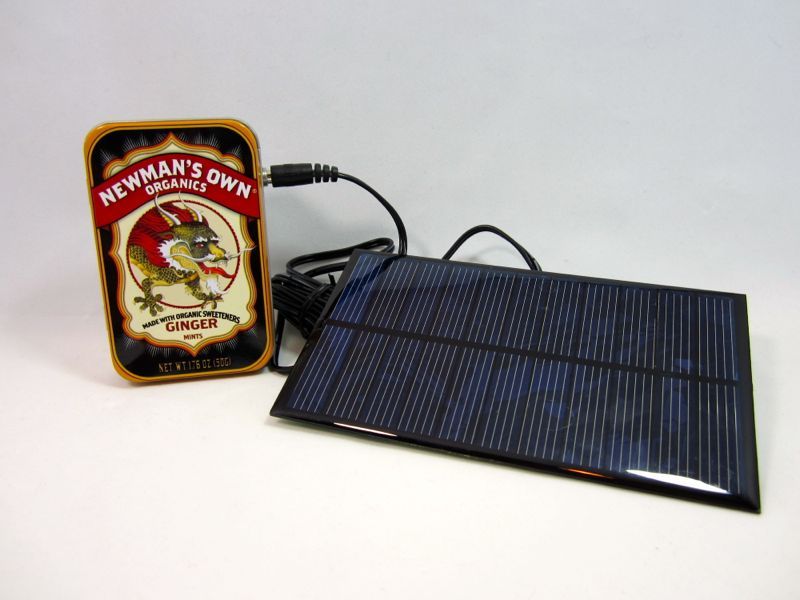
One of the most fun and useful projects on instructables is to create your very own solar USB/ iPhone charger. They’re not overly difficult to make, nor are the parts overly expensive or hard to find. For the most part they do a rather good job of charging up small gadgets. Mostly. The big flaw […]

ATtiny85 45 25 LED dice

ATtiny85/45/25 LED dice (Super Simple and CHEAP!)

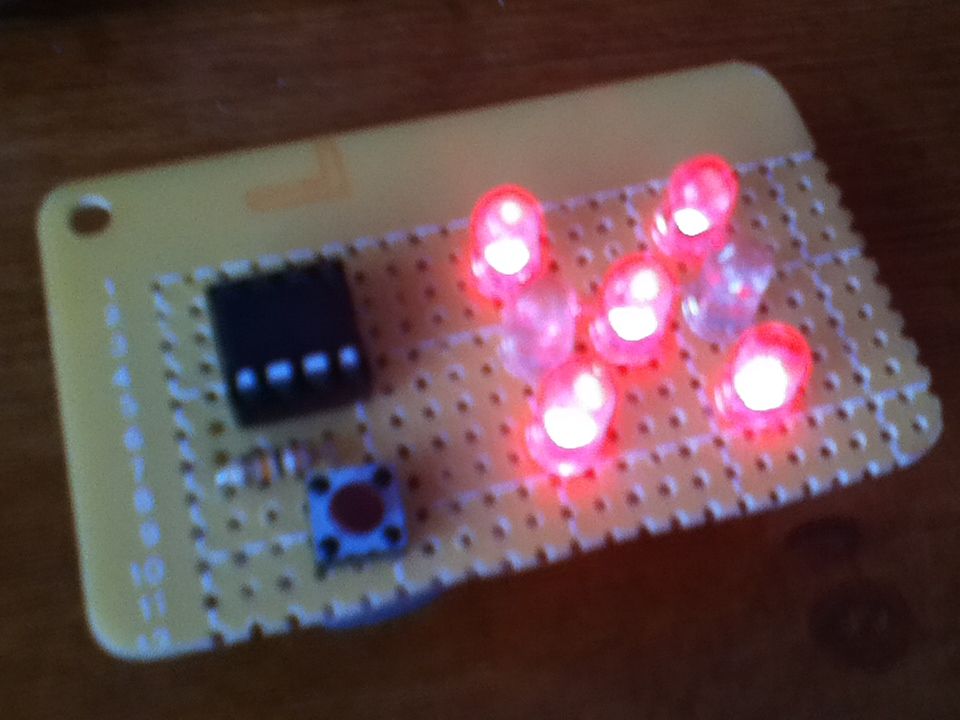
If you have looked at my 5 LED ATtiny85 POV display, we programmed the ATtiny with the Arduino. (If you haven’t seen it, click here) We will be doing the same thing for this LED Dice project. The total parts cost for this project is about $5-$10. (Not including the Arduino board and the tools.) […]

Morse code trainer

Morse-Code Trainer Using Arduino

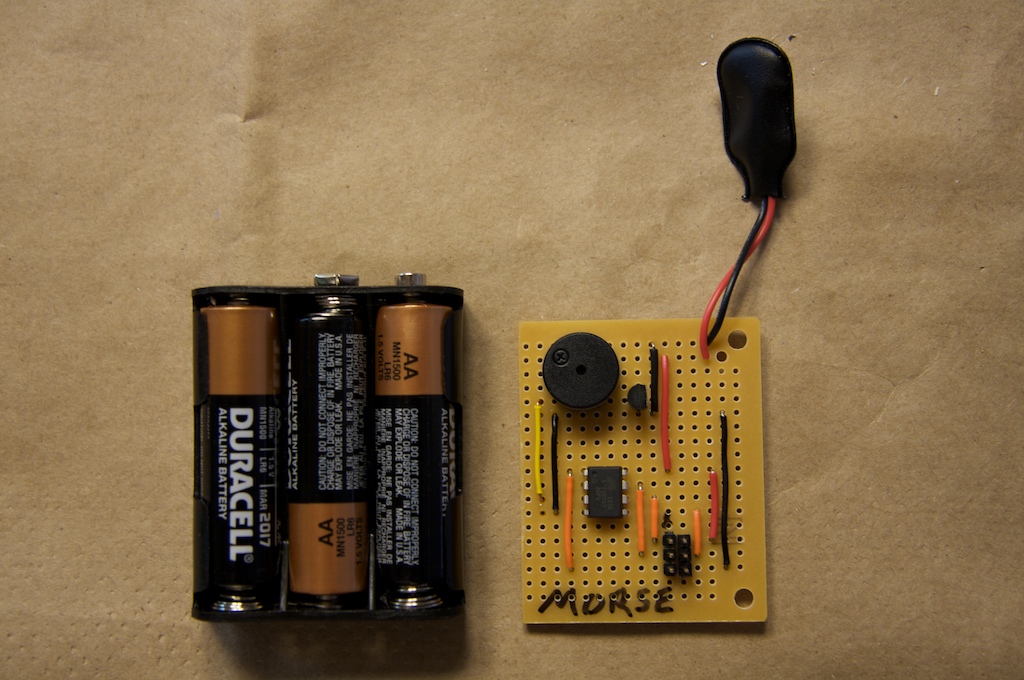
My kids are learning Morse code this summer, so I threw together this little circuit to help them learn. And to make it more fun… It uses an ATtiny85 ($2.26 at digikey.com) to drive a piezo beeper (≈ $3.50 at Radio Shack.) The ATtiny85 takes 5.5V max, so I built the circuit on a piece […]

Scroll to Top